nav bar color change on different pages
-
Hello everyone,
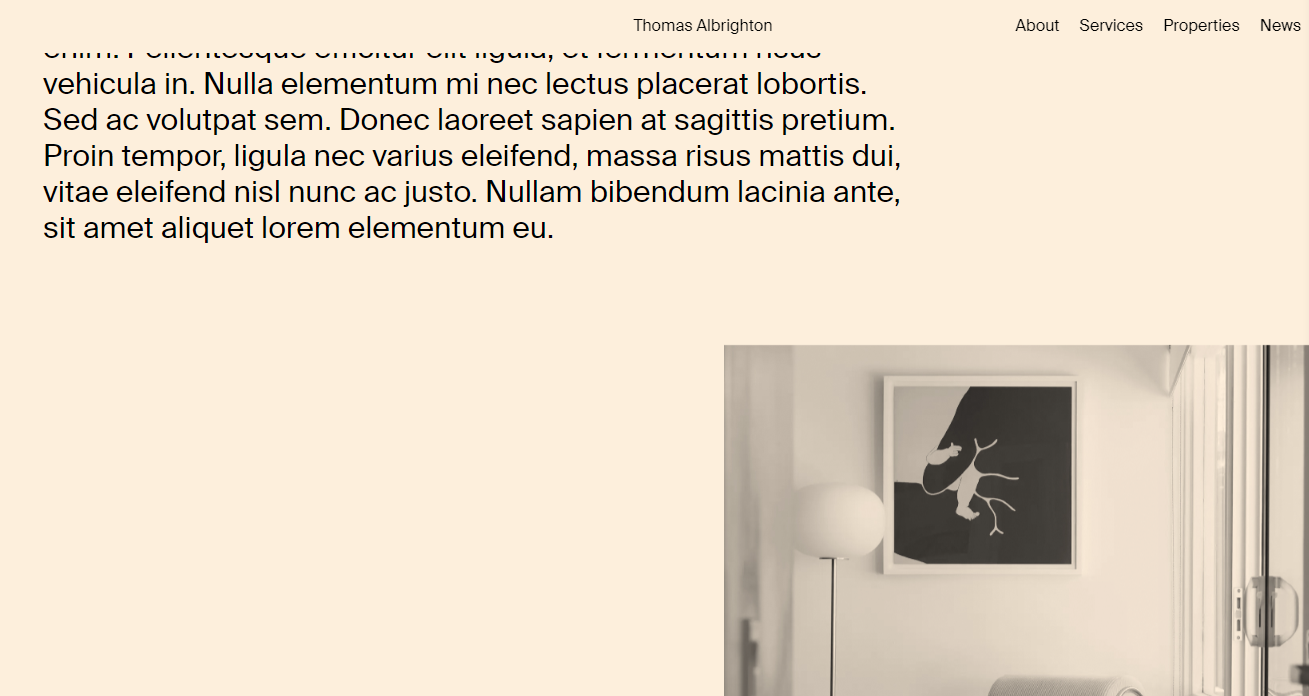
I have seen this question asked before but did not find an answer. The navbar menu on my home page is grey. On my about page the page background colour is a pink/peach colour. I need the nabber menu colour to change to pink/peach on that page. Would also like to do this to other pages that I add that are different colours.
Could someone please help. I just realized I have been using this platform for over 5 years for several projects 'thumbs up'
Thank you so much.
Best,
Thomas
Site I am working on:
-
-
-
-
-
This is easily doable with a tiny bit of css, just add an html element to the page you want your navbar color changed on, and put in
<style>
.navbar{
     background-color: your color of choice goes here in whatever format you like;
}
</style>
If that does not work, add a !important after the color and before the semicolon.
-
very good answer
also read this https://laytheme.com/documentation/custom-css-styling.html#css-based-on-current-page -
-


Hello! It looks like you're interested in this conversation, but you don't have an account yet.
Getting fed up of having to scroll through the same posts each visit? When you register for an account, you'll always come back to exactly where you were before, and choose to be notified of new replies (either via email, or push notification). You'll also be able to save bookmarks and upvote posts to show your appreciation to other community members.
With your input, this post could be even better 💗
Register Login