Skip to content
  • Recent
  • Tags
  • Popular
  • Users
  • Search
Skins
  • Light
  • Brite
  • Cerulean
  • Cosmo
  • Flatly
  • Journal
  • Litera
  • Lumen
  • Lux
  • Materia
  • Minty
  • Morph
  • Pulse
  • Sandstone
  • Simplex
  • Sketchy
  • Spacelab
  • United
  • Yeti
  • Zephyr
  • Dark
  • Cyborg
  • Darkly
  • Quartz
  • Slate
  • Solar
  • Superhero
  • Vapor

  • Default (No Skin)
  • No Skin
Collapse

Lay Theme Forum

  1. Home
  2. General Discussion
  3. Text in front of image

Text in front of image

Scheduled Pinned Locked Moved General Discussion
4 Posts 2 Posters 337 Views 2 Watching
  • Oldest to Newest
  • Newest to Oldest
  • Most Votes
Reply
  • Reply as topic
Log in to reply
This topic has been deleted. Only users with topic management privileges can see it.
  • I Offline
    I Offline
    iragoeller
    wrote on last edited by
    #1

    Hi,

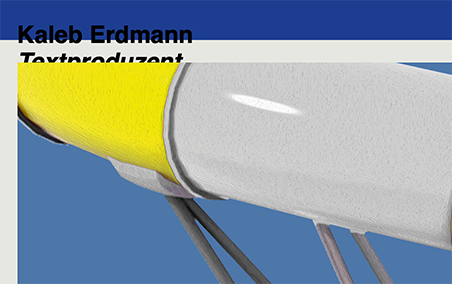
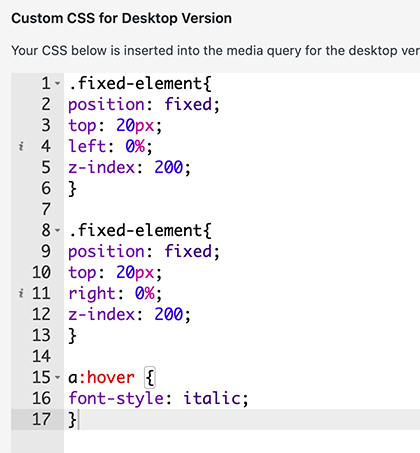
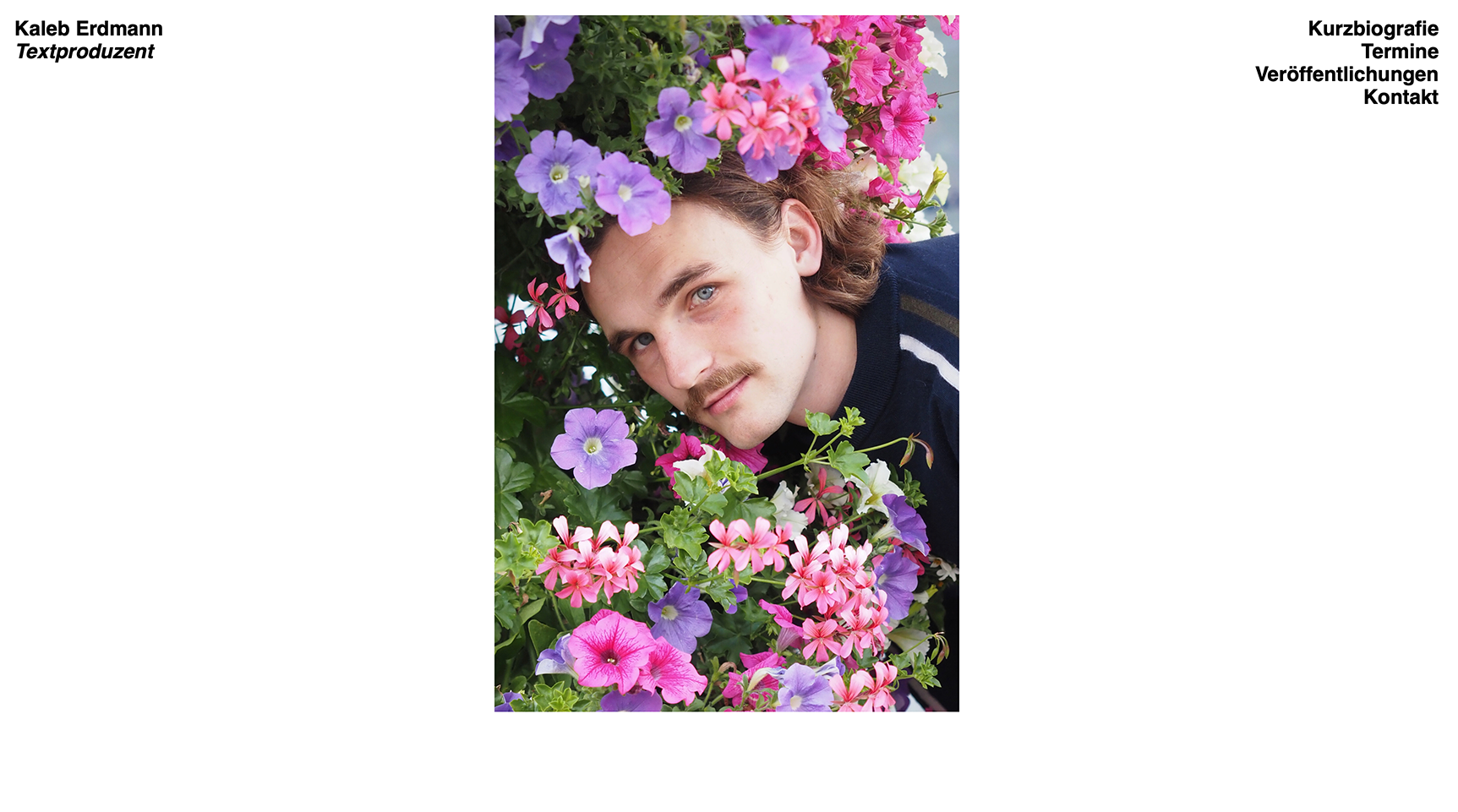
    I built a one pager with a fake site title and menu. It is fixed like it should be. The problem is, that I can not manage to put it in the foreground. I tried already CSS with the z-index. Do you know, what the problem/solution could be? Thank you!

    Best
    Ira

    Bildschirmfoto 2024-02-27 um 10.51.08.png Bildschirmfoto 2024-02-27 um 10.51.20.png Bildschirmfoto 2024-02-27 um 10.51.29.png Bildschirmfoto 2024-02-27 um 11.50.49.png

    1 Reply Last reply
    0
    • arminunruhA Offline
      arminunruhA Offline
      arminunruh
      Global Moderator
      wrote on last edited by
      #2

      Screenshot 2024-02-27 at 12.01.23.png

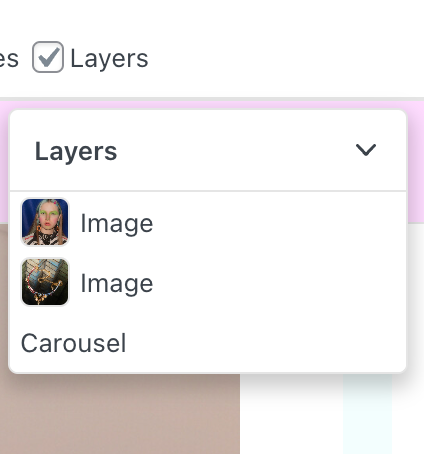
      can you click on "layers" and then move around the elements in the layers window to change their order?
      Screenshot 2024-02-27 at 12.01.59.png

      if that doesn't make them overlap the other content
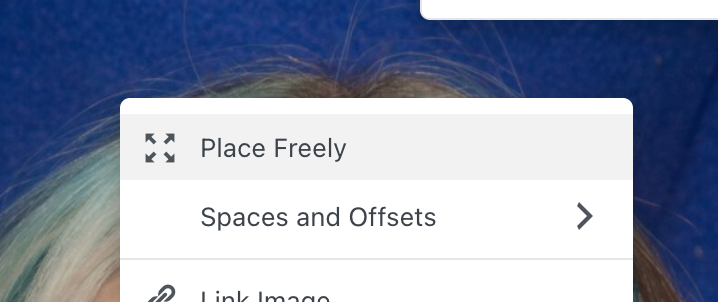
      can you right click the menu and site title and make it use "place freely" and then use the layers modal to have it on top of the rest?

      also make sure to use the latest lay theme version

      1 Reply Last reply
      0
      • I Offline
        I Offline
        iragoeller
        wrote on last edited by
        #3

        Thank you for the quick respond.
        The Version was the Problem. I Installed it yesterday and didn't know, that it would install an older version, so now I see the Layers option

        1 Reply Last reply
        0
        • arminunruhA Offline
          arminunruhA Offline
          arminunruh
          Global Moderator
          wrote on last edited by
          #4

          ok! nice

          1 Reply Last reply
          0
          Reply
          • Reply as topic
          Log in to reply
          • Oldest to Newest
          • Newest to Oldest
          • Most Votes


          Online Users
          E
          emresenoglu
          M
          Marcus Buecken
          Forgot your key, lost your files, need a previous Lay Theme or Addon version? Go to www.laykeymanager.com
          laytheme.com
          • Login

          • Don't have an account? Register

          • Login or register to search.
          • First post
            Last post
          0
          • Recent
          • Tags
          • Popular
          • Users
          • Search