set image width in pixel
General Discussion
3
Posts
2
Posters
294
Views
2
Watching
-
Ciao guys, been building a site for a client using laytheme. awesome tool as always.
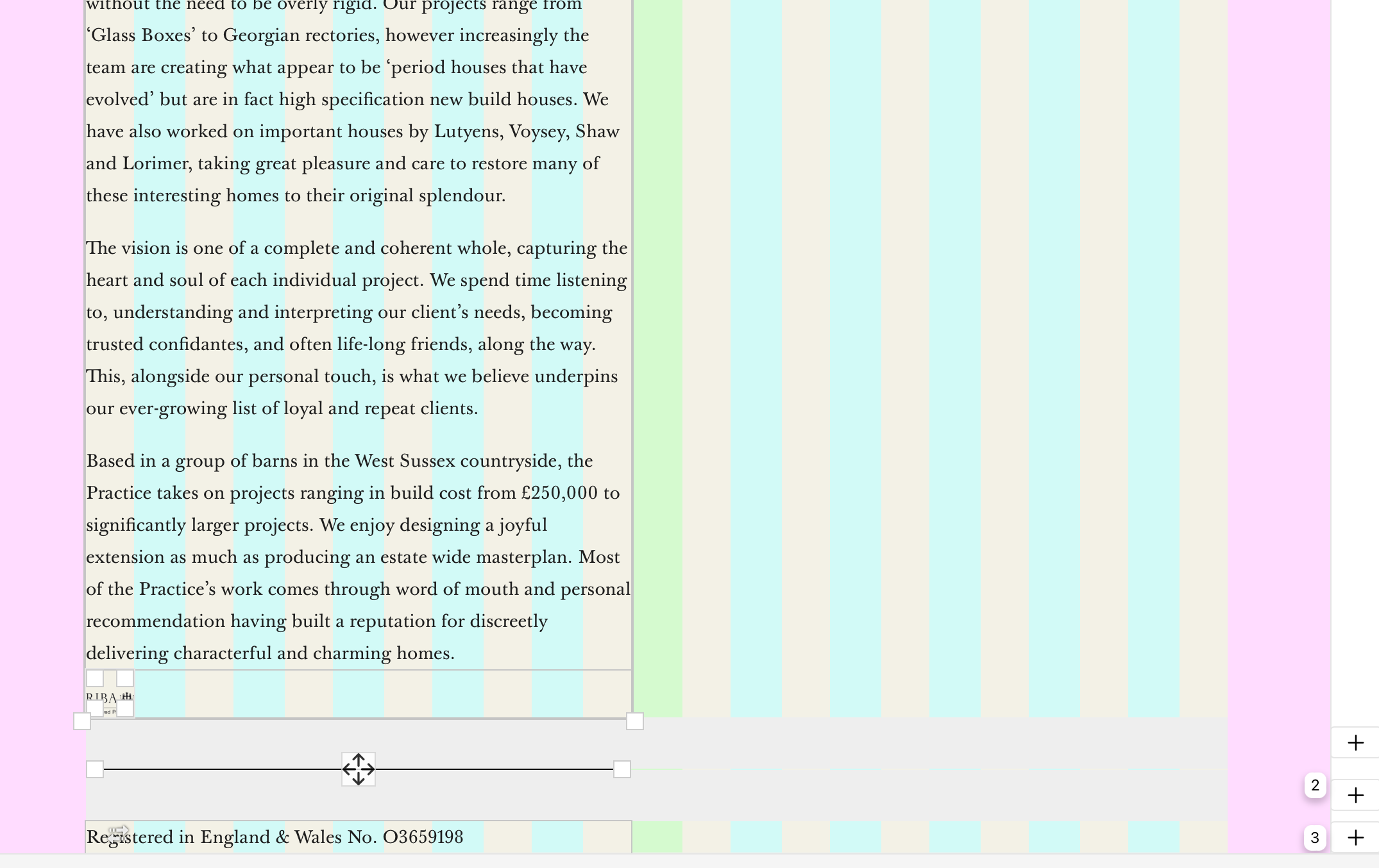
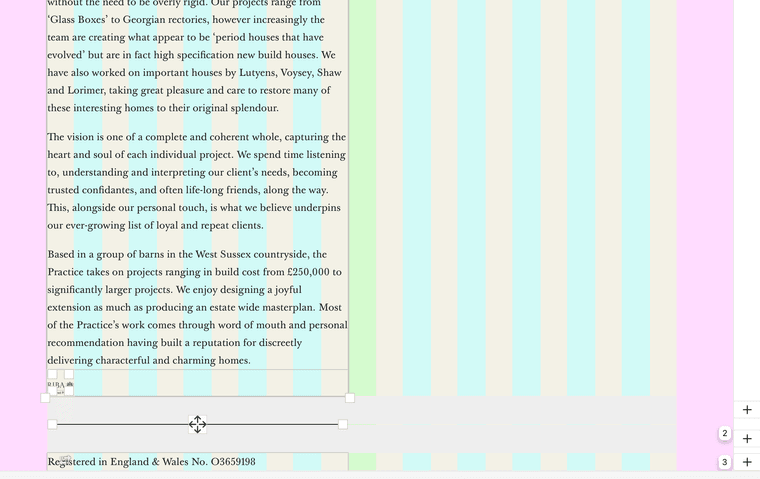
I have a "riba" logo set up in a stack on this About page, it's set to one collum width. Is there any way to stop the logo from scaling down so much with the window, or setting a pixel width for the icon?
Any tips would be appreciated, thanks!
https://ianadam-smith.co.uk/about/
-
thanks
In the gridder, right click on the element and choose "set html class and id". For "html class" enter:
w-100Enter the custom css in "lay options" -> "custom css & html":
.w-100 img{ width: 100px; } .w-100 .ph{ width: 100px; } .w-100 .img{ width: 100px; } -
this is something i totally need to add as a feature for lay theme

Online Users
Forgot your key, lost your files, need a previous Lay Theme or Addon version?
Go to www.laykeymanager.com