Fieuw... problem solved. Thanks!
J
janxyz
@janxyz
Posts
-
Can't edit content of pages/projects/categories anymore -
Can't edit content of pages/projects/categories anymoreHi there,
I cannot edit none of the pages/projects/categories anymore, If I click on edit it doesn't show me the mask to edit the content of the page at all. It think it happened to be like this after the latest update.
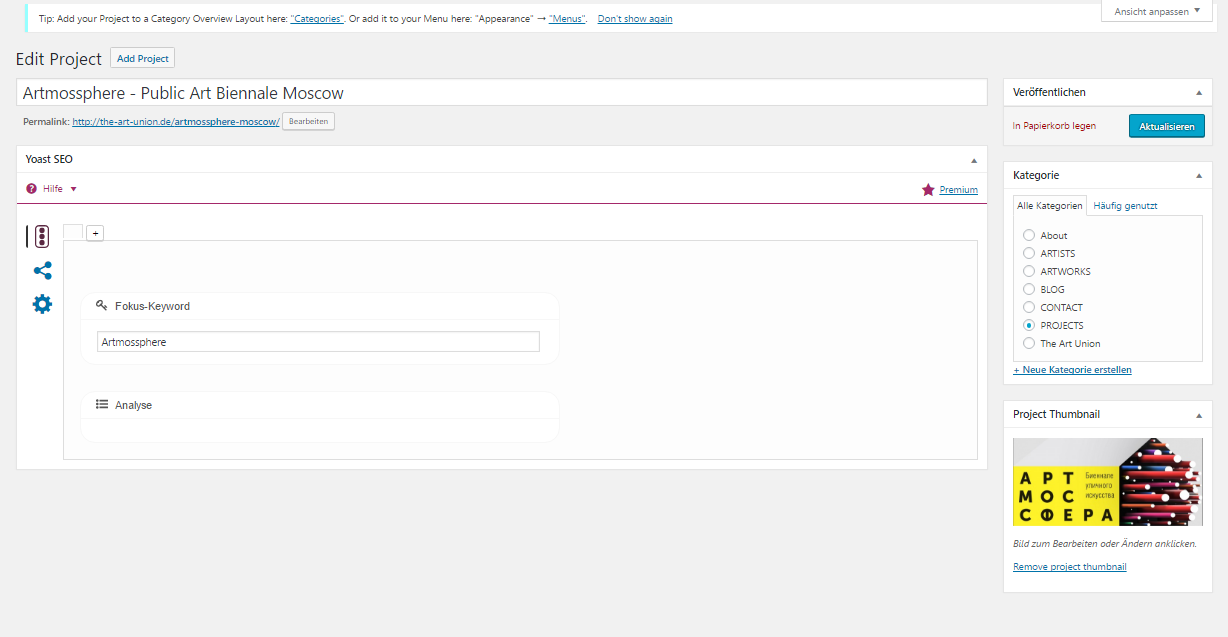
Please help. -
Text not being displayed correctlyHi there,
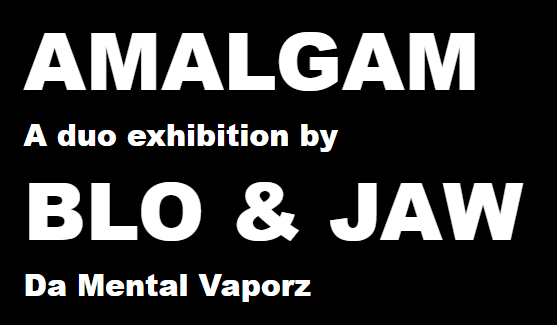
I got reported an error from a user of our website, he uses google chrome, instead of the text"BLO & JAW" his browser shows "BARE JAW" (and instead of Da Mental Vaporz, Because Mental Vaporz, pls. see pictures). I opened the page in different browsers and asked some other people to do the same, that bug seems to only occur in the browser of that one person. Anyone got an idea?

-
Image as a linkThanks for the quick answer. Problem solved: I had the row gutter at 0 %, that is why the options available for images when rovering over them were not displayed. Instead the options of the text element above were shown.
-
Image as a linkWhen I hover over an image I only get the class and clone buttons. How can I use an image as a link (a partner logo linking to my partner's website for example)?
-
Images are not being displayed correctlyHi there,
when uploading an image I have it with most of them that they are not being displayed correctly, not being displayed at all respectively. This is how it looks like when I uploaded the image:
This is the view of the website:
Would be great if anyone could help. Thanks very much in advance.