At the risk of this being a silly question: When I create buttons, their width adjusts to fit the text content. How can I adjust this afterwards so that four buttons are the same size, even if they contain different amounts of text?
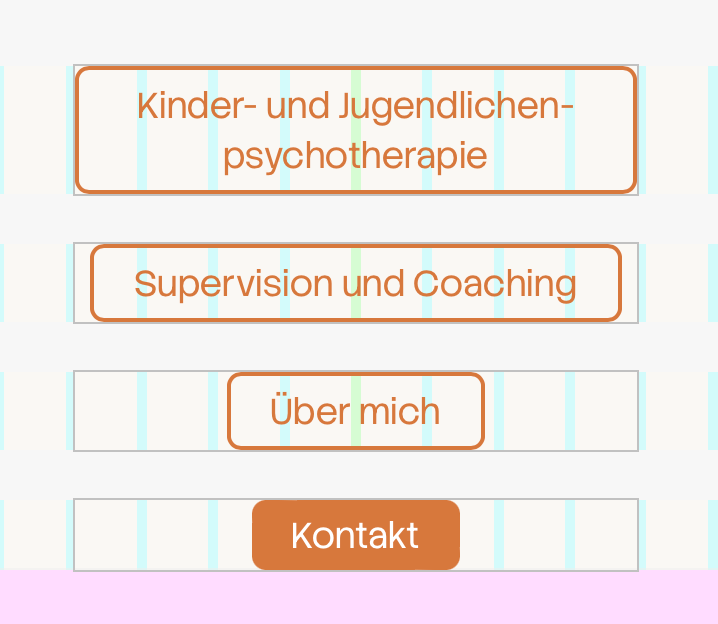
At the risk of this being a silly question: When I create buttons, their width adjusts to fit the text content. How can I adjust this afterwards so that four buttons are the same size, even if they contain different amounts of text?
haha ups, but it somehow works now :D
@arminunruh yes, it works! thanks a lot!
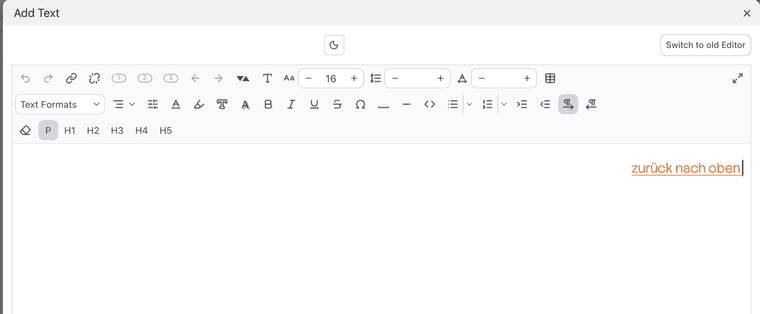
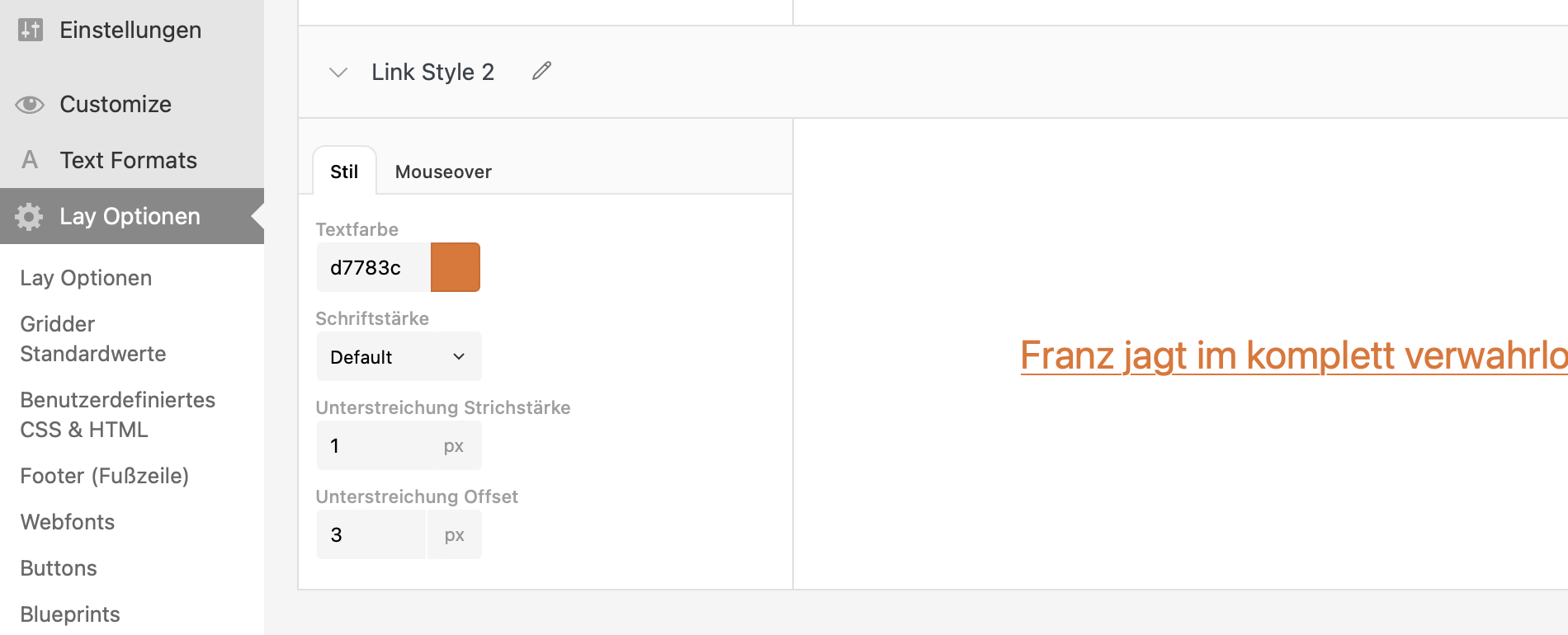
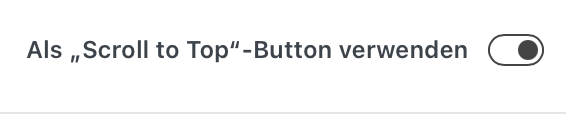
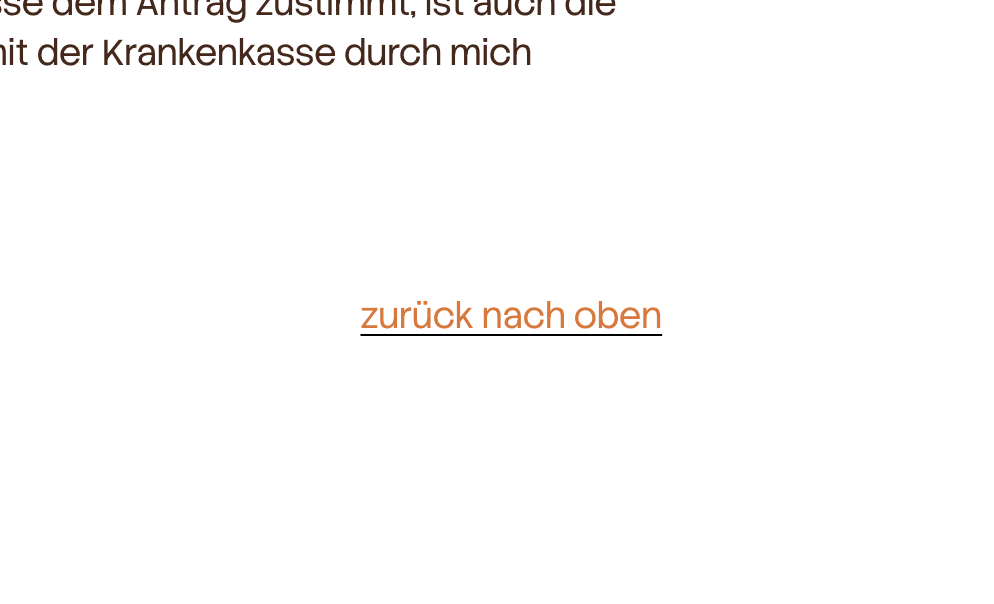
I want to edit the style from my "scroll-to-top"-button. I created a "link style 2" and when I'm adding a link to the text I can choose this one. But as soon as I am activating the "scroll-to-top"-button the style changes and the underlining becomes black again. In my link style no 2 it is orange :)
#scrolltotop #button #link