I still see the space on my mobile device. I've attached a screenshot from my mobile. I am using an iPhone XR with iOS 12.4.1 / Safari. I hope this helps.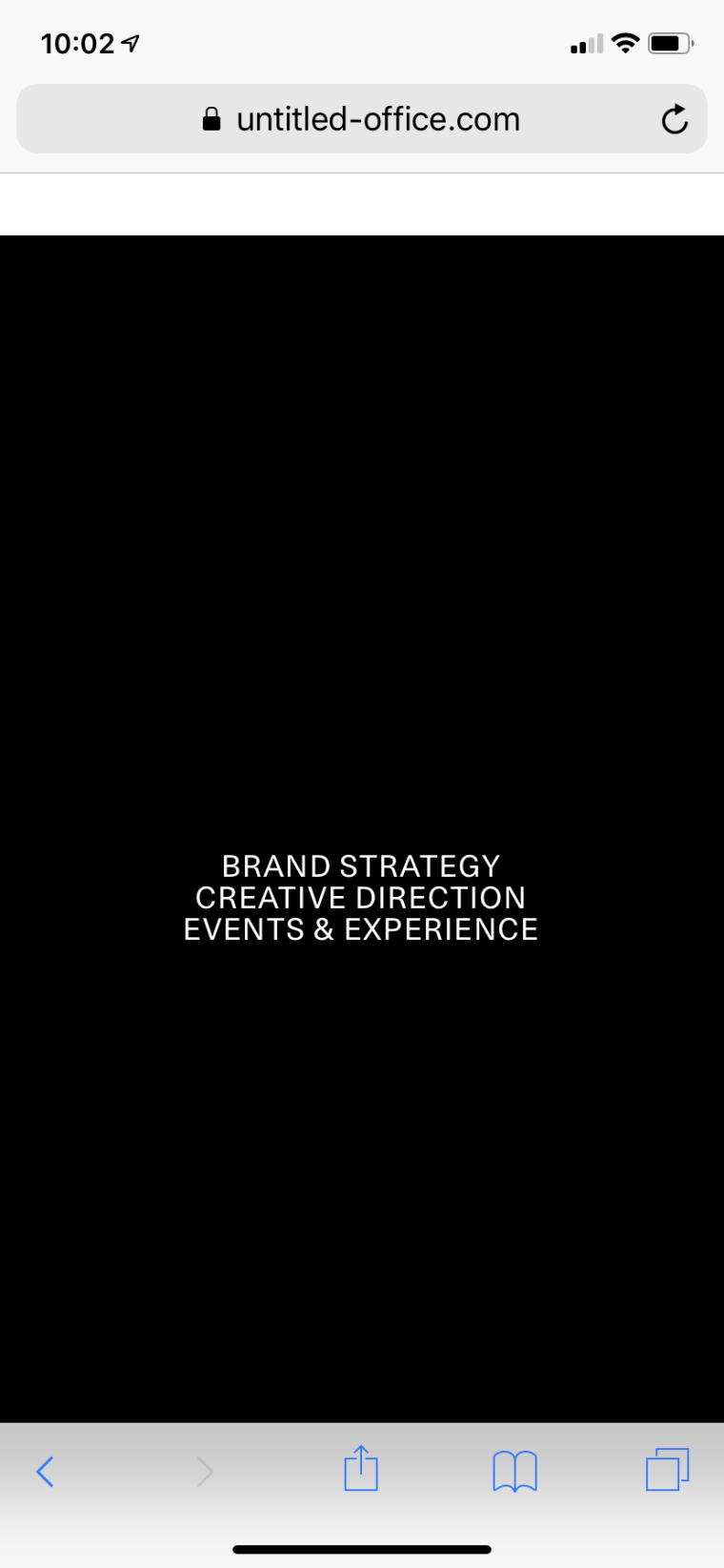
U
untitledoffice
@untitledoffice
Posts
-
Mobile Intro -
Mobile IntroHi @mariusjopen
The only CUSTOM CSS for mobile I am using is to hide the .mobile-title for the homepage. Is this what you're referring to?
The code:
.slug-home .mobile-title{
display: none;
}Thank you,
Robert -
Mobile IntroHello,
I recently activated the Intro feature and noticed a possible bug:
There seems to be added padding for the smartphone intro at the top. It adds a white bar above the intro image (portrait) and you're unable to center elements. I changed the portrait image to white in order to hide it for now. I am using Lay Theme Version: 2.8.2. I also tried to remove it thinking it had to do with mobile spaces but setting all to '0' did not resolve the issue. This is also only occurring for the smartphone intro. The desktop intro is not affected.
Any advice? Am I missing a setting?
Cheers,
Robert