Skip to content

Bug Reports

Something is not working? Please provide a screenshot, your browser name and browser version and your operating system.
3.1k Topics 14.4k Posts
  • Different Blacks on Background

    3
    1
    0 Votes
    3 Posts
    77 Views
    J
    Yeah. Thx that was the issue. I didn't set it exactly to 0000. thank you
  • collapse error after update

    9
    2
    0 Votes
    9 Posts
    226 Views
    arminunruhA
    must have been the caching plugin
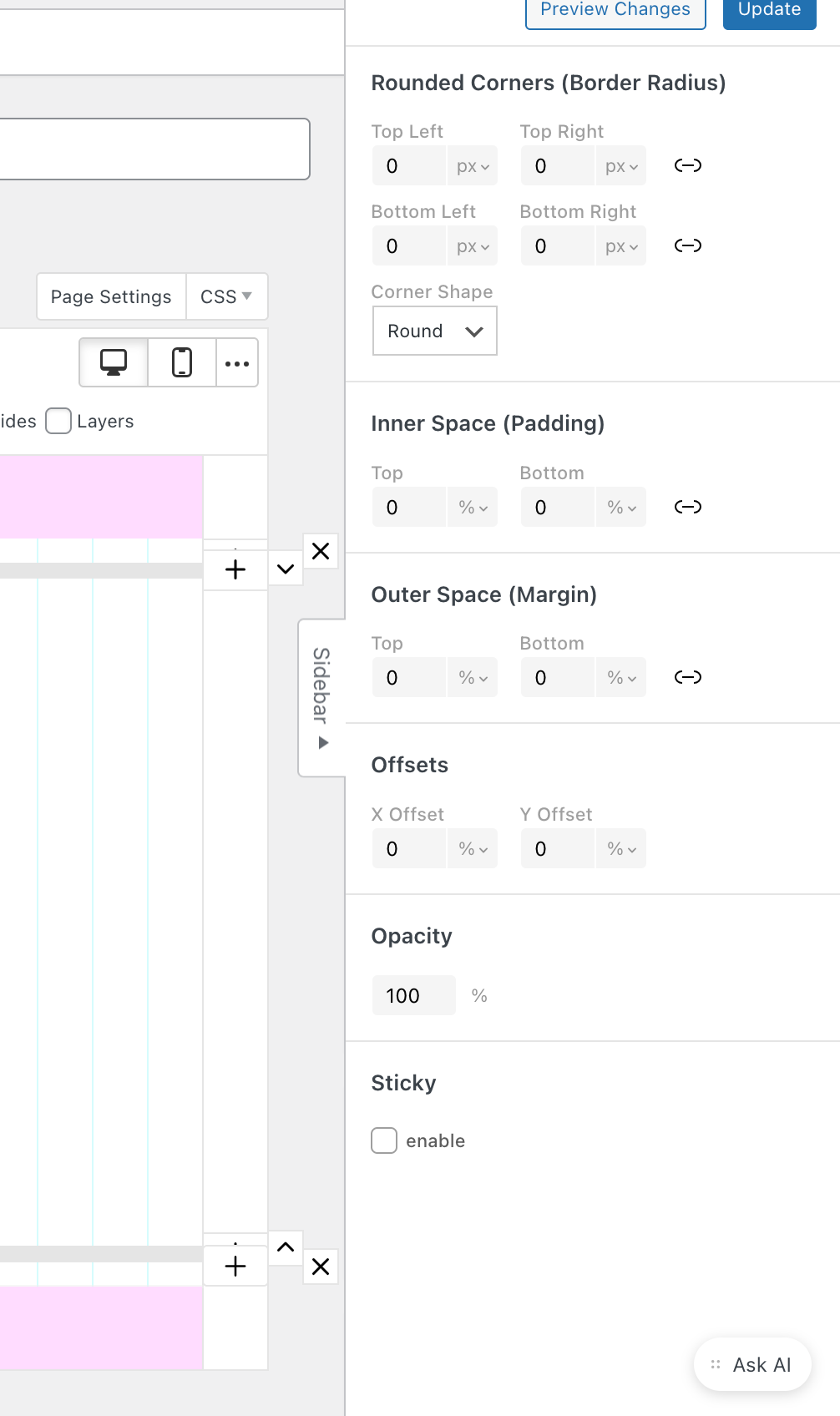
  • Y-offset in Gridder not showing when using percent values

    4
    0 Votes
    4 Posts
    115 Views
    arminunruhA
    ok i wrote it down will check it later
  • Footer not appearing on mainpage since new update

    6
    0 Votes
    6 Posts
    139 Views
    arminunruhA
    if you want the footer next to your content, you can use this tutorial: https://laytheme.com/tutorials/create-a-splitscreen-website.html
  • gridder disappears

    3
    1
    0 Votes
    3 Posts
    78 Views
    arminunruhA
    seems like there was some kind of escaping issue of a special sign in webfonts. i fixed it on your website and the fix will also be included with the next update.
  • laykeymanager

    5
    0 Votes
    5 Posts
    140 Views
    arminunruhA
    ok can you try again in a few minutes? seems like somehow when using your info, it created too many db connections, but that should work correctly now.
  • Can't save Webfont (link tag)

    3
    0 Votes
    3 Posts
    52 Views
    arminunruhA
    btw can you send me the details of the <link tag youre trying to use? to info@laytheme.com could u just send what you get from adobe cause when i enter link tag fonts they do save [image: 1763536319854-4ff3c9b0-1c18-4873-a639-59be61aa391d-image-resized.png]
  • Imahe hover with table

    5
    0 Votes
    5 Posts
    330 Views
    arminunruhA
    hey let me check if i fixed this already
  • duplicating a project, > click update and returns to homepage

    bug
    2
    0 Votes
    2 Posts
    69 Views
    arminunruhA
    hey ross! i think it may be this: https://laytheme.com/troubleshooting.html#updating-redirects for me it works. it may be because of some security settings of your webserver
  • 0 Votes
    4 Posts
    111 Views
    ffingerF
    Ok apparently it just took a bit longer to update :D now it also works on the thumbnail grid ... all issues solved. THANKS A TON !
  • Text formats all gone after saving and after update to 10.0.1

    5
    0 Votes
    5 Posts
    145 Views
    arminunruhA
    thats so weird, i included a check in the last update now, that shows a warning when the formats cant be gotten from the formats data to not do anything and send me an email :D i rlly hope this is not a general issue, i tested the new formats UI on my other site and it worked well mmh noone else had this issue so far, lets see
  • Images not showing

    2
    0 Votes
    2 Posts
    55 Views
    arminunruhA
    hey thx i saw your email. i cant access that site, you can send me your ftp login to info@laytheme.com it just shows a 500 error
  • Can't delete webfonts

    4
    1
    0 Votes
    4 Posts
    74 Views
    A
    Thank youu
  • Footer page has disappeared but footer content still visible

    3
    0 Votes
    3 Posts
    111 Views
    G
    Thanks @arminunruh I got to the bottom of it. User error. The site was using page overlays for all content pages, and we were positive that we had a footer page setup, but it was in fact built into the single home page layout and not as a seperate footer page. So it's all good, there is no bug relating to this.
  • Overlay issue

    2
    0 Votes
    2 Posts
    78 Views
    arminunruhA
    sorry about the delayed response, i answered you in your other post <3
  • Menu appears open on mobile

    2
    0 Votes
    2 Posts
    60 Views
    arminunruhA
    seems like an incompatibility with my code and your css for hiding the mobile menu on the frontpage should work with the next lay update!
  • Critical error

    6
    1
    0 Votes
    6 Posts
    170 Views
    arminunruhA
    there was some code that was incompatible with php 7. but i changed that now so it is.
  • Text formats not working after 9.9.5 update

    5
    1 Votes
    5 Posts
    173 Views
    ondrejricicaO
    @arminunruh glad to hear all is fixed. the new UI is pretty slick!
  • embed instagram not working

    2
    1
    0 Votes
    2 Posts
    83 Views
    arminunruhA
    ok will be fixed with the next update
  • Customizer doesn't work anymore.

    3
    0 Votes
    3 Posts
    112 Views
    T
    Thank you!

I also code custom websites or custom Lay features.
💿 Email me here: 💿
info@laytheme.com

Our Web Development company: 100k.studio

Want to tip me? https://www.paypal.com/paypalme/arminunruh

Before you post:
  1. When using a WordPress Cache plugin, disable it or clear your cache.
  2. Update Lay Theme and all Lay Theme Addons
  3. Disable all Plugins
  4. Go to Lay Options → Custom CSS & HTML, click "Turn Off All Custom Code", click "Save Changes"

This often solves issues you might run into

When you post:
  1. Post a link to where the problem is
  2. Does the problem happen on Chrome, Firefox, Safari or iPhone or Android?
  3. If the problem is difficult to explain, post screenshots / link to a video to explain it
Forgot your key, lost your files, need a previous Lay Theme or Addon version? Go to www.laykeymanager.com