Skip to content

Bug Reports

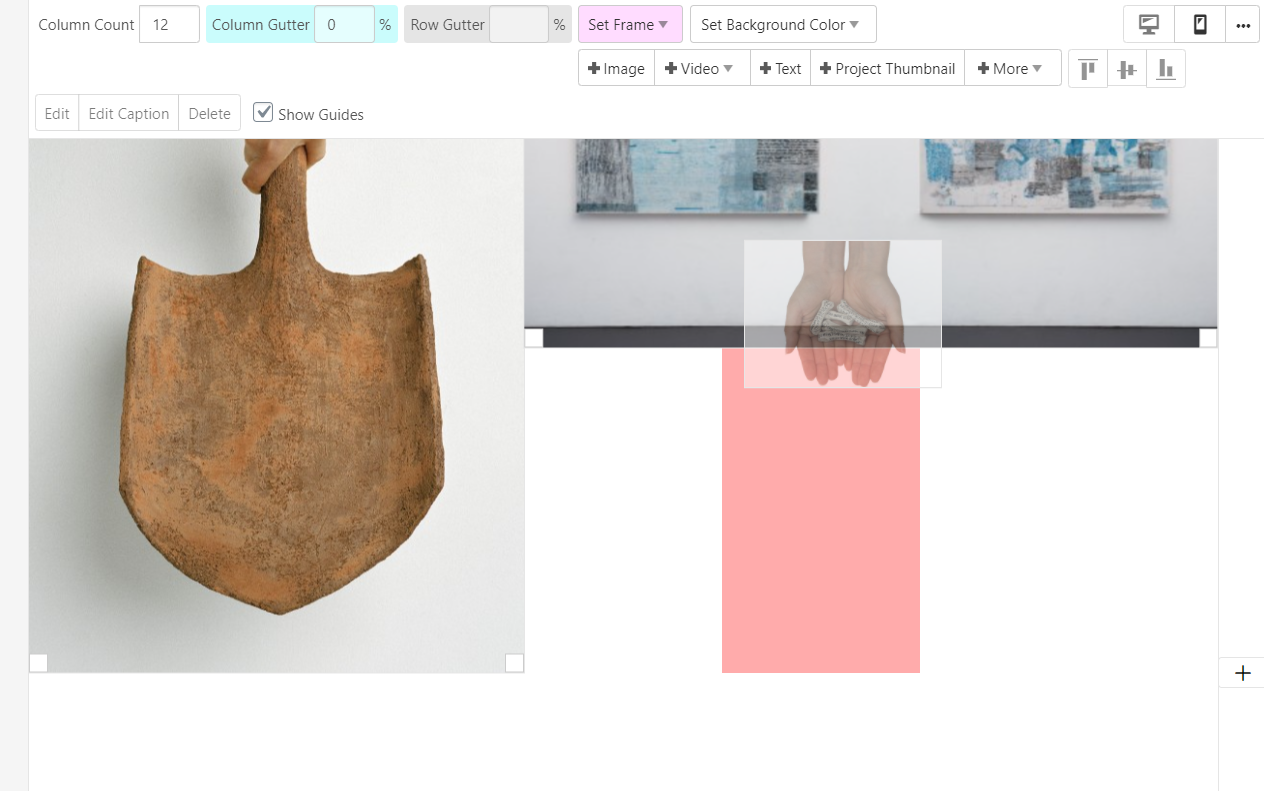
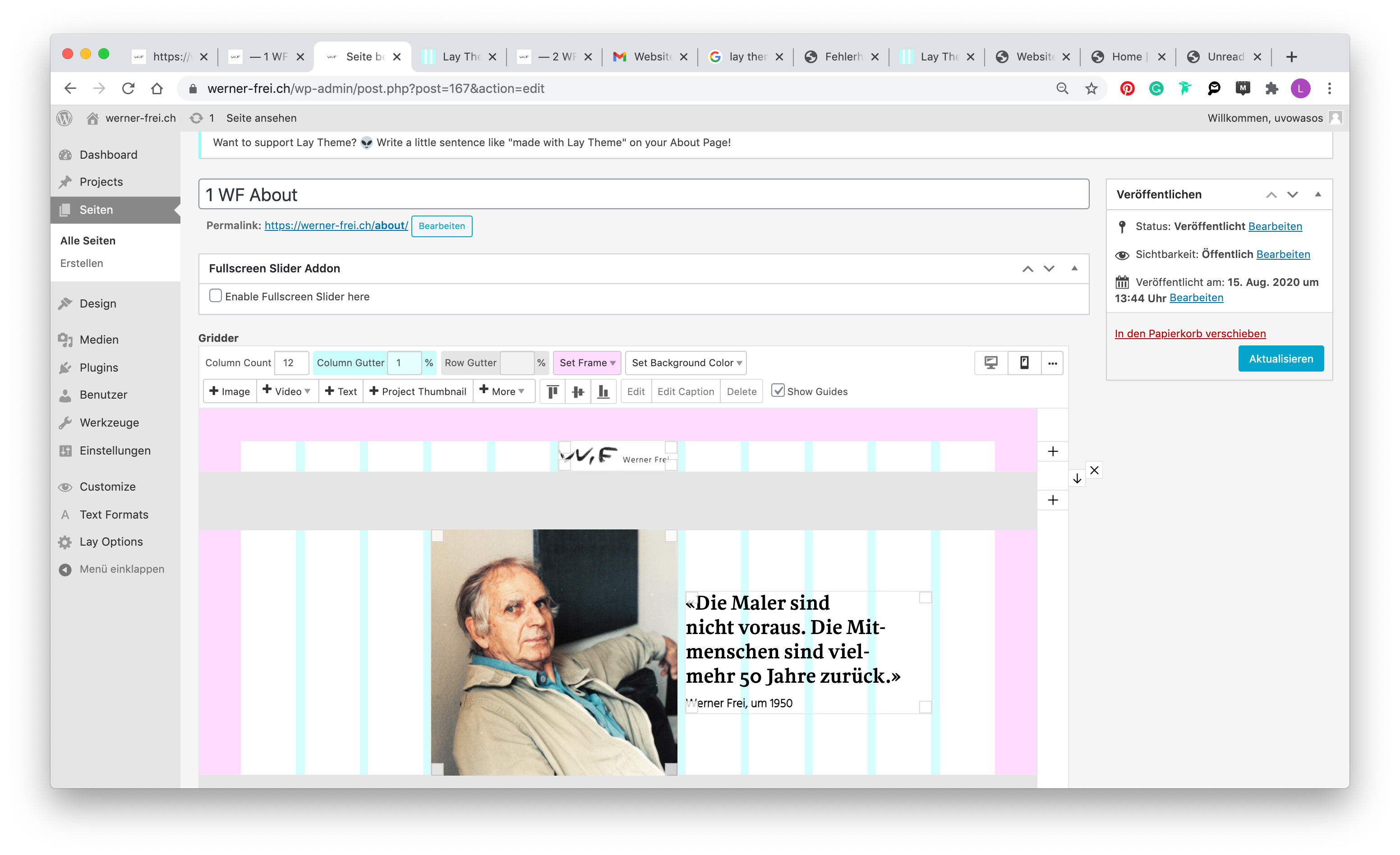
Something is not working? Please provide a screenshot, your browser name and browser version and your operating system.
3.2k Topics 14.9k Posts
  • Webfont issue: 2 fonts working fine; 3rd one doesn't

    5
    2
    0 Votes
    5 Posts
    543 Views
    RichardR
    Dear @nypaloto Awesome! thanks for updating - great to know :) Best Richard
  • This topic is deleted!

    1
    0 Votes
    1 Posts
    1 Views
    No one has replied
  • This topic is deleted!

    1
    1
    0 Votes
    1 Posts
    4 Views
    No one has replied
  • inability to upload .ttf fonts to media library

    4
    1
    0 Votes
    4 Posts
    369 Views
    RichardR
    Dear Alex @rocked23 Thankyou for posting! :) Best Richard
  • anchor point destroys the top frame

    8
    2
    0 Votes
    8 Posts
    403 Views
    arminunruhA
    Hey sorry about this, I'm releasing a new update now and then it should be fixed!
  • Project description above image not showing

    5
    0 Votes
    5 Posts
    361 Views
    arminunruhA
    Hey, I'm fixing this now and will release the fix with the next update!
  • Issue scrolling up with anchor point

    12
    0 Votes
    12 Posts
    749 Views
    arminunruhA
    Ok I think I found out why this happens. Will be fixed with the next update!
  • This topic is deleted!

    1
    0 Votes
    1 Posts
    3 Views
    No one has replied
  • No intro option in customize menu :(

    11
    0 Votes
    11 Posts
    766 Views
    RichardR
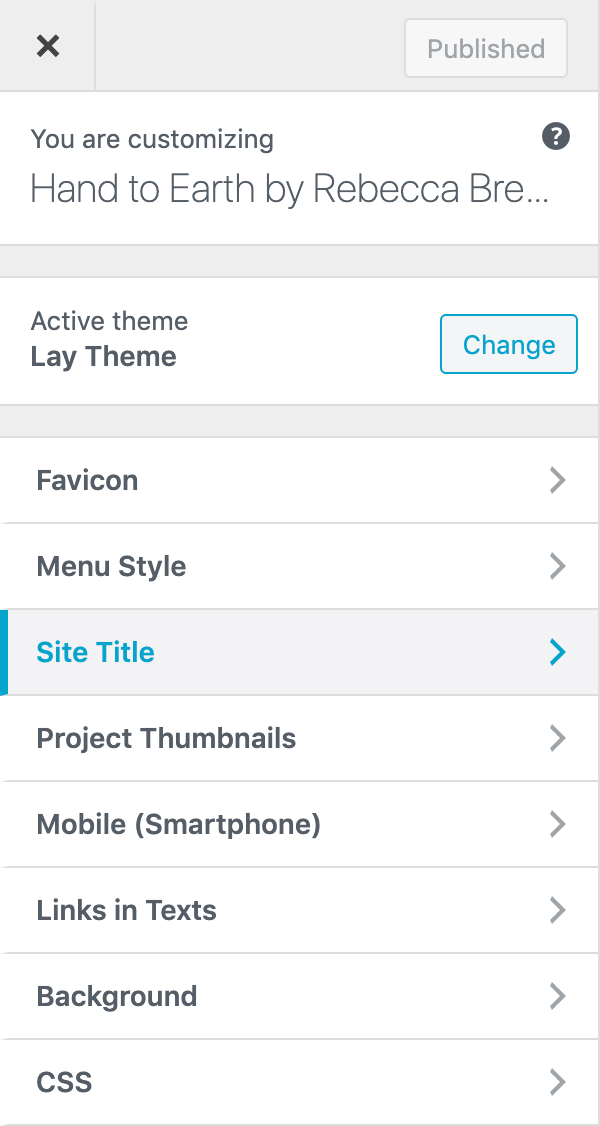
    Dear @Mickael-DARD2 Just to be sure have you got these options ticked? [image: 1605661791056-screen-shot-2020-11-18-at-2.07.58-pm-resized.png] Best Richard
  • styling issue

    2
    0 Votes
    2 Posts
    118 Views
    RichardR
    Dear @bora323 I am having trouble getting into your site to view the carousel bullets - maybe you could send me the password via ' private chat' ( do not disclose personal details on the thread :) Best wishes Richard
  • This topic is deleted!

    1
    0 Votes
    1 Posts
    1 Views
    No one has replied
  • This topic is deleted!

    1
    0 Votes
    1 Posts
    6 Views
    No one has replied
  • <br> in site title not working on mobile

    10
    0 Votes
    10 Posts
    555 Views
    RichardR
    Dear @fr Have Replied :) Best Richard
  • Weird text block appearance

    7
    2
    0 Votes
    7 Posts
    420 Views
    RichardR
    Dear @Hayo-Gebauer Weird Indeed! just happy that it worked for you and you can continue on your Lay Theme Journey! :) Best of luck & have a nice day Richard
  • Gridder issues since update

    31
    0 Votes
    31 Posts
    4k Views
    RichardR
    Dear @piero101 @nypaloto @antonioprado Could i get an update? is it still not working? If not could you please send your website address, /wp-admin/ username and password and a link to this topic to info@laytheme.com immediately? Im so sorry for the late reply!! & thank you for you patience surrounding this issue Sincerely Richard
  • Gridder error

    10
    0 Votes
    10 Posts
    773 Views
    RichardR
    Dear @adam I have recreated your setup and the same occurs with me. I make a full width image within Desktop Layout - Mobile Gridder options are set to 0% for the left and right edge frame. When i go to change Gridder setup to Mobile Layout it is fullscreen on the backend but on the front end has the left and right margin as you say but when i go and re-size the image in the Gridder again to the same size now it works fullscreen. However when i go into Customiser i notice interestingly enough that it has its own set Mobile left and right frame percentage: [image: 1605141361850-screen-shot-2020-11-12-at-1.31.47-pm-resized.png] So i also set this to 0% and now when i make a fullwidth image and change to Mobile Layout i keep the full width that we want. Seems to be an issue with the Customiser having the last say on how the Mobile Layout should be! Let me know if this works for you too and have a wonderful day Best Richard
  • MOBILE TAKING DAYS TO UPDATE

    4
    0 Votes
    4 Posts
    329 Views
    RichardR
    Dear @Flaneur-Company Thank you for following up that it worked, great to hear! :) Best Richard
  • Projects are not displayed in the categories

    9
    3
    0 Votes
    9 Posts
    653 Views
    RichardR
    Dear @ninaverena If you feel comfortable doing so could you please send your website address, /wp-admin/ username and password and a link to this topic via 'private chats' and i will try to give it a go :) ( note: do not disclose private info on this thread ) Or i could try to recreate this on my website and do my best to describe / tutorial you how to achieve it on your. All the best Richard
  • Mobile menu style 2 settings bug

    12
    2
    0 Votes
    12 Posts
    728 Views
    arminunruhA
    ok i will release the update soon, until then you can use this css: nav.mobile-nav{ position:fixed!important; }
  • index site went blank in the backend - empty gridder

    12
    3
    0 Votes
    12 Posts
    526 Views
    RichardR
    Dear Patric @iciio If the Gridder is still not working after the update Could you please send your website address, /wp-admin/ username and password and a link to this topic to info@laytheme.com? Best Richard

For paid 1-on-1 Lay Theme Coaching, contact Audrey (audrey@cyberslayers.work) or me (info@laytheme.com).

We also code custom websites or bespoke Lay features. Drop me a line at info@laytheme.com or check out my work at arminunruh.com.

Want to support my work? paypal.me/arminunruh

Before you post:
  1. When using a WordPress Cache plugin, disable it or clear your cache.
  2. Update Lay Theme and all Lay Theme Addons
  3. Disable all Plugins
  4. Go to Lay Options → Custom CSS & HTML, click "Turn Off All Custom Code", click "Save Changes"

This often solves issues you might run into

When you post:
  1. Post a link to where the problem is
  2. Does the problem happen on Chrome, Firefox, Safari or iPhone or Android?
  3. If the problem is difficult to explain, post screenshots / link to a video to explain it
Online Users
Forgot your key, lost your files, need a previous Lay Theme or Addon version? Go to www.laykeymanager.com