Dear @pol
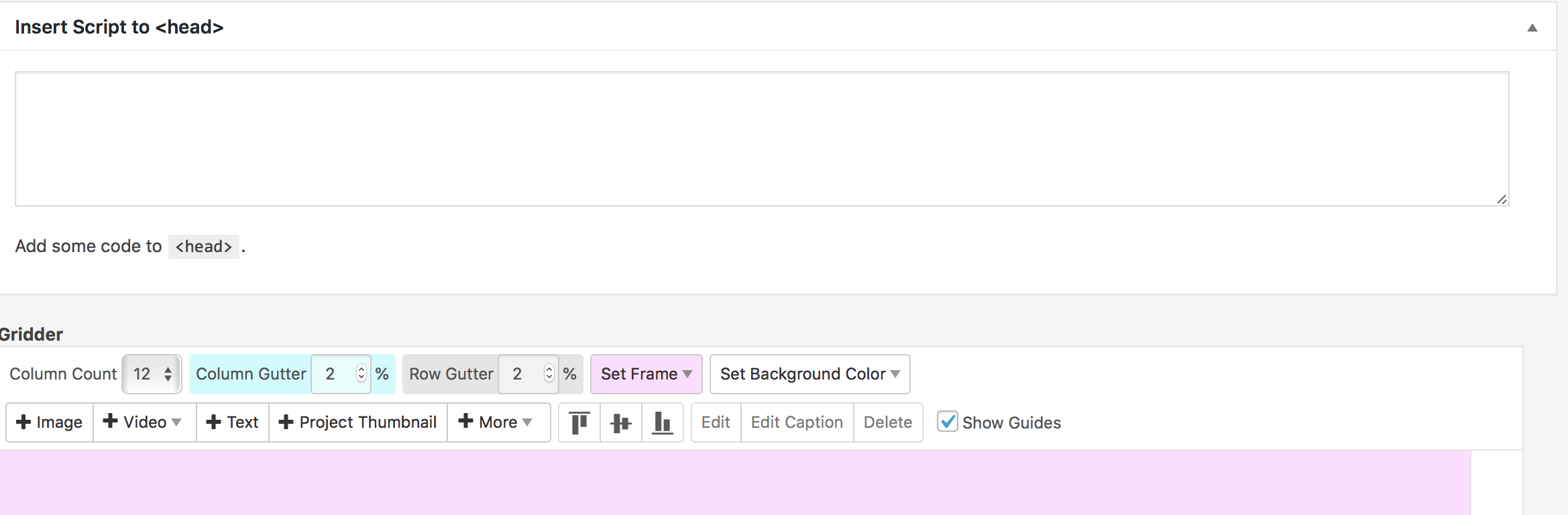
you need to make a carousel and drag it over the pink border:
[image: 0_1542627577324_Bildschirmfoto 2018-11-19 um 12.39.10.png]
And play around with this:
.lay-carousel-wrap {
height: 100vh;
}
.col .lay-carousel img.h100 {
width: 100vw !important;
object-fit: cover;
height: 100vw;
}
With CUSTOM CSS you can also move the captions to the palce where you want them to be.
Hope I could help!
Marius
Dear @mrrpringle
on which machines do you face the problem?
You could also have built it with the normal navigation and some CUSTOM CSS, no?
Best!
Marius
Dear @leoncc
we do not recommend to change the PHP template.
It gets overwritten when we update
LayTheme is a Single-Javascript-Application. You PHP code might not work.
If you can manage with Javascript, that would be a way to go.
Best!
Marius
Dear @sidyou
there is not really an option yet to change the button.
You might look into Youtube directly. Or use a customized Embed code.
Sorry about that!
Best!
Marius
PS: it kind of looks funny, though :-)
Dear @flob13
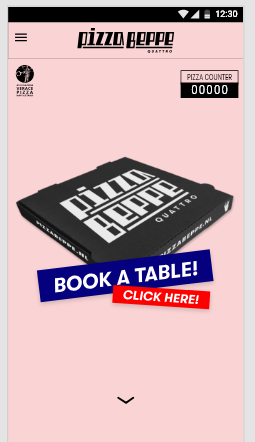
here the images are different on the mobile page:
[image: 1_1541437415410_Bildschirmfoto 2018-11-05 um 18.02.52.png] [image: 0_1541437415409_Bildschirmfoto 2018-11-05 um 18.02.40.png]
Do I misunderstand something here?
Best!
Marius
Dear @Kenneth
haver a look here:
[image: 0_1540985594155_Bildschirmfoto 2018-10-31 um 12.33.00.png]
And here:
http://laytheme.com/documentation.html#footers
Best!
Marius
@leooo said in standart background color not showing in gridder:
guys this has been the most time intensive (non webdesigner) but also most rewarding weeks! you give great support and functionality!!!!
thanks a lot! thats a good idea and i wrote it down.
I didnt try it but maybe you can use this plugin:
https://wordpress.org/plugins/add-admin-css/
and use this css for admin css:
#gridder-wrap{
background-color: black!important;
}