Skip to content

Installation Problems

Did you follow the steps in "How to Install" and "Troubleshooting" but still have problems? And your webhost support could not help you either? Ask here.
306 Topics 1.1k Posts
  • new notebook problems

    2
    0 Votes
    2 Posts
    72 Views
    RichardR
    Dear Steffi @midnightspecial "Does the Lay theme also works with the GERMAN Wordpress version" The Language set for Wordpress does not affect if you can Install Lay Theme or any other Theme. As long as you have Wordpress CMS installed on your website ( not the wordpress.com hosting package however ) you can install Lay Theme. INFO: https://laytheme.com/installation.html "Also, what do I have to do, so I can keep on working on the test page?" Are you having trouble working on this page? i may need more clarification sorry. Talk soon & best wishes Richard
  • Version 4.0.6 unavailable?

    2
    0 Votes
    2 Posts
    57 Views
    RichardR
    Dear @Warul-Kawa Version 4.0.7 is not out, are you able to update? Something going directly into > Appearance > Themes > Lay Theme will prompt the update. Best wishes πŸ– Richard
  • Menu and images not showing up

    5
    2
    0 Votes
    5 Posts
    153 Views
    RichardR
    Thanks for the update Scarlett, Best wishes 🌻 @scarlettwyner
  • "Warning: trying to access array offset on value..." after installing

    7
    1
    0 Votes
    7 Posts
    173 Views
    RichardR
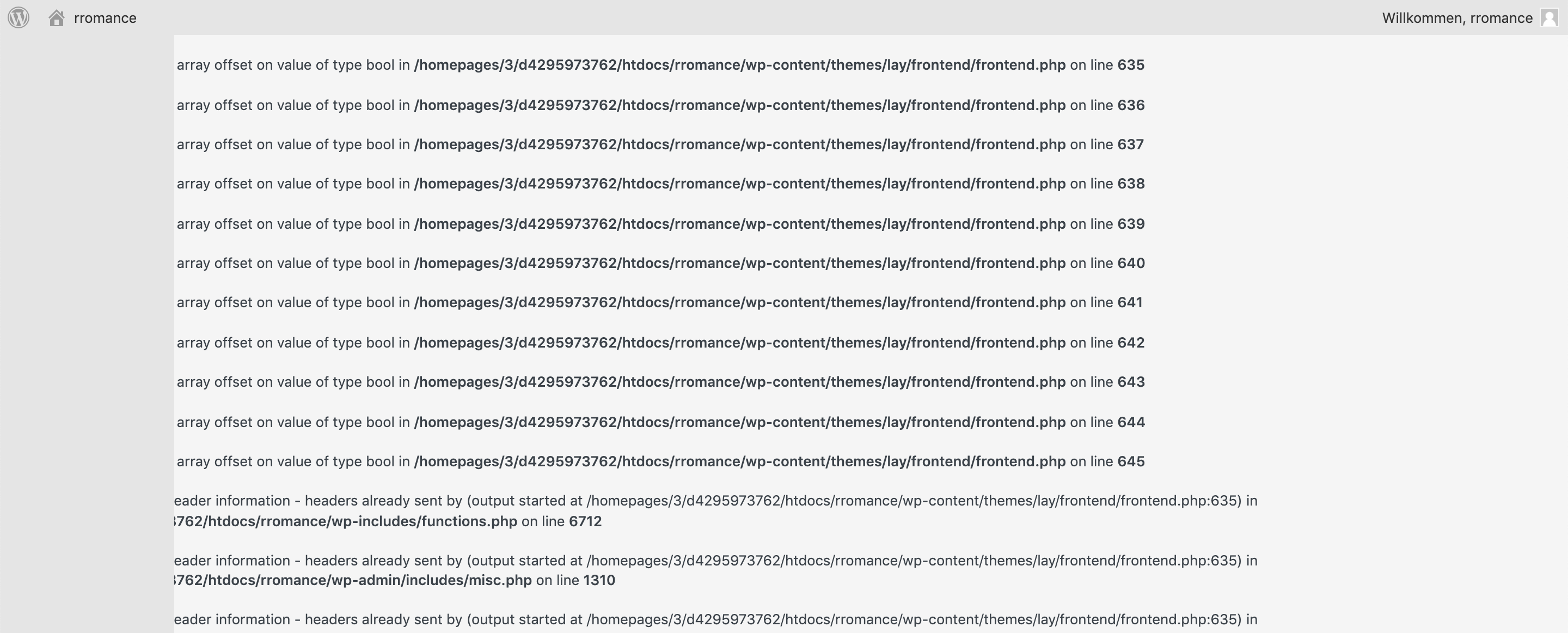
    Dear @stephen To clarify, you are referring to a long list of "array offset Value" prompts/code within your Wordpress dashboard? Also please make sure of the following for debugging: Wordpress, Lay Theme & Laytheme's Addons are all up to date ? Any custom CSS or JS that may interfere is temporarily removed. Any third-party plugins are de-activated to see if this resolves the issue. If you have any screenshots or other relevant information available that may help please also post this πŸ” Talk soon Stephen & have a wonderful day 🌞 Richard
  • Old content pages missing when laytheme is activate

    8
    0 Votes
    8 Posts
    236 Views
    RichardR
    Dear @parizer3000 Thank you for the update, I wish you a lovely weekend too! 🌝 Best wishes Richard
  • No preview

    2
    0 Votes
    2 Posts
    122 Views
    RichardR
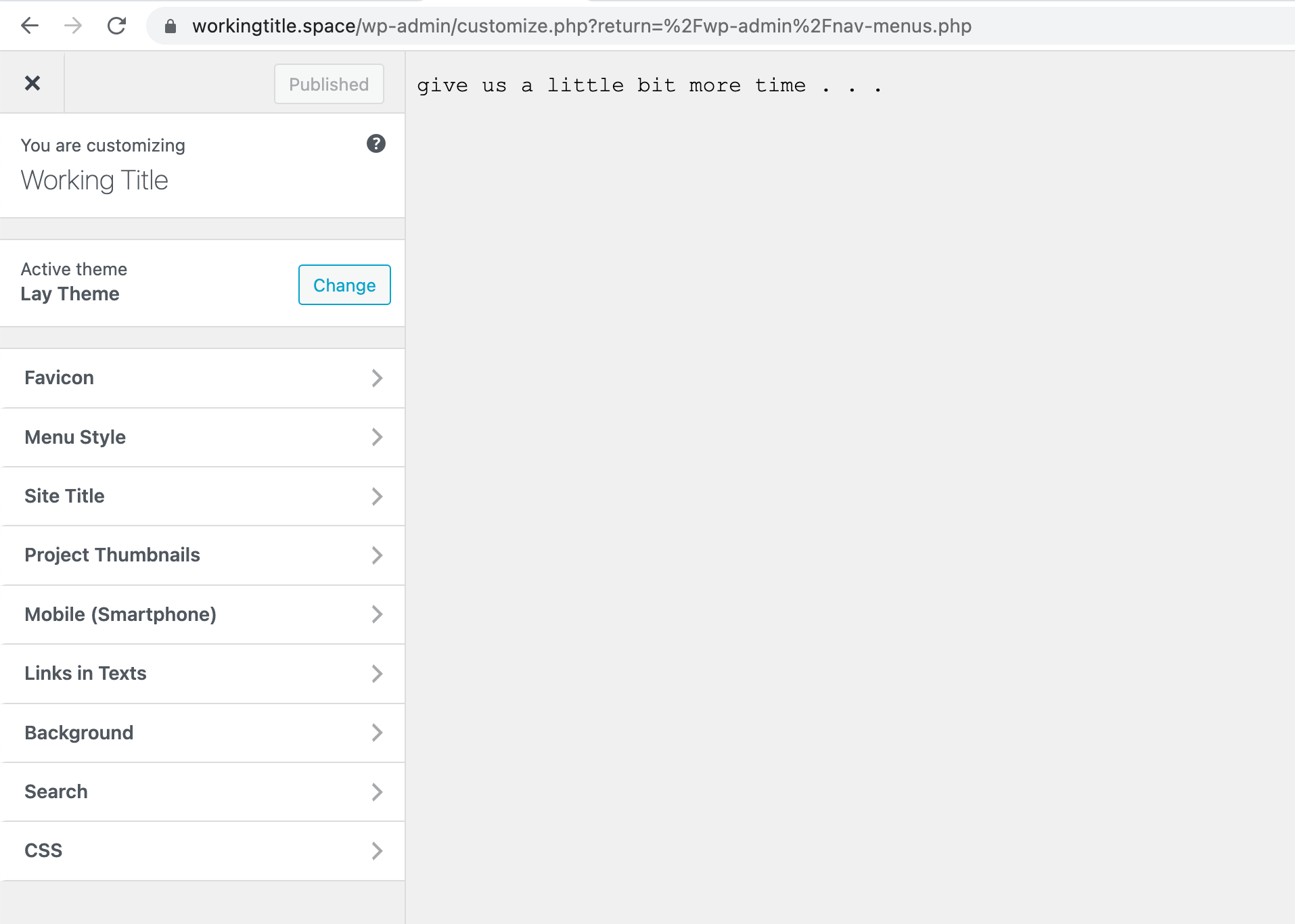
    Dear Daniel @Daniel1234 You're getting a 404 error, have you looked into the troubleshooting of this problem on the Lay Theme website? 🌝 https://laytheme.com/troubleshooting.html#nothing-shows-up Best wishes Richard
  • Mistake

    2
    0 Votes
    2 Posts
    84 Views
    RichardR
    Dear @amelia Sorry that you ran into trouble with the Wordpress Hosting and Lay Theme. If you could please email: licensekeys@laytheme.com With your License key and a copy of the Invoice from Gumroad you recieved when purchasing Lay Theme. A request for a refund can then be put forwards 🌝 Best wishes Amelia Richard
  • Search.php problem

    2
    0 Votes
    2 Posts
    92 Views
    RichardR
    Dear @Stanczyk Are you able to do a fresh re-install making sure: Wordpress, Lay Theme & Laytheme's Addons are all up to date ? Any custom CSS or JS that may interfere is temporarily removed. Any third-party plugins are de-activated to see if this resolves the issue. If you need a fresh version of Lay Theme please email your License Key with a link to this thread to: lostfiles@laytheme.com Talk soon and best wishes 🌝 Richard
  • New CDN - webfont not working anymore

    2
    0 Votes
    2 Posts
    127 Views
    RichardR
    Dear @nypaloto If these help: http://laythemeforum.com/topic/6476/font-encoded-in-base64 http://laythemeforum.com/topic/6094/variable-font-can-be-used http://laythemeforum.com/topic/917/activate-styllistic-sets/6 http://laythemeforum.com/topic/6206/webfont-issue-2-fonts-working-fine-3rd-one-doesn-t ( This one is you :) Best wishes 🌞 Richard
  • Laytheme is not formatting correctly, just installed

    2
    2
    0 Votes
    2 Posts
    102 Views
    RichardR
    Dear Susanna @reallybadatstuff ( im sure not that bad 🌝) I cannot see any problem obvious fix from the front-end of http://www.susanna.studio/ Could you please make sure of the following: Wordpress, Lay Theme & Laytheme's Addons are all up to date ? Any custom CSS or JS that may interfere is temporarily removed. Any third-party plugins are de-activated to see if this resolves the issue. If using a WordPress Cache plugin, disable it or clear your cache. License key not activated - (in website blank situations or button not available) If your WordPress Dashboard shows a warning "PHP Update required”
 Please update your PHP version in your webhost control panel. Possibly your website is running PHP 8.0 this has been known in some cases to cause issue. If none of the above apply to you: Could you please send me your Login details via 'Chat' and i will help by logging in and inspecting further πŸ” NOTE: Please do not disclose private info via this thread Talk soon Susanna and have a wonderful day πŸ– Sincerely Richard
  • Impossible to upload Theme on Wordpress without Wordpress Business

    6
    2
    0 Votes
    6 Posts
    528 Views
    RichardR
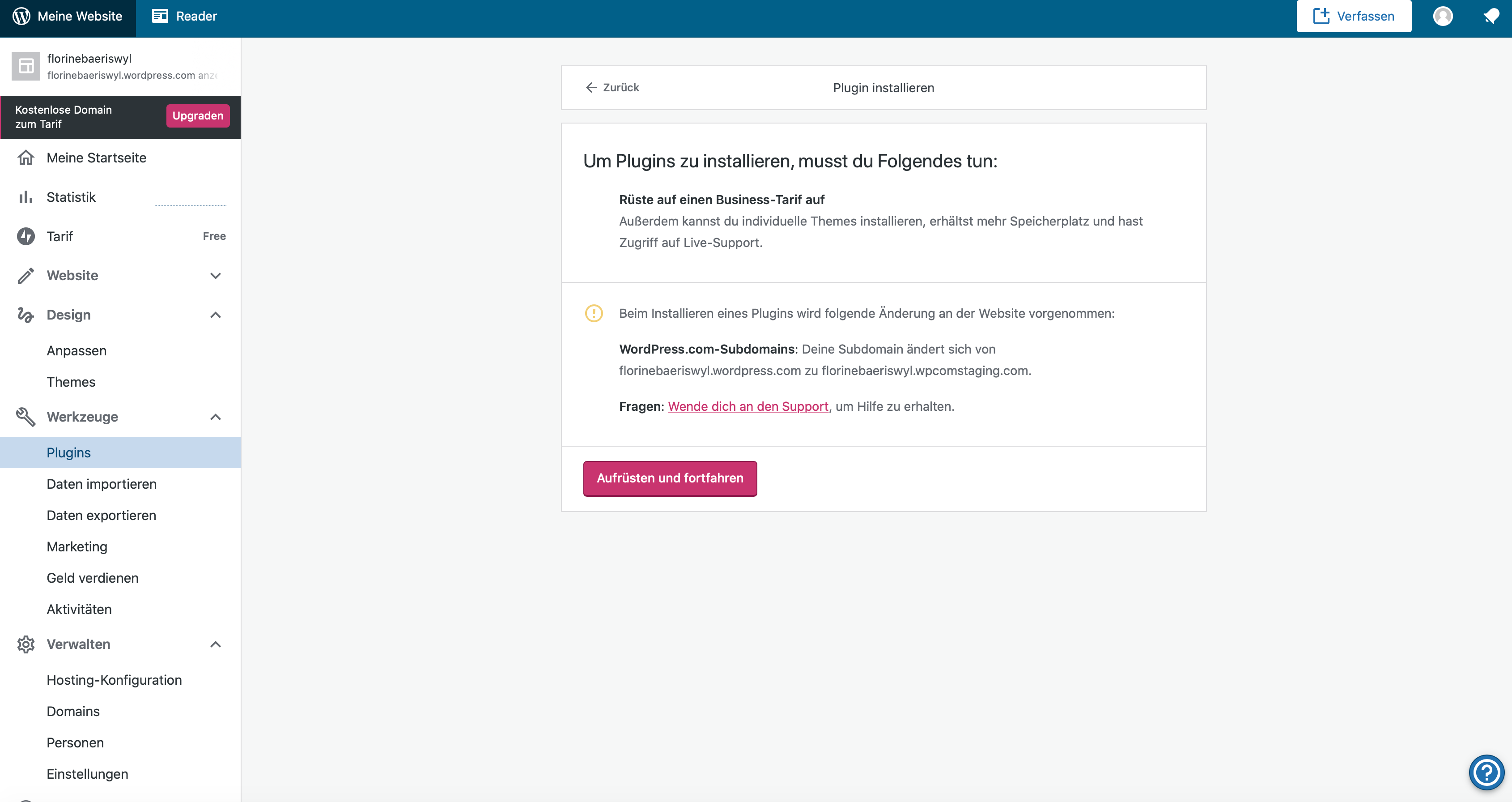
    Dear @hugak Yes some clarification that may help. There is wordpress.com which is a wordpress hosting / web package all in one. You do not need to delete this account, however it wont work with Lay Theme unfortunately. If you go to wordpress.org ( i know a little confusing ) you are able to download the free program; "Wordpress ( CMS or: content management system ). This is free software and separated from Wordpress.com the hosting/account service. Many websites use "wordpress" the CMS and install it on their domains, in fact many hosting providers E.g dreamhost - have "one-click installs" to add to your website. As stated on Lay Theme's installation page: https://laytheme.com/installation.html Lay Theme will work on any Wordpress except the specialised wordpress.com / hosting package all in one version. Hope this provides some helpful insight @hugak it can be confusing i know with how Wordpress the company has structured this .com / .org situation. Sincerely Richard
  • lisence key reset

    2
    0 Votes
    2 Posts
    85 Views
    RichardR
    Dear @NAS If you send an email to: licensekeys@laytheme.com. With your License key, It can be manually reset for you βœ… Hope this helps & best wishes Richard
  • key in use

    2
    0 Votes
    2 Posts
    114 Views
    RichardR
    Dear @NAS If you send an email to: licensekeys@laytheme.com. Explaining ( or link to this thread ) with your License key, it can be manually deactivated for you. Then you would be free to use it again. Thank you for supporting Laytheme @NAS & have a wonderful day 🌝 Sincerely Richard
  • Trouble upload theme, missing lay.zip in folder.

    3
    0 Votes
    3 Posts
    133 Views
    RichardR
    Dear @BorisL Have you only purchased the Lightbox Addon and not 'Laytheme'? The Addon is an 'extension' that must be added to Laytheme. Laytheme = Main install Lightbox = Attachment or - Addon Laytheme is installed into: Appearance > Themes The Lightbox Addon is installed into: Plugins > Upload Talk soon & best wishes Richard
  • License Key and moving a website

    3
    0 Votes
    3 Posts
    140 Views
    B
    Thank you, Richard!
  • Installation Problem Error on Wordpress

    4
    1
    0 Votes
    4 Posts
    174 Views
    RichardR
    Dear Agnes @Agnes3000 Wonderful thank you for the update, i will keep this in mind if others have similar issue in the future! Best Richard
  • 0 Votes
    2 Posts
    70 Views
    RichardR
    Dear @May27 Hope the following link helps: https://laytheme.com/troubleshooting.html#installation-missing-stylesheet Best wishes Richard
  • Question about installing multiple websites licences

    2
    0 Votes
    2 Posts
    98 Views
    RichardR
    Dear Ola @olaru You are correct, On three domains of your choice you can use the one License key. Hope this helps & have a wonderful day :) Richard
  • This topic is deleted!

    1
    0 Votes
    1 Posts
    3 Views
    No one has replied
  • I can not Create Pages / Projects etc.

    2
    2
    0 Votes
    2 Posts
    70 Views
    RichardR
    Dear @felixk Some first steps of debugging if you will: Wordpress, Lay Theme & Laytheme's Addons are all up to date ? Any Custom CSS or JS that may interfere is temporarily removed. Any third-party plugins de-activated to see if this resolves the issue. If your WordPress Dashboard shows a warning "PHP Update required" please update your PHP version in your webhost control panel. Additionally please take a look at https://laytheme.com/troubleshooting.html for known problems. If these do not help: Could you please send your website address, /wp-admin/ username and password and a link to this topic to info@laytheme.com? Sincerely Richard

I also code custom websites or custom Lay features.
πŸ’Ώ Email me here: πŸ’Ώ
info@laytheme.com

Our Web Development company: 100k.studio

Want to tip me? https://www.paypal.com/paypalme/arminunruh

Before you post:
  1. When using a WordPress Cache plugin, disable it or clear your cache.
  2. Update Lay Theme and all Lay Theme Addons
  3. Disable all Plugins
  4. Go to Lay Options β†’ Custom CSS & HTML, click "Turn Off All Custom Code", click "Save Changes"

This often solves issues you might run into

When you post:
  1. Post a link to where the problem is
  2. Does the problem happen on Chrome, Firefox, Safari or iPhone or Android?
  3. If the problem is difficult to explain, post screenshots / link to a video to explain it
Online Users
Forgot your key, lost your files, need a previous Lay Theme or Addon version? Go to www.laykeymanager.com