Skip to content

Shop / WooCommerce

Shop related questions and issues

266 Topics 1.3k Posts
  • FAKE USERS ARE BEING REGISTERED EVERY DAY

    10
    0 Votes
    10 Posts
    2k Views
    L
    for others facing the same issue: What really helped is this plugin: Simple CAPTCHA Alternative with Cloudflare Turnstile This is great because there is built in option to place the Cloudflare Turnstile challenge almost everywhere including my account page where bots can easily create new accounts. The other stuff did not really change anything I even tried custom email verification plugin but that didn't really block anything, unverified accounts were still being created polluting the dataset. You will need to configure Turnstile in Cloudflare, very similar to google captcha, which is going to be paid service soon as far as I know that's why people switching to other solutions. Hope it helps.
  • BUG: not possible ot register during checkout

    8
    1
    0 Votes
    8 Posts
    695 Views
    L
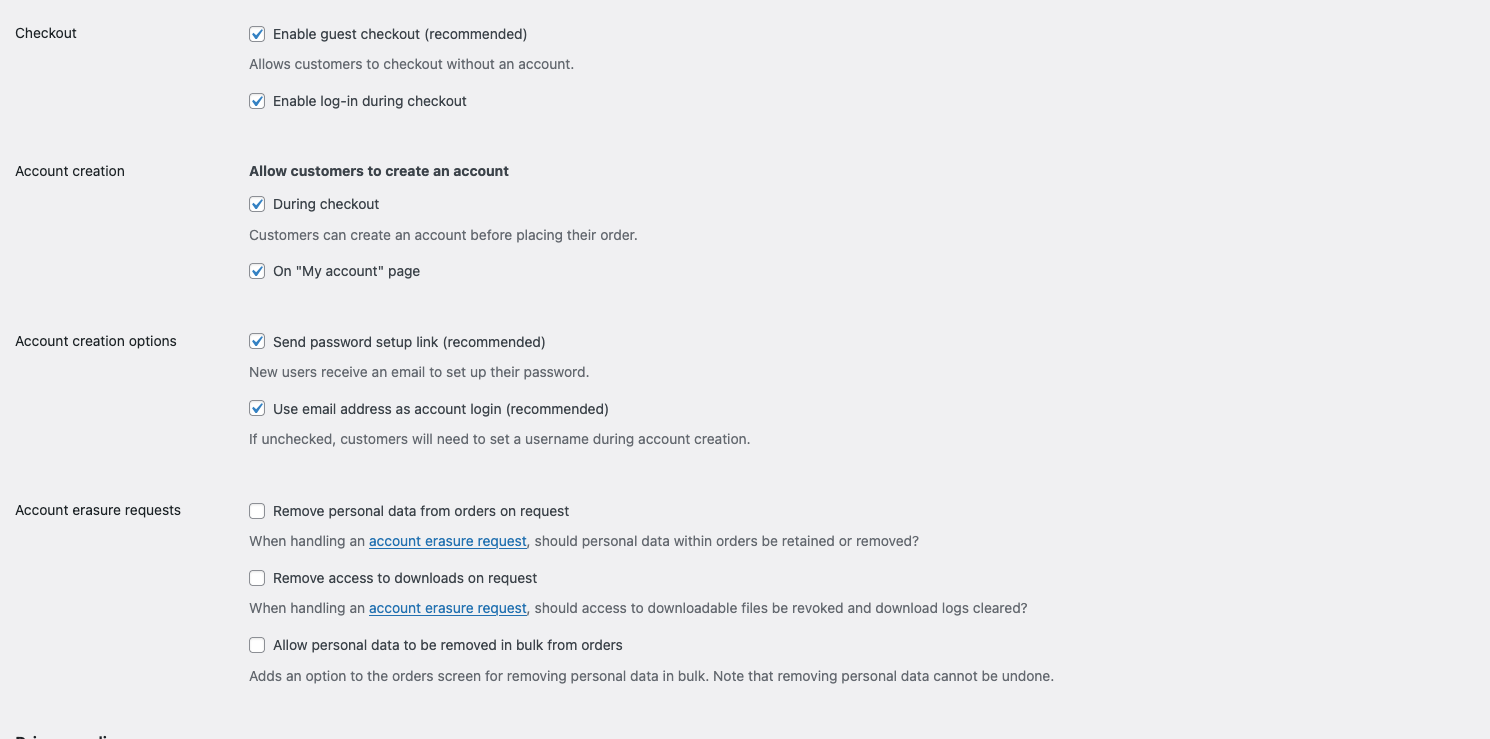
    fix that worked for me for both problems: (placed as custom css) /Reveal the create-account checkbox on the checkout page body:not(.lay-checkout-use-placeholders) .woocommerce #customer_details .create-account.form-row label, .woocommerce #customer_details .create-account.form-row label { display: inline-block !important; position: static !important; pointer-events: auto !important; } /* 2. login form position fix /* ===== Checkout login form (stacked) ===== */ /* Center the "Click here to login" toggle bar */ .woocommerce .woocommerce-form-login-toggle { max-width: 450px; margin: 0 auto !important; } /* The login box itself: centered, padded, bordered */ .woocommerce form.woocommerce-form-login { margin: 0 auto 40px !important; padding: 30px !important; border: 1px solid #ddd !important; border-radius: 6px; } /* Stack the username and password fields full-width */ .woocommerce form.woocommerce-form-login .form-row-first, .woocommerce form.woocommerce-form-login .form-row-last { width: 100%; float: none; } .woocommerce form.woocommerce-form-login .form-row { margin-bottom: 18px; } /* Make inputs fill the row */ .woocommerce form.woocommerce-form-login input[type="text"], .woocommerce form.woocommerce-form-login input[type="password"] { width: 100%; box-sizing: border-box; }
  • Prepare Product editing – how to aktivate Lay theme editor?

    2
    0 Votes
    2 Posts
    176 Views
    arminunruhA
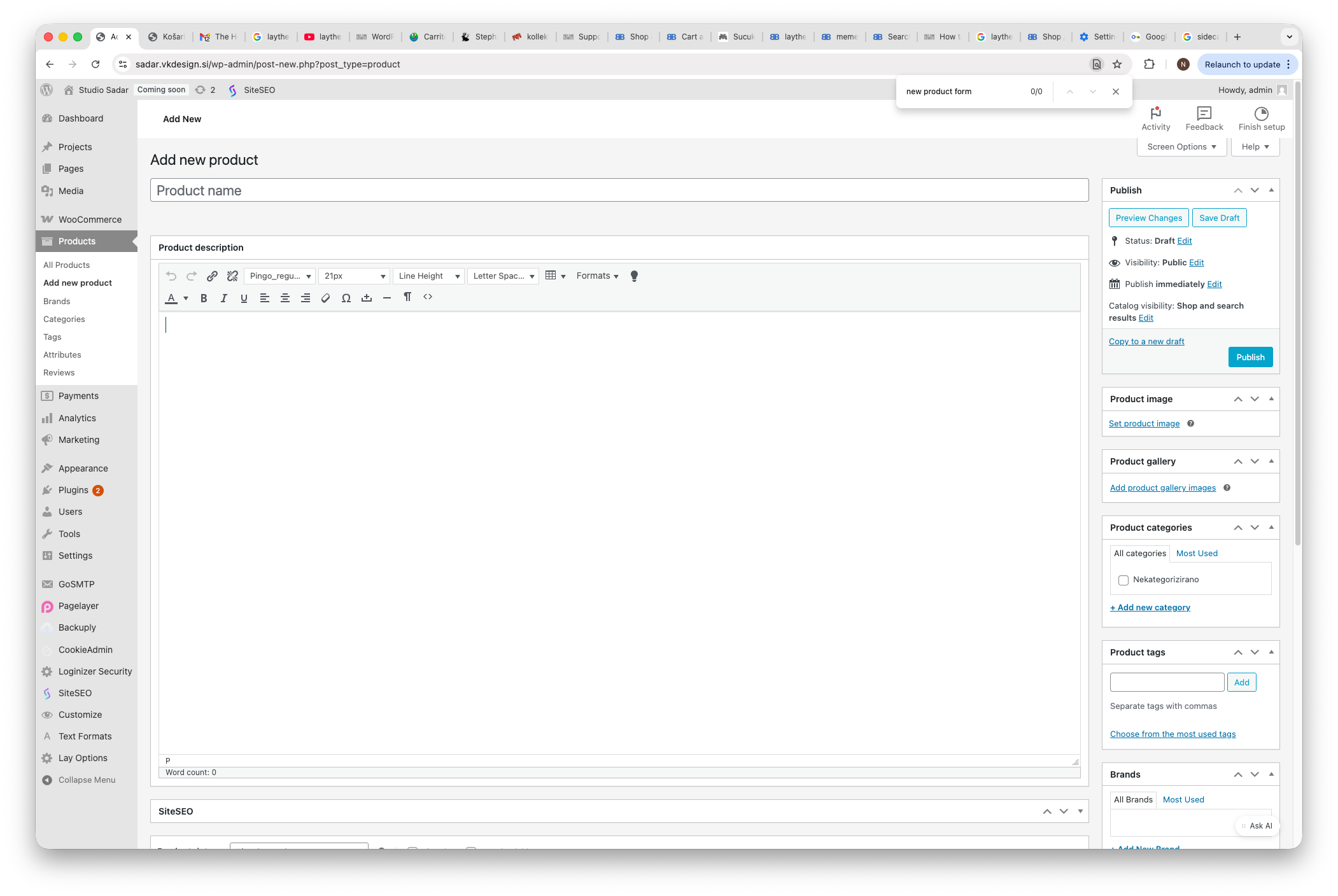
    you want the Gridder for the product pages? You can just go to Lay Options and enable it there. [image: 1779368080812-74823de4-e77a-4326-aac0-9e46758d3f5a-grafik.png] In the search bar, just search for Gridder. And then you will easily find the setting.
  • Coupons not displayed/not working

    4
    0 Votes
    4 Posts
    293 Views
    C
    @arminunruh Yes, exactly and it's working fine now. Thanks for looking into that! :)
  • 0 Votes
    3 Posts
    251 Views
    arminunruhA
    hey, okay, that's great. Yeah, I just released the update that fixes this.
  • Standard WooCommerce tabs -> accordion?

    3
    0 Votes
    3 Posts
    301 Views
    A
    Wau!! Didn’t know there are WooCommerce Settings in Customize! Was doing everything manually with CSS! Haha! Thank you!!
  • link in product description

    3
    1
    0 Votes
    3 Posts
    175 Views
    A
    Thank you. :-)
  • Single product page — problems of personalization

    5
    0 Votes
    5 Posts
    373 Views
    arminunruhA
    i added this css to desktop css: .lay-no-variations .lay-woocommerce-product-tab{ width: 100%!important; } .summary > *{ max-width: 100%!important; } .summary{ width: 49%!important; padding-left: 15%!important; padding-right: 15%!important; } body.single-product #lay-woocommerce .lay-woocommerce-product-text{ width: 100%!important; } .lay-woocommerce-summary-inner form{ text-align:center!important; } .woocommerce div.product form.cart .button{ float: none; display: inline-block!important; } and for mobile css: .lay-no-variations .lay-woocommerce-product-tab{ width: 100%!important; } .summary > *{ max-width: 100%!important; } .summary{ width: 100%!important; padding-left: 15%!important; padding-right: 15%!important; } body.single-product #lay-woocommerce .lay-woocommerce-product-text{ width: 100%!important; } .lay-woocommerce-summary-inner form{ text-align:center!important; } .woocommerce div.product form.cart .button{ float: none; display: inline-block!important; } [image: 1772118019651-screenshot-2026-02-26-at-16.00.14.png]
  • cart and checkout design issue

    2
    1
    0 Votes
    2 Posts
    197 Views
    arminunruhA
    hey make sure you did this: https://laytheme.com/documentation/shop-setup.html#preparation you will find the only cart and checkout styling settings are available here: [image: 1771840788663-d920e7f0-e111-4379-9b14-50d67c8a9435-image.png] i the customizer sorry about the late reply
  • Variations swatches plugin conflict with lay theme

    9
    0 Votes
    9 Posts
    772 Views
    benjaminmugnierB
    yes ! <3
  • my account subpages – translated – not working

    2
    0 Votes
    2 Posts
    198 Views
    arminunruhA
    hey yes i fixed this on your site. and it will be included with the next version. polylang was looking for the shortcodes in the main wordpress text field, not in the gridder. but those text fields were not shown for translated pages in wp-admin i made them show up and put the shortcodes into this correct field instead of the gridder, and now it should work
  • Variant selection not working

    2
    0 Votes
    2 Posts
    182 Views
    arminunruhA
    Can you please send: a link to this forum topic your website address /wp-admin/ username and password to: info@laytheme.com i will take a close look at it and fix it! maybe you can also send me the link to the product that you're talking about
  • single product images lightbox does not work

    2
    1
    0 Votes
    2 Posts
    249 Views
    arminunruhA
    hello! ok i wrote it down as an idea, but not sure when i will have time to work on it. for now, if you want, you can create a normal page, insert image(s) and use the lightbox addon. then use woocommerce -> add to cart button to basically turn a normal page into a page with a buyable product.
  • cart-collaterals sticky on cart page

    8
    0 Votes
    8 Posts
    483 Views
    mppM
    @arminunruh Please, have a look. It is not browser specific (tried chrome and safari) https://polczynski.info/pl/sklep/?woo-share=gMFbk04jOowoNsZMPo0VwJt7XFOEnRuB
  • image hover in the product grid no longer works

    2
    0 Votes
    2 Posts
    223 Views
    arminunruhA
    you mean the mouseover image mh [image: 1768481927851-dfa78c60-4a9f-41b3-ab96-a9ecafaedc7e-image.png] yes someone else reported the same issue too. unfortunately, im unable to reproduce this :( Can you please send: a link to this forum topic your website address /wp-admin/ username and password to: info@laytheme.com
  • Add to cart button below image – products thumbnail grid

    4
    1
    0 Votes
    4 Posts
    365 Views
    mppM
    @arminunruh Perfect! Thanks!
  • Prepare Product editing

    3
    3
    0 Votes
    3 Posts
    1k Views
    arminunruhA
    Hello! Jetpack Modern Image Formats Performance Lab Speculative Loading W3 Total Cache it seems you use these plugins. maybe it works if you disable them. i think one or two caching / performance plugins is enough
  • This topic is deleted!

    2
    2
    0 Votes
    2 Posts
    15 Views
  • single product page Woo commerce

    3
    1
    0 Votes
    3 Posts
    355 Views
    R
    thank so much!
  • This topic is deleted!

    16
    0 Votes
    16 Posts
    41 Views

For paid 1-on-1 Lay Theme Coaching, contact Audrey (audrey@cyberslayers.work) or me (info@laytheme.com).

We also code custom websites or bespoke Lay features. Drop me a line at info@laytheme.com or check out my work at arminunruh.com.

Want to support my work? paypal.me/arminunruh

Before you post:
  1. When using a WordPress Cache plugin, disable it or clear your cache.
  2. Update Lay Theme and all Lay Theme Addons
  3. Disable all Plugins
  4. Go to Lay Options → Custom CSS & HTML, click "Turn Off All Custom Code", click "Save Changes"

This often solves issues you might run into

When you post:
  1. Post a link to where the problem is
  2. Does the problem happen on Chrome, Firefox, Safari or iPhone or Android?
  3. If the problem is difficult to explain, post screenshots / link to a video to explain it
Online Users
Forgot your key, lost your files, need a previous Lay Theme or Addon version? Go to www.laykeymanager.com