Keep distance between Menu and Text content when minimized
-
Hi all,
I hope somebody can help me out with this.
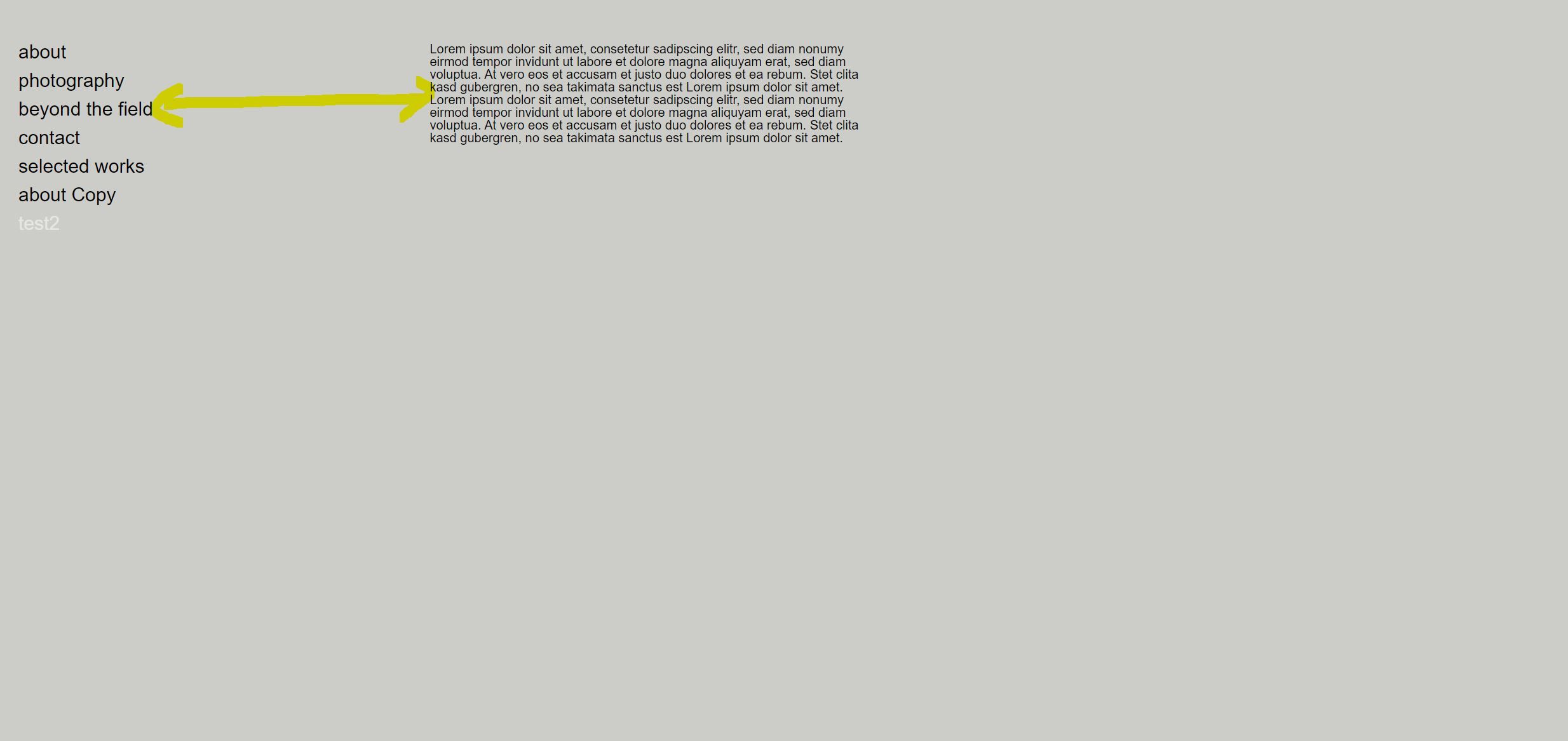
On my homepage i have a vertical menu. When i click one of the pages, the content (Text or picture) appears parallel to it with an specific distance (
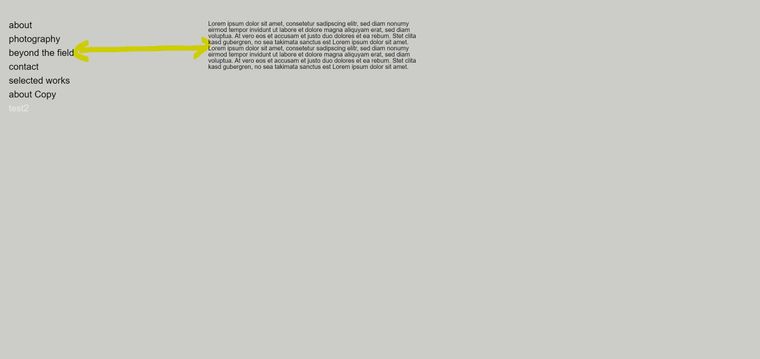 picture1)
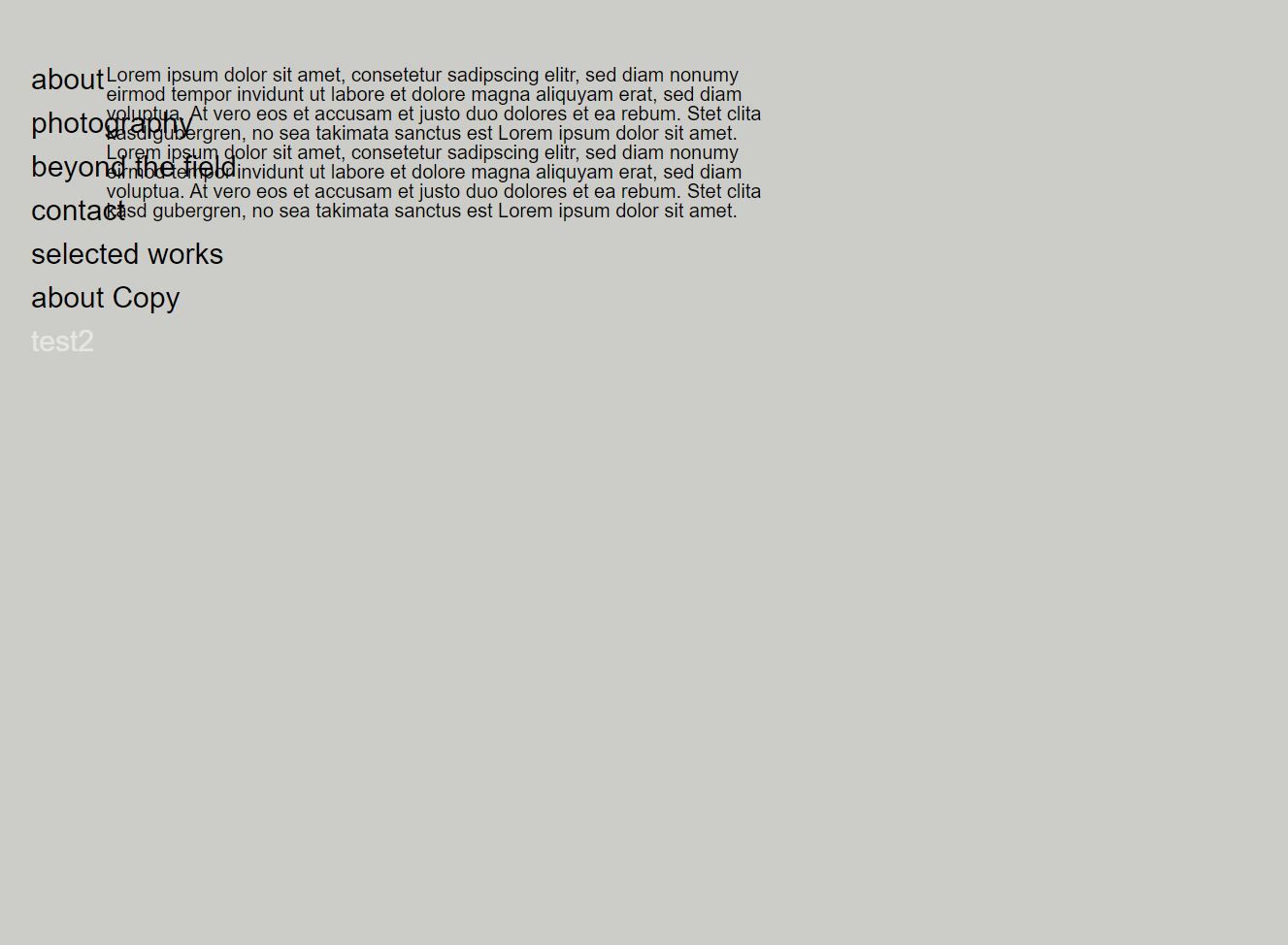
Which is pretty much want I want. When i minimize it, the text comes closer to the menu and it crashes into it (picture2) Even if its so much space that it could easily shrink it without moving. Is there a possibility to keep the same distance and only break it when its getting really small, like for a phone.Thank you
-
Hey!
hmm the spaces are all in percent, what you'd need is a space that is in pixels
use this css
.grid-inner{
padding-left: 300px;
}
in "custom css for desktop" in lay options -> custom css & html
now your grid will start at 300px so you can put ur text in the first column in the gridder and that should be cool
the css above is just for when u use the new lay theme version
-

Hello! It looks like you're interested in this conversation, but you don't have an account yet.
Getting fed up of having to scroll through the same posts each visit? When you register for an account, you'll always come back to exactly where you were before, and choose to be notified of new replies (either via email, or push notification). You'll also be able to save bookmarks and upvote posts to show your appreciation to other community members.
With your input, this post could be even better 💗
Register Login