Carousel styling
-
Hi,
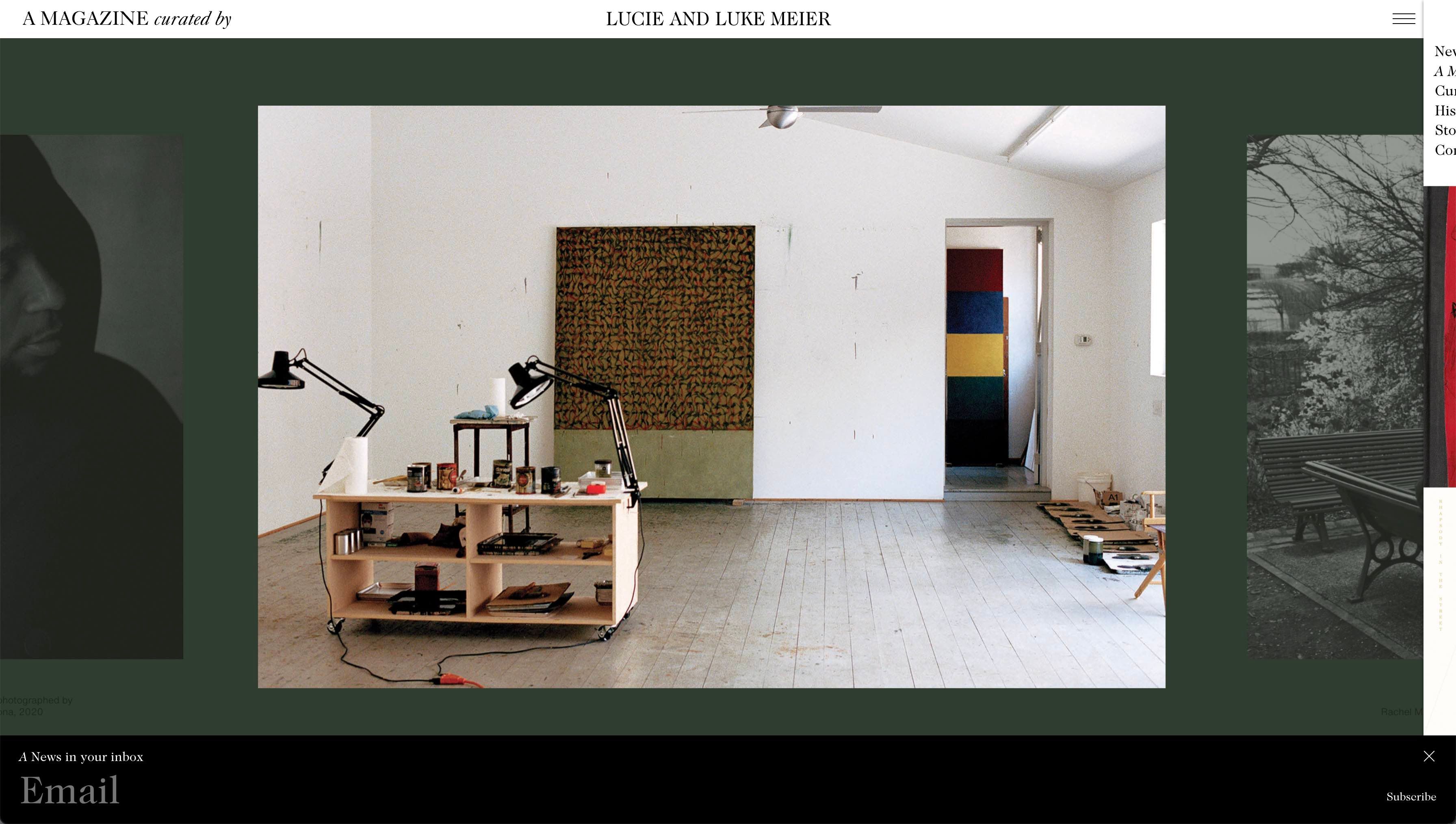
When the option for "Show multiple slides" and "Centred" is selected, is there any way to style the carousel so that the images on the sides are shown either at a smaller height or with less opacity (or both)? Like in the example below.
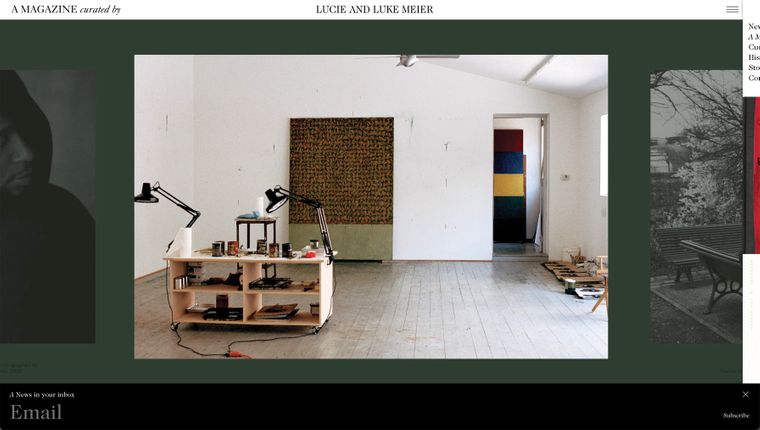
Here is also a link to the example (please scroll to the bottom):
https://amagazinecuratedby.com/collection/lucie-and-luke-meier/ -
sure!
.lay-carousel-slide{ will-change: opacity,transform; transition-property: opacity,transform; transition-duration: .5s; transition-timing-function: ease-in-out; opacity: .5; transform: scale(.9); } .lay-carousel-slide.is-selected{ opacity: 1; transform: scale(1); } -
Thank you so much, this is so helpful!
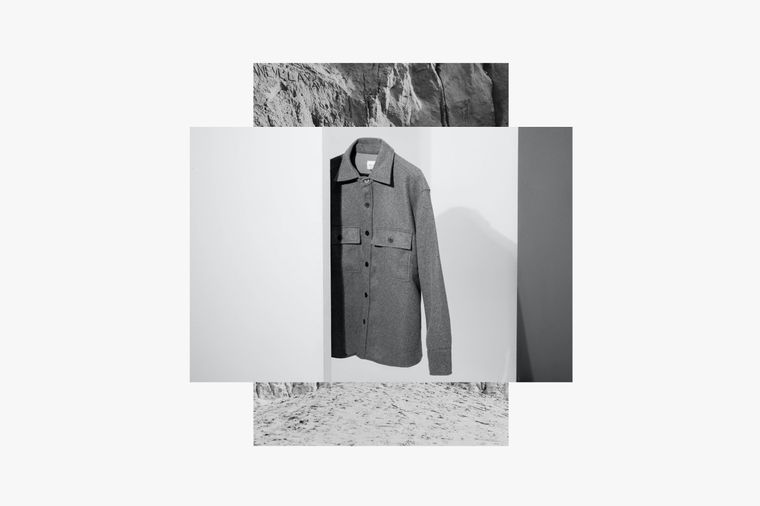
I have another question for you about a different styling, this is for a different idea I'm working on. Is there a way to style a carousel so that the images layer on top of each other – when the format of the image is different the previous image would be seen underneath, like in the example below:
-
ah that is a very cool idea,
i will write it down and may work on itnot sure when!
i dont think you can do this by yourself -
hello @arminunruh,
i was also wondering if it would be possible to style the carousel so that the images layer on top of each other? like this website?
thanks
-
hello @arminunruh,
i was also wondering if it would be possible to style the carousel so that the images layer on top of each other? like this website?
thanks
@jcktylr_ I think they've manually layered the images together in photoshop then inserted them into the carousel. Be cool to have this option in lay though.
-

Hello! It looks like you're interested in this conversation, but you don't have an account yet.
Getting fed up of having to scroll through the same posts each visit? When you register for an account, you'll always come back to exactly where you were before, and choose to be notified of new replies (either via email, or push notification). You'll also be able to save bookmarks and upvote posts to show your appreciation to other community members.
With your input, this post could be even better 💗
Register Login