Project grid separator

-
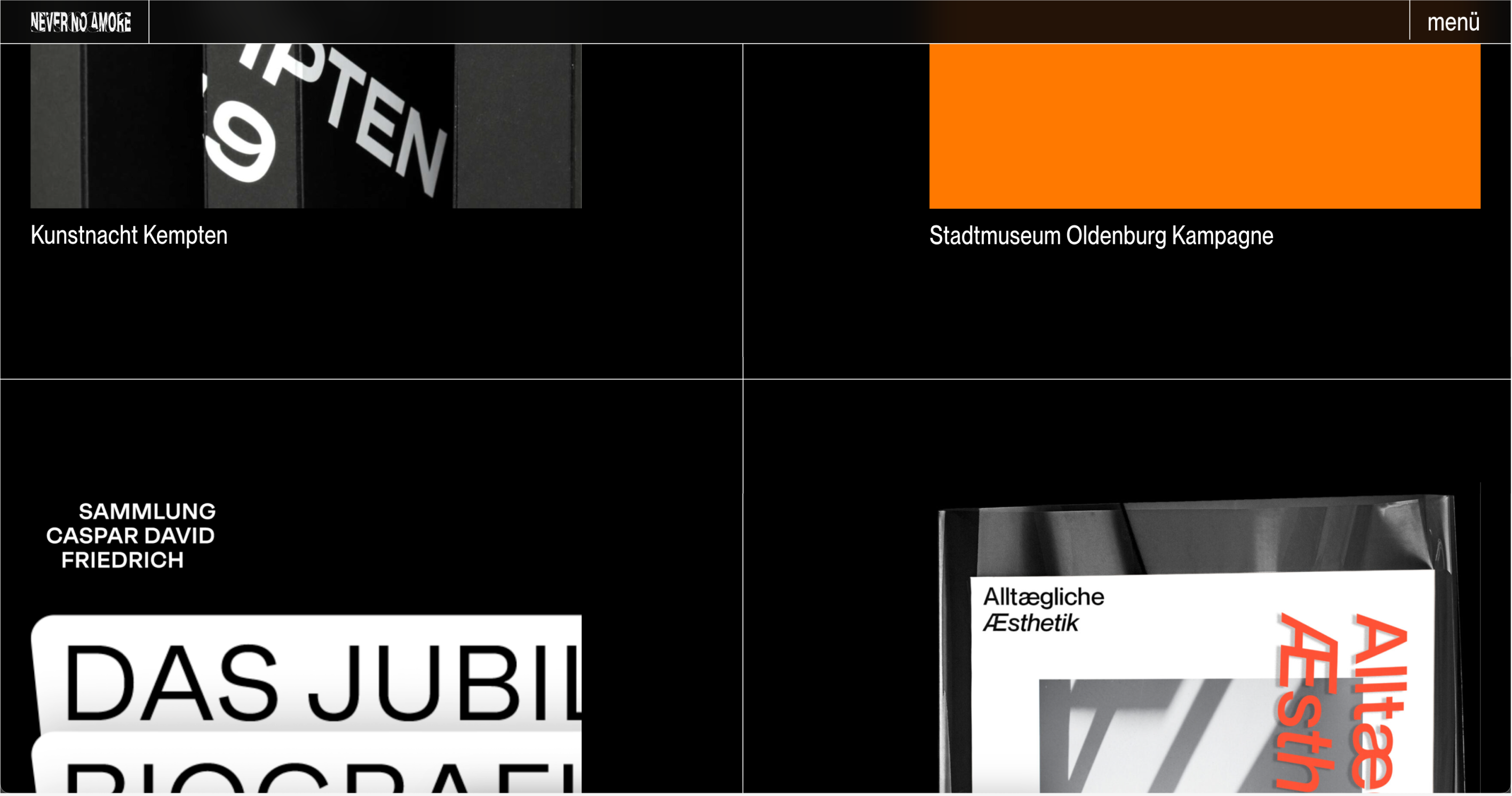
Is there an easy way that I just didn't see to separate thumbnails within the project grid with lines?!
Like this: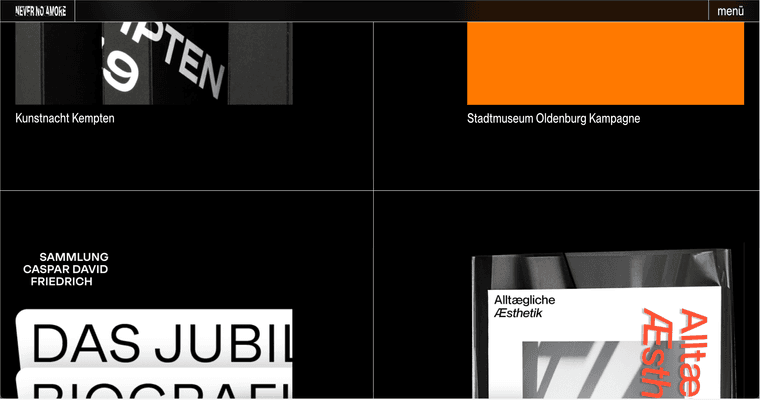
(thumbs then can be centered within the box of course.)
I'm just thinking of reusing the grid again in a "smaller" version like 4 Columns too ... (short sketch to give you an idea)
Cheers
Chris -
create a thumbnailgrid, colums set to 4
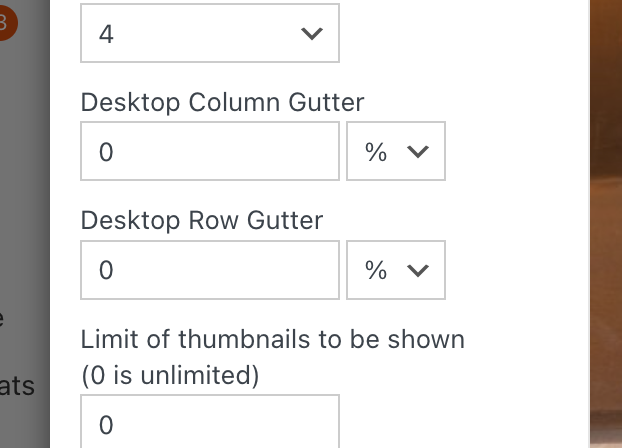
and set both gutter spaces to 0 as seen on top
-
and set layout type to "middle aligned"
-
Enter this css in "lay options" -> "custom css & html" -> "custom css for desktop"
.thumb-collection .thumbnail-wrap{
   padding: 2vw;
   height: 40vw;
   border-right: 1px solid black;
   border-bottom: 1px solid black;
   box-sizing: border-box;
}

.thumbs-collection-region .thumbnail-wrap{
    display: inline-flex;
    align-items: center;
}

.thumb-collection .thumb{
    width: 100%;
}
/*for every 4th element, dont show border right*/
.thumb-collection .thumbnail-wrap:nth-child(4n){
    border-right: none;
}
/*for last 4 elements, dont show border bottom. you probably have to change this*/
.thumb-collection .thumbnail-wrap:nth-last-child(-n+4) {
    border-bottom: none;
}
this works for when your thumbnailgrid is set to use 4 columns
you need to change
border-right: 1px solid black;
border-bottom: 1px solid black;to
border-right: 1px solid white;
border-bottom: 1px solid white;you can change the numbers for these values:
padding: 2vw;
height: 40vw; -
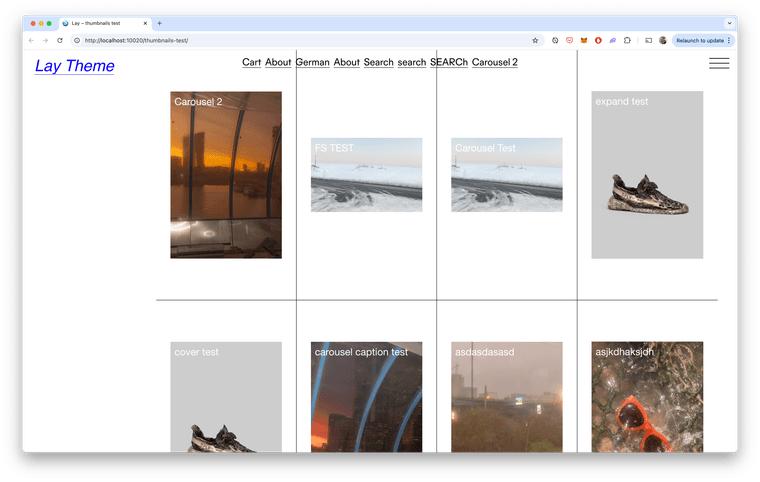
the result:
-

Hello! It looks like you're interested in this conversation, but you don't have an account yet.
Getting fed up of having to scroll through the same posts each visit? When you register for an account, you'll always come back to exactly where you were before, and choose to be notified of new replies (either via email, or push notification). You'll also be able to save bookmarks and upvote posts to show your appreciation to other community members.
With your input, this post could be even better 💗
Register Login