Render fonts
-
Hello,
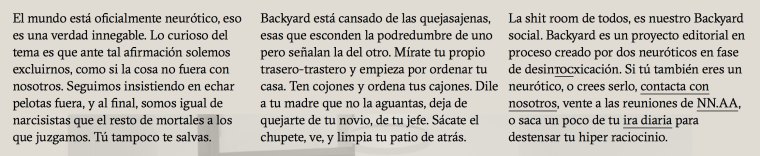
I have detected a nuance regarding the display of fonts. The fonts look slightly thicker than the originals. I have "fixed" it with css:
body {
-webkit-font-smoothing: antialiased;
Text-rendering: optimizeLegibility;
}Is posible view the fonts with custom css in the Text Formats section?
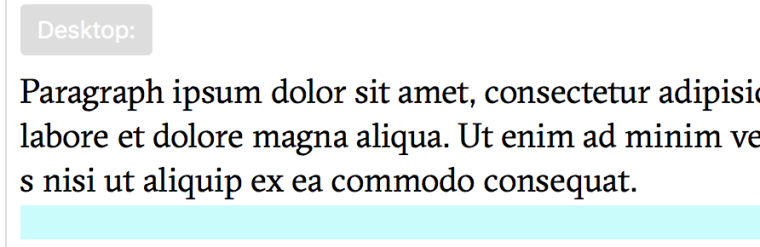
I think is more good the render with custom css, is more similar to the original font, but to work fine in the Text Formats section I need view the render font equal.
The render font with custom css:

The render font with lay theme:
The render font with lay theme in Text Formats section:
Thanks a lot!
-
Hi dnlbrv,
thank you fro writing us!
Indeed this is a great way to make fonts look much nicer.
body { -webkit-font-smoothing: antialiased; Text-rendering: optimizeLegibility; }Until now it is not embedded in the Backend but we will consider implementing it in the future.
Thank you for sharing your ideas!
All the best!
Marius
-

Hello! It looks like you're interested in this conversation, but you don't have an account yet.
Getting fed up of having to scroll through the same posts each visit? When you register for an account, you'll always come back to exactly where you were before, and choose to be notified of new replies (either via email, or push notification). You'll also be able to save bookmarks and upvote posts to show your appreciation to other community members.
With your input, this post could be even better 💗
Register Login