Elements not loaded/rendered on high resolution
-
I'm not quite sure how to describe the issue :-D
My Site www.chrismerk.de is loading just fine on my second screen. Once a drag window to my M3 Pro 16" elements are disappearing and might show just for a couple of seconds as I start scrolling...
No reload or anything… just by draging the window from one to another screen it’s working or not working.I’ve created another site with laytheme from scratch (same hosting different account) works just fine on both screens.
I duplicated chrismerk.de and reworked on the site (www.neueformation.cc - password: laytest) and I have the same issues as with chrismerk.de. (Both are using the same space and hosting)
Did anyone experienced something similar? Any ideas?
Thanks very muchBest Chris!
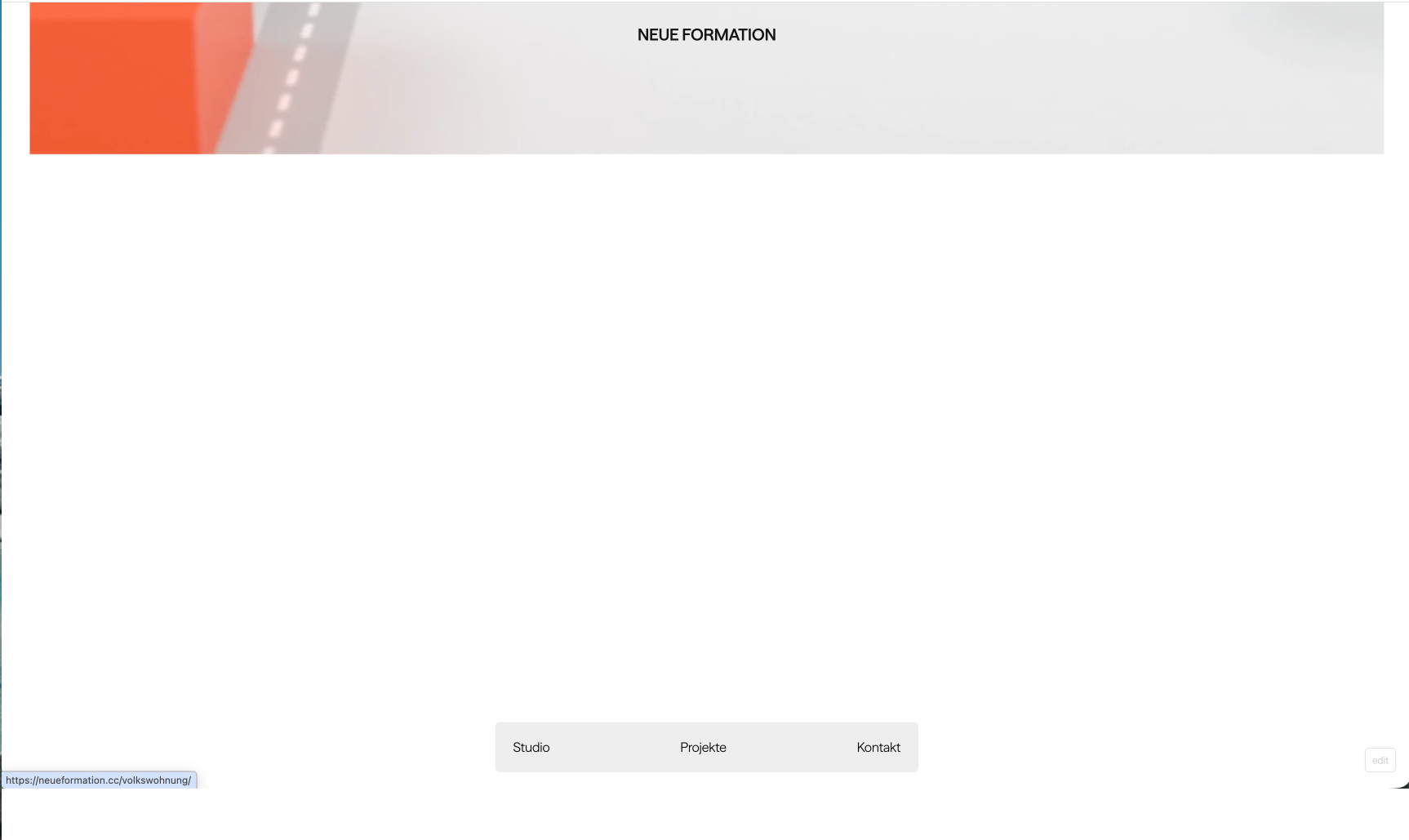
Same window, no reload, no show on internal M3 Pro 16".

-
hey @cchris, i tested chrismerk.de at different viewport sizes in Chrome, but couldn’t reproduce the disappearing elements yet.
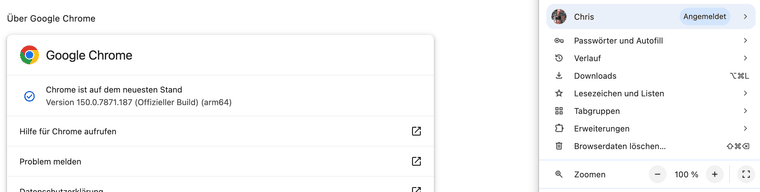
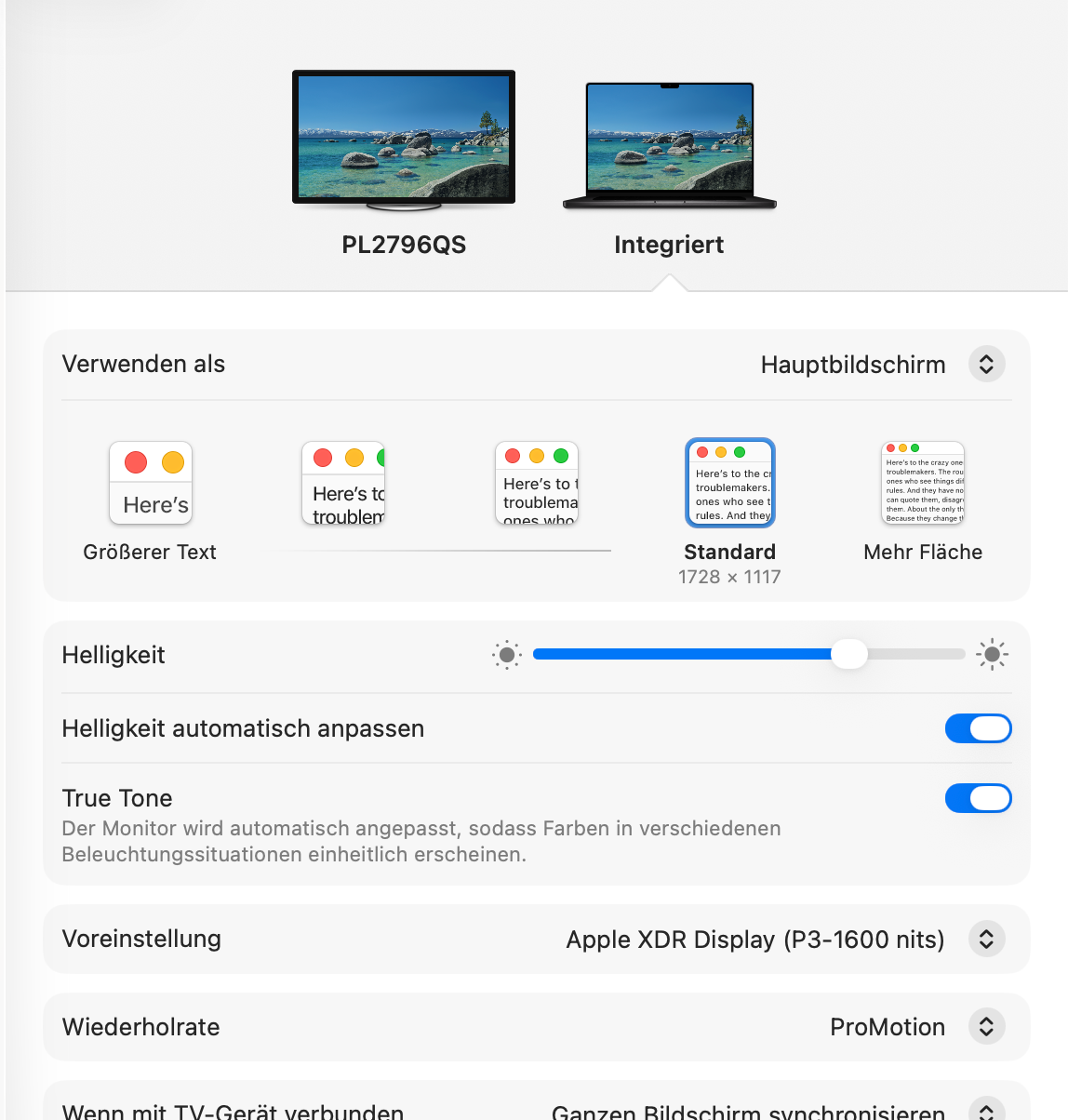
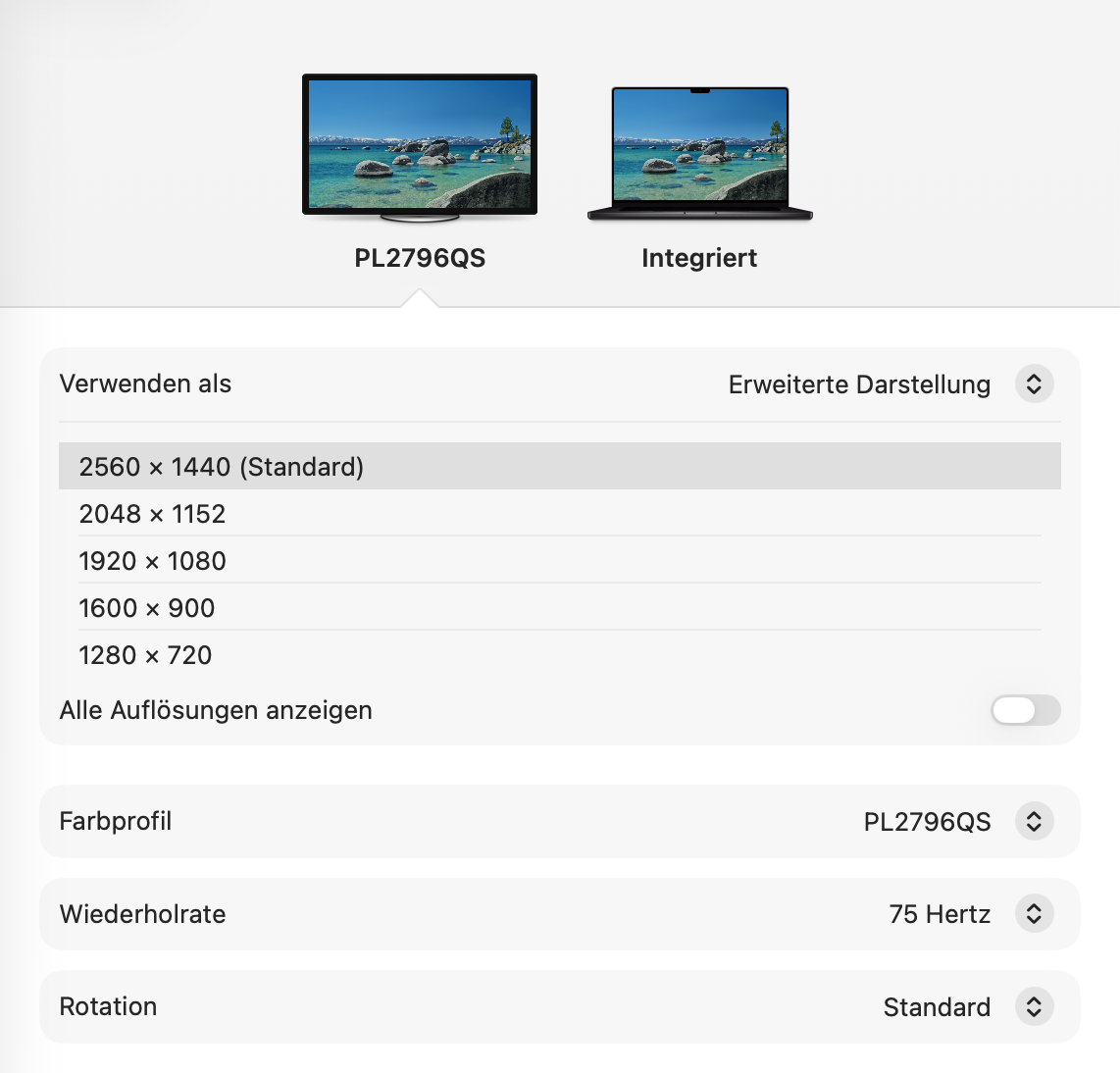
which browser and browser version are you using on the MacBook, and what resolutions/scaling settings do both screens use? please also check if temporarily disabling “Animate Elements on Scroll” fixes it. a short screen recording showing the window being moved between the screens would be very helpful.
-
Hi Armin,
thanks very much for your quick reply.I just realised that it works fine in safari for me.
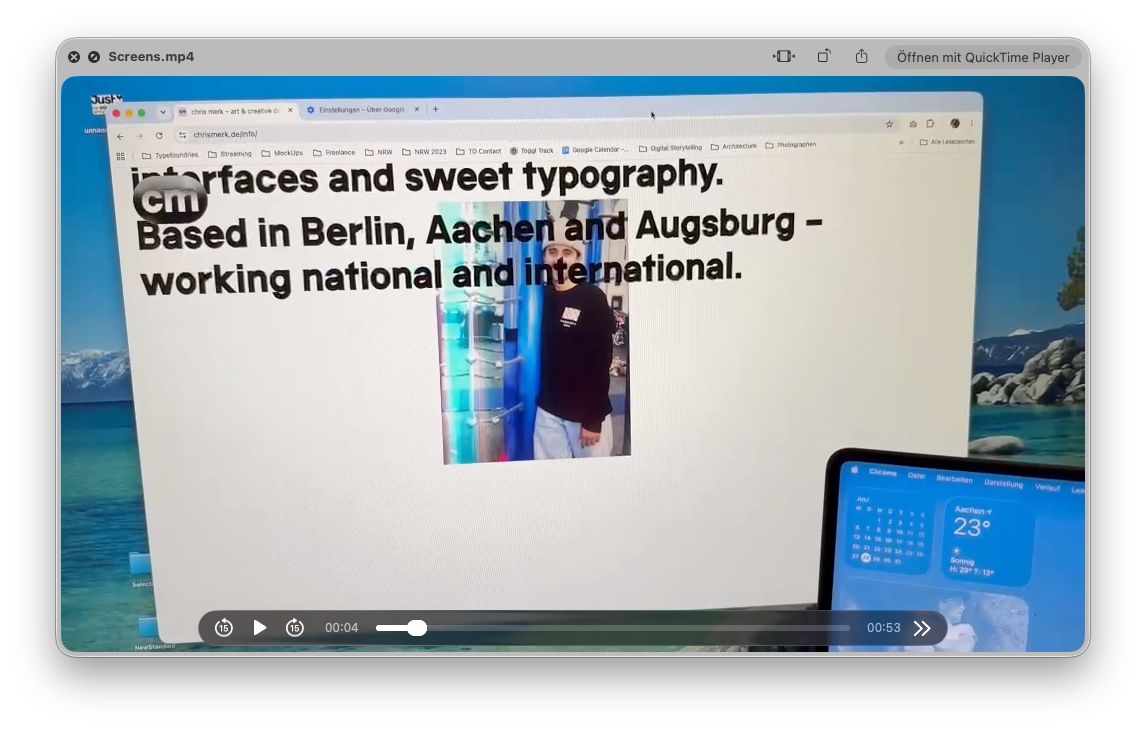
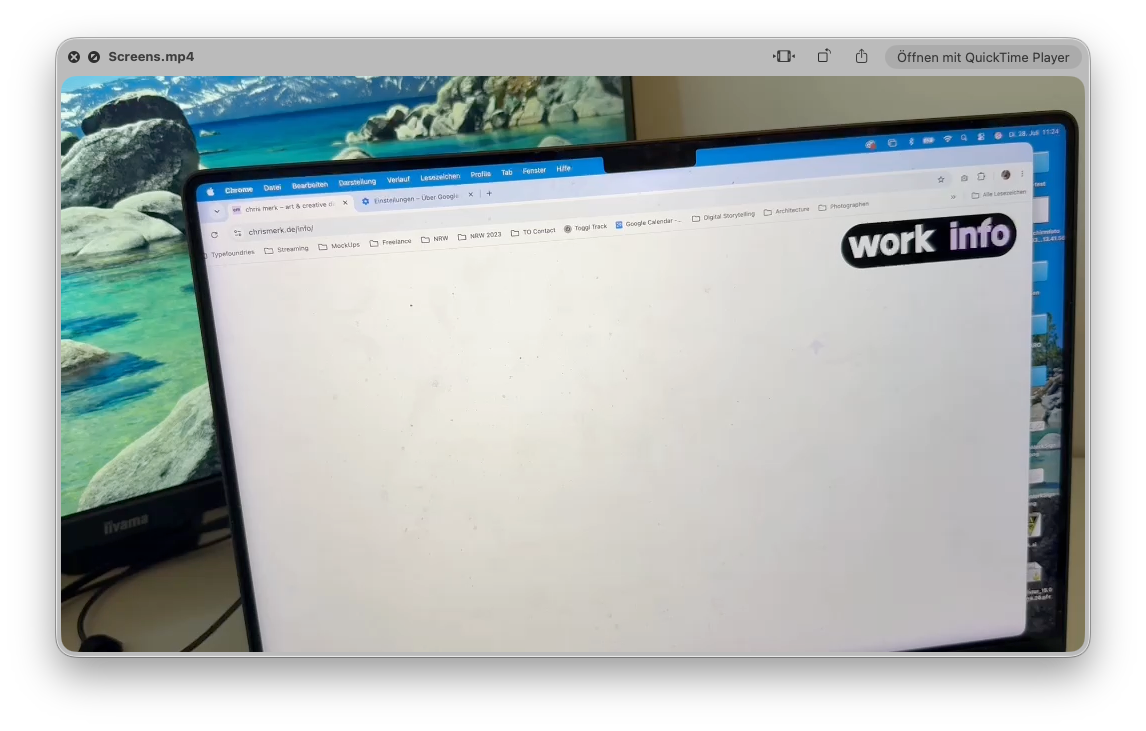
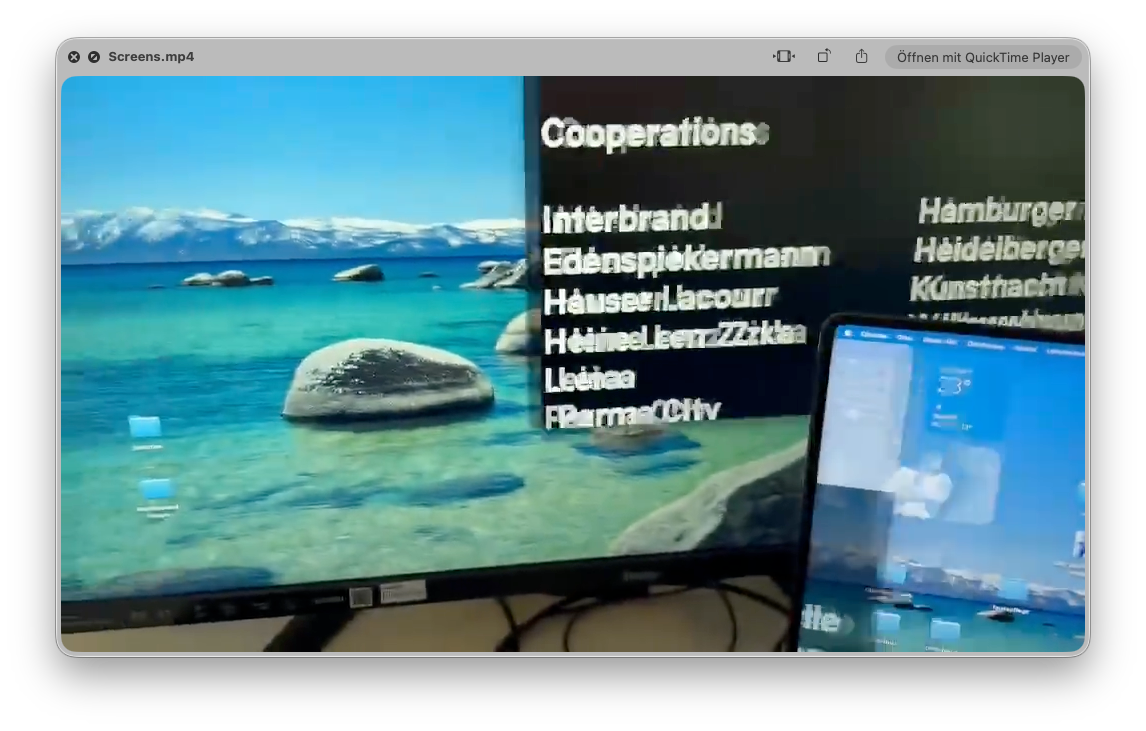
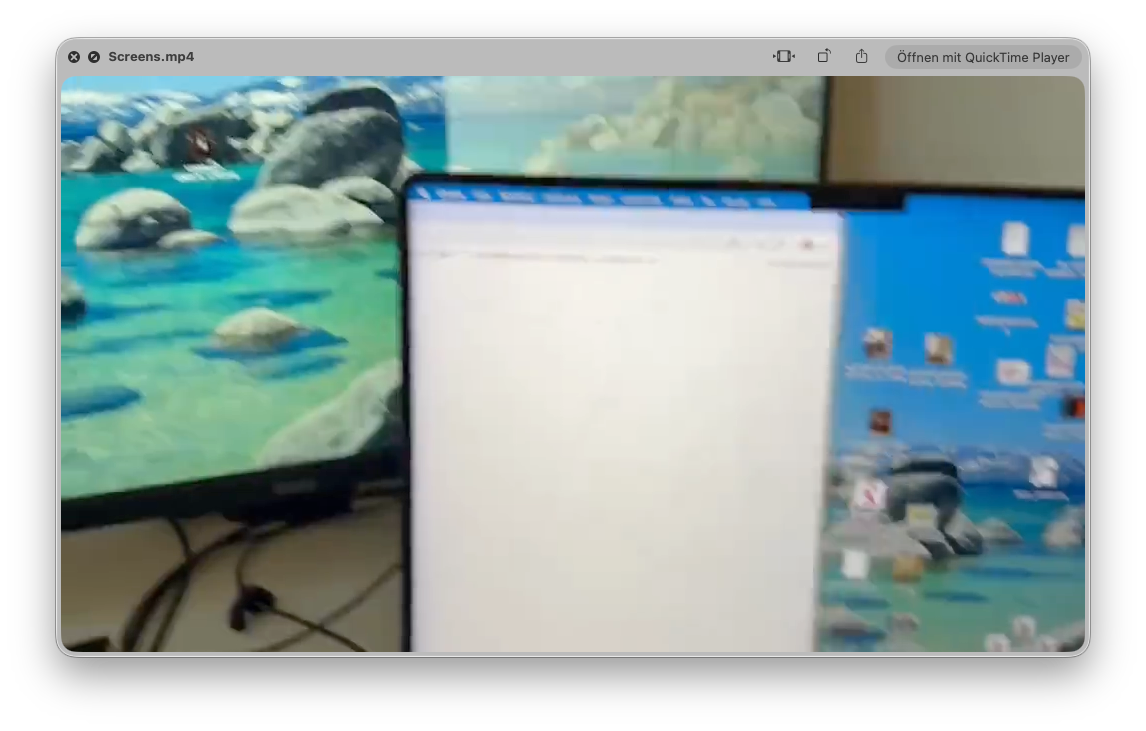
But when using current version of chrome I still have the no show. I dropped everythin as screenshots + one recording.
I just deactivated (after recording the video) the animation on scroll for elements, but that does not fix anything...
If you have any idea what I could try I'm happy :-)
-
-
 okay, that's so weird. Do we have the website? If you right-click the site and go to this window where you see the JavaScript console, does it show you any errors?
Yeah, videos you can't upload here. You can only create the Dropbox link or Google Drive or anything like that and just post a link to the video here, but I guess it's fine. Yeah, please see if you can see any JavaScript errors.
-
you try one thing: can you duplicate this page and then maybe delete any web GL things on the page, and then try again if that creates the error?
-
No errors to see at opened console.
Nothing changed when not having any web GL things on the site...What do you mean by "do we have the website?" :-)
ALSO cray – when I resize the browser window on my internal m3 screen elements are appearing again. On scroll they flicker again. And it’s not the images/videos or web GL things that are not showing, it’s the type and background of paragraphs. Navigation and sitetitle only appear once I hover them :-D
Feels like some weird re-rendering issues of chrome. Because on safari everything works just fine -
can you duplicate the page, then remove all webgl related things and then try?
i think maybe the browser maybe kinda bugs out because of the webgl :/

Hello! It looks like you're interested in this conversation, but you don't have an account yet.
Getting fed up of having to scroll through the same posts each visit? When you register for an account, you'll always come back to exactly where you were before, and choose to be notified of new replies (either via email, or push notification). You'll also be able to save bookmarks and upvote posts to show your appreciation to other community members.
With your input, this post could be even better 💗
Register Login