Get an image to pop up when I mouse over a word (text)?
-
-
Hi Maxbale!
I just explained this a couple of days ago.
have a look here:
http://laythemeforum.com/topic/1568/adding-text-slide/4
But use the updated code:
.button-hide {
    display: none;
}

.button-show {
    display: block !important;
}
<script> jQuery(document).on("click", ".button", function(event) { jQuery(".button-hide").toggleClass("button-show"); }); </script>I hope you will figure it out :-)
Best!
Marius
-
-
Hi Maxbale!
I just explained this a couple of days ago.
have a look here:
http://laythemeforum.com/topic/1568/adding-text-slide/4
But use the updated code:
.button-hide {
    display: none;
}

.button-show {
    display: block !important;
}
<script> jQuery(document).on("click", ".button", function(event) { jQuery(".button-hide").toggleClass("button-show"); }); </script>I hope you will figure it out :-)
Best!
Marius
Hi Marius
I've just tried this but am not having any luck. It's as if I've done nothing at all. Any ideas?
Thanks
Bryn
-
-
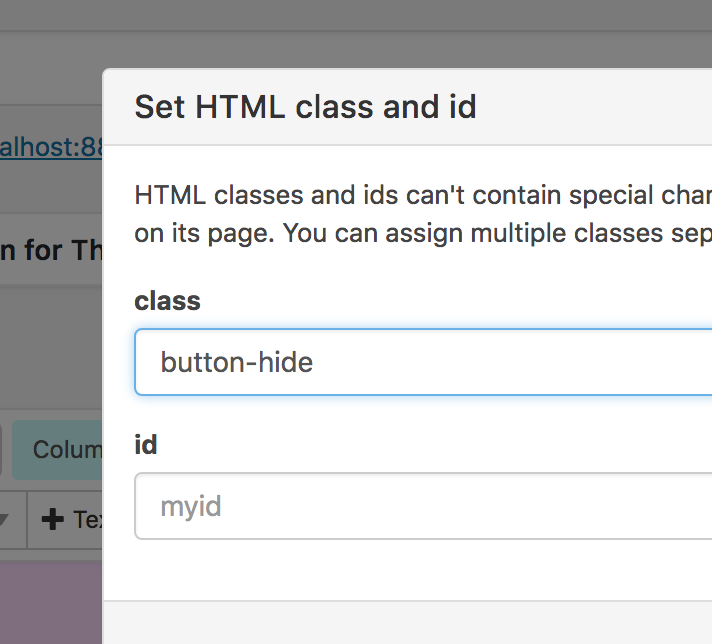
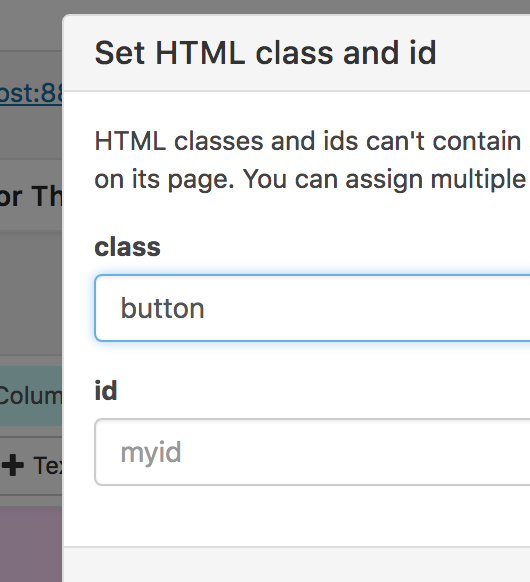
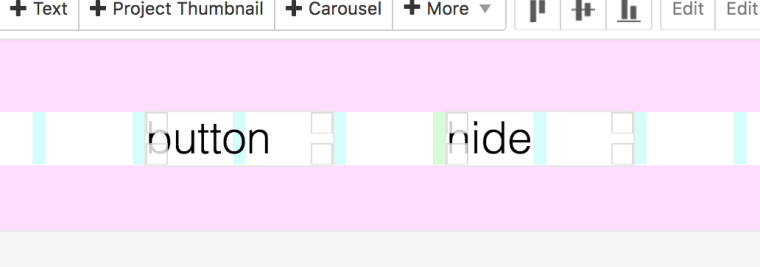
I did give the button and hide classes as per the older thread you linked to.
Sorry I know nothing about code and maybe stupidly trying to do this without learning much. I did notice in my custom CSS/HTML that I'm getting an error for the use of !important; , and {event) is not highlighting like it has with your screenshots, could this have something to do with it?
Here's screenshots of what I have.
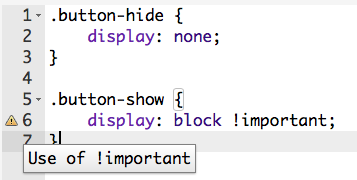

Thanks for your help!
-
-
Thanks @mariusjopen
That solved my problem, but then made me realise what I actually want to do is a bit more complicated and may not be possible with the gridder (having a menu that brings up an image in the same place as you hover over the items). I think I'll have to find someone with more knowledge than I have to sort it for me!
-
Hi @bd
have a look here then:
http://laythemeforum.com/topic/987/images-appear-on-link-hover-ii/3http://laythemeforum.com/topic/616/images-appear-on-link-hover/12
But probably you have to come up with your own solution about this :-/
Good luck and many wishes!
Marius

Hello! It looks like you're interested in this conversation, but you don't have an account yet.
Getting fed up of having to scroll through the same posts each visit? When you register for an account, you'll always come back to exactly where you were before, and choose to be notified of new replies (either via email, or push notification). You'll also be able to save bookmarks and upvote posts to show your appreciation to other community members.
With your input, this post could be even better 💗
Register Login