Scroll slider - functions/features
-
The scroll slider is brilliant. At the moment, I am missing two features.
The first is the ability to add “fixed” elements above or below it (text field, marquee element, image).
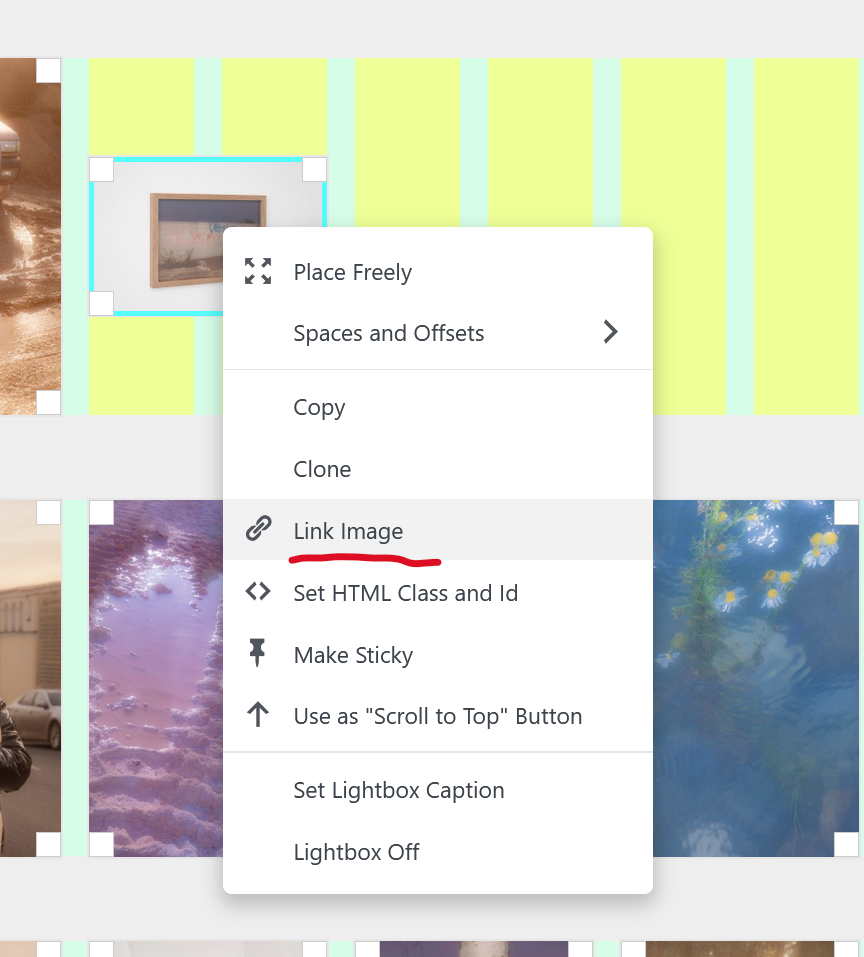
The second is the ability to make the images in it links - for example, clicking on an image takes you to a subpage of the full project.
This opens up the brilliant possibility of using it as the main portfolio page.What do you think, @arminunruh ? :)
-
yes sure, you can insert project thumbnails
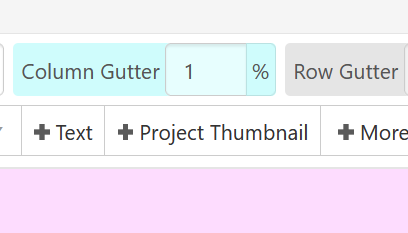
in the gridder,
or in the gridder you can right click any image and link it:
-
yes ! i will think about how to do that best
-
you can go to Lay Options
enable "Activate Fixed Header"
then in Lay Options, in the submenu page "Fixed Header" you can set a page where its layout will be on top of everything on your website :D
-
This works, but it's for the entire site. Let's say for instance I have 5 different projects that I want to use the scroll slider on. Each needs to have a different fixed header to introduce the project (or at least to contain a link to an overlay). That's what I'm trying to achieve.
Could it be possible to create a fixed header with 5 rows, each row has a specific CSS #id and then hide/show the relevant rows depending on the page?
-
ah yes very good!
Could it be possible to create a fixed header with 5 rows, each row has a specific CSS #id and then hide/show the relevant rows depending on the page?
using a body's slug, like .slug-home and your ids of your rows, you can write custom css to hide or show these rows
