lots of bugs
-
With the latest update I'm having a lot of issues.
On the homepage I use a fullscreen slider so that images and text can slide horizontally in separate blocks. I have to do this by embedding the image inside a text box because, as you know, it's not possible to place one element on top of another within the same row.
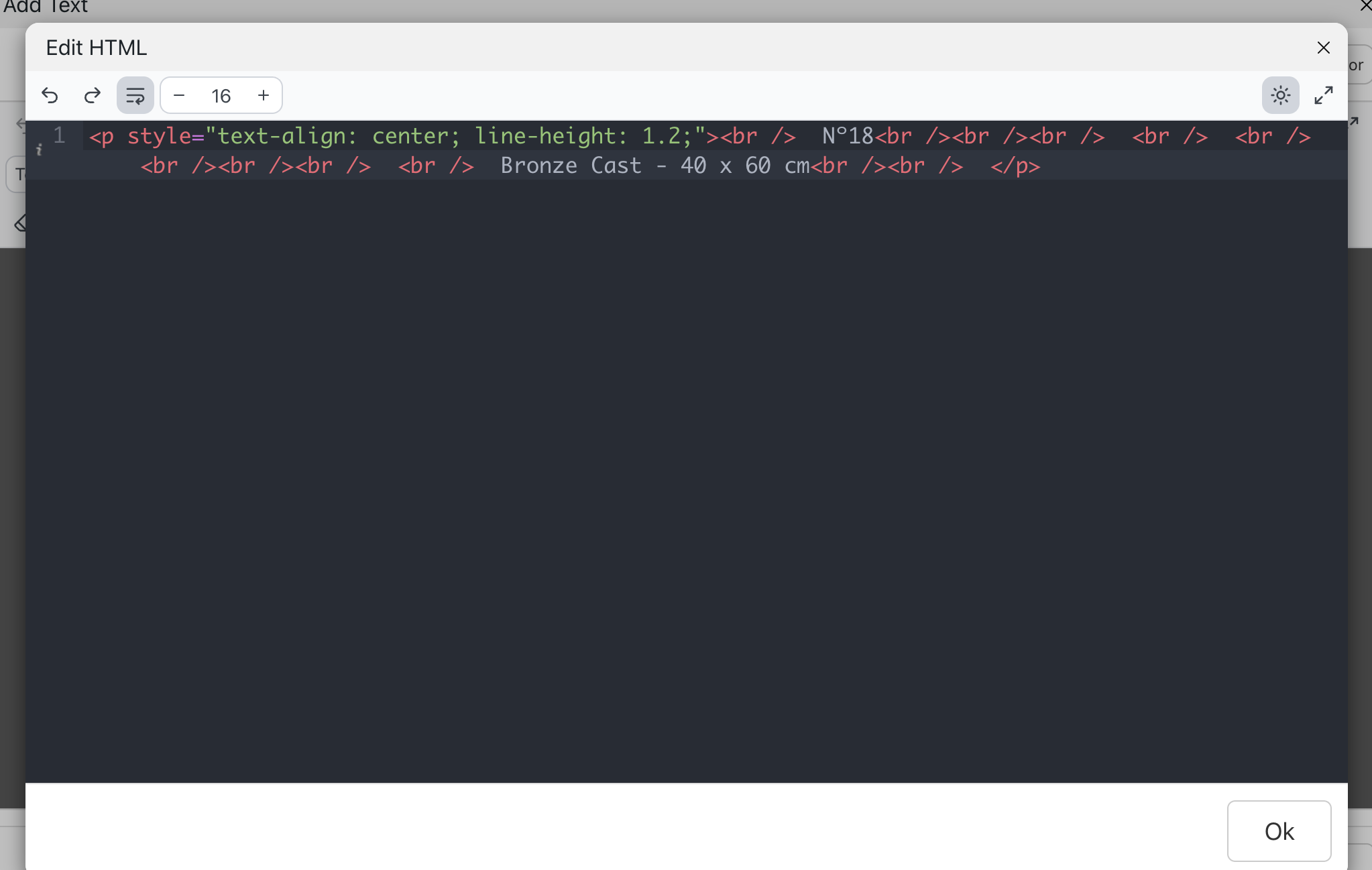
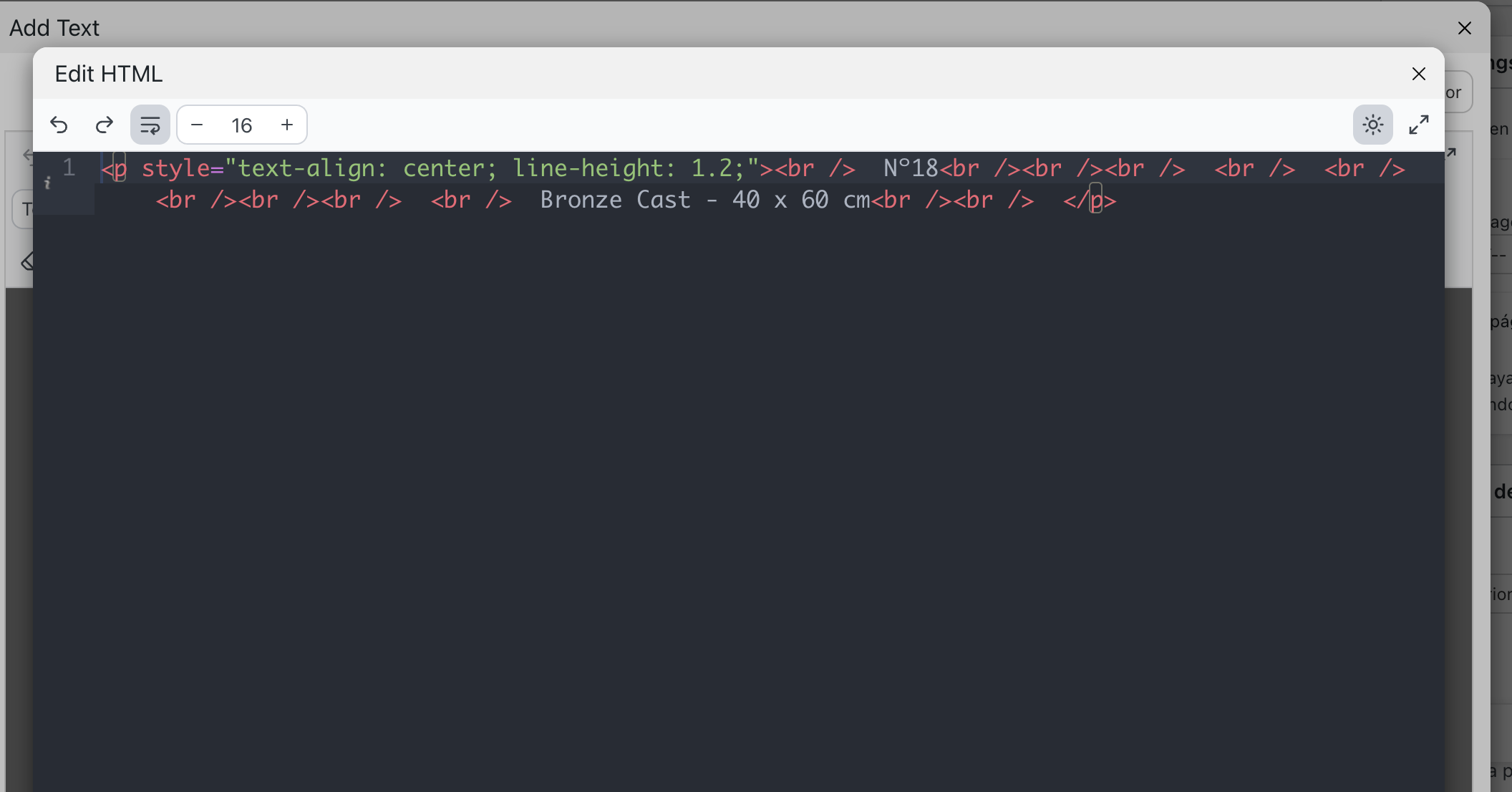
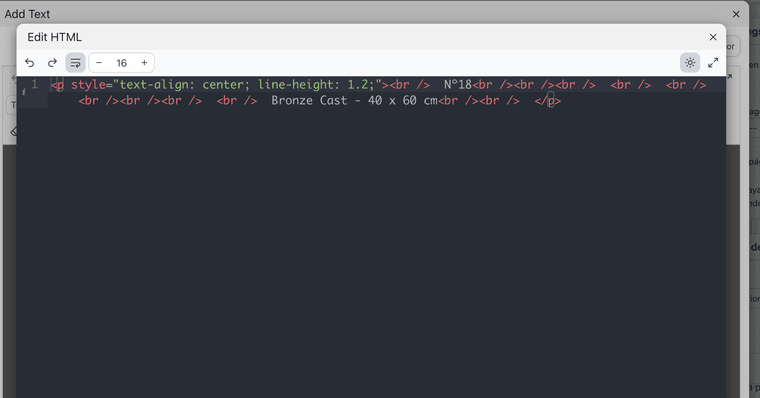
The problem is that when I open the text editor in HTML mode, the image embed code disappears. It gets automatically deleted as soon as I try to edit it.
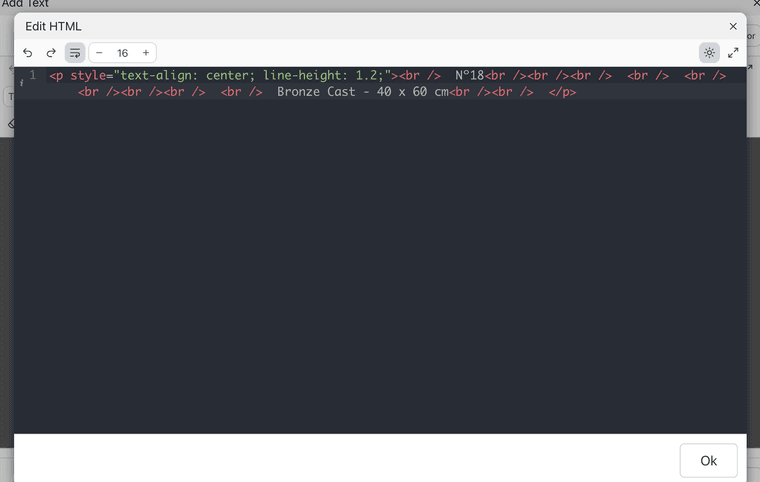
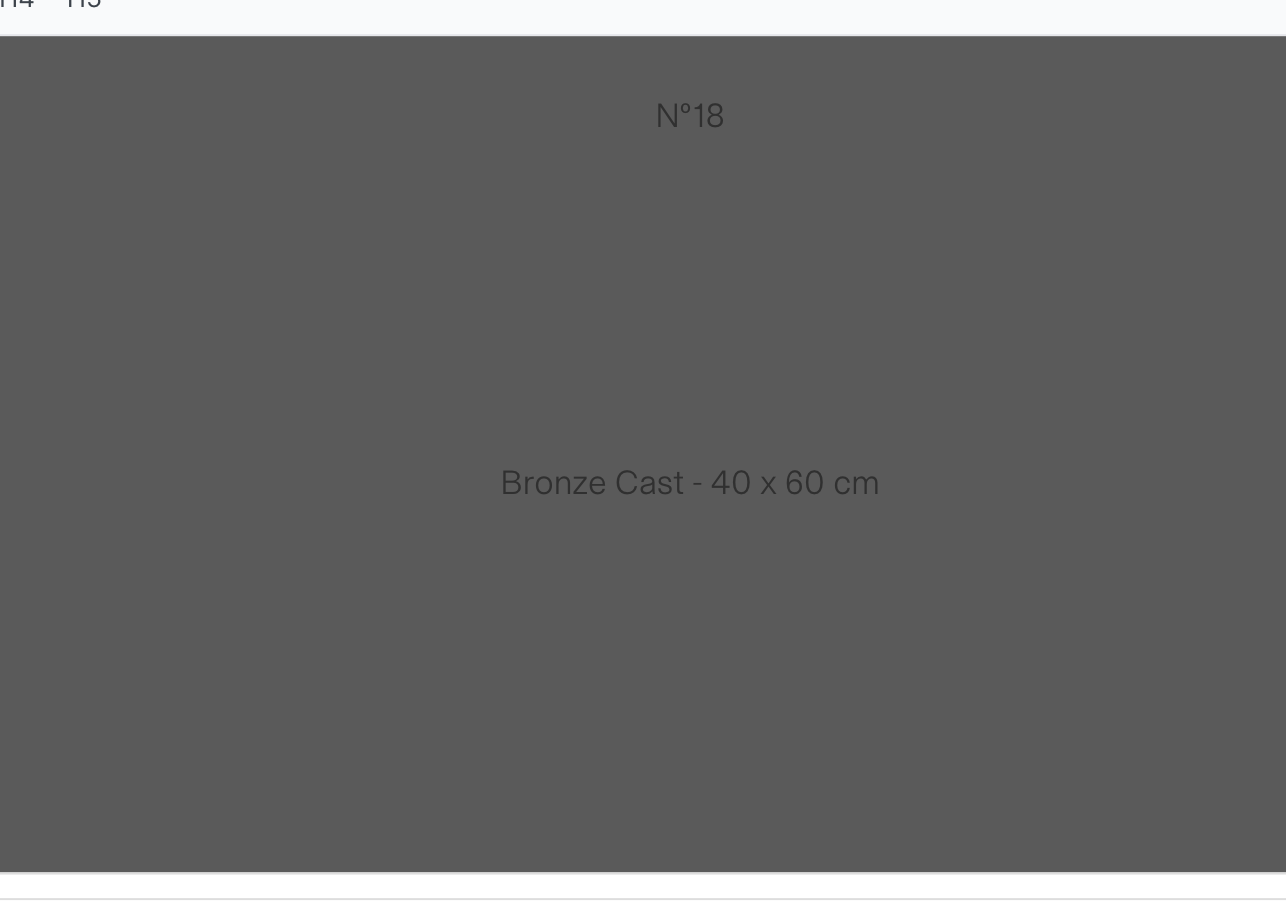
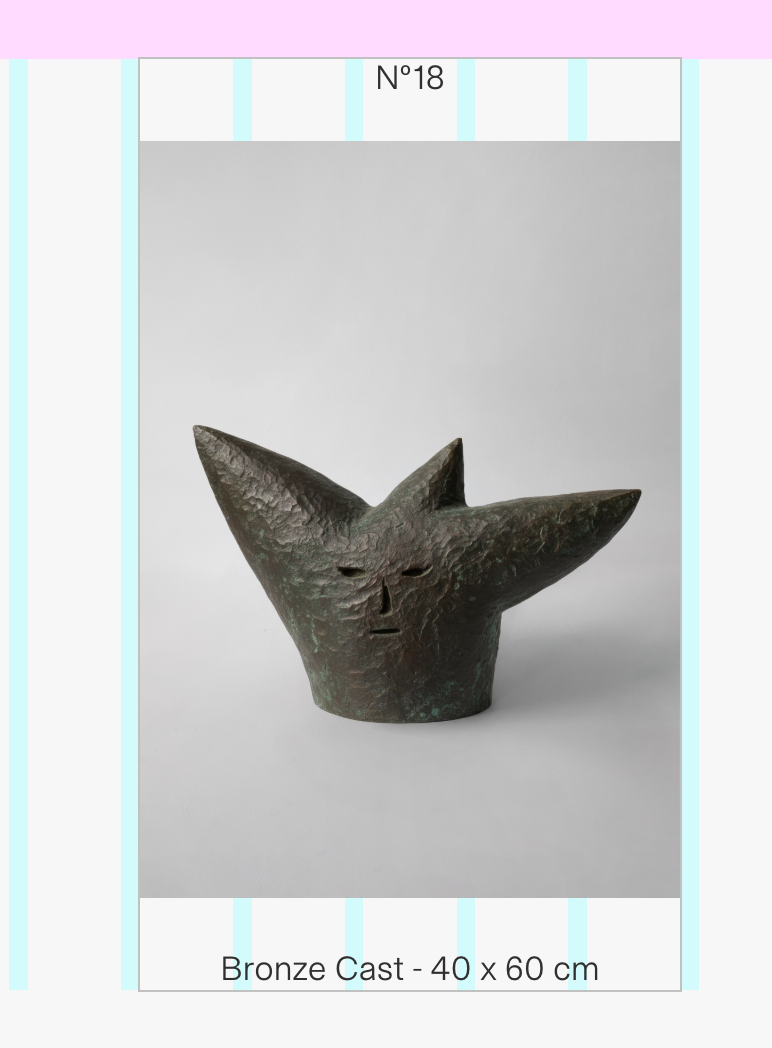
On top of that, the fullscreen slider is also behaving incorrectly. It's mixing different rows together and placing them underneath each other with resized formatting.
You can see the issue here: www.paubonet.com
-
I'm sorry that you're having a lot of issues with the latest update! we have a new text editor. You can always switch back to the old editor when you click this button: "Switch to old editor" on the top right in the text editor.
If you don't need updates and are happy with your site, you can always disable updates in Lay Options. You can also just use an older version of Lay Theme, which you can download on laykeymanager.com.
On the homepage I use a fullscreen slider so that images and text can slide horizontally in separate blocks. I have to do this by embedding the image inside a text box because, as you know, it's not possible to place one element on top of another within the same row.
That's not quite true because you can use the stack/group element in +more
Oh yeah, of course, about the image in your HTML. Let me check.
-
So it seems that in your custom HTML there is one style tag that is not properly closed with a "
it looks like this:
<span style="font-size: 14px; font-family:
</p></div></div></div>So that's why it's breaking the HTML and creating a different structure. This may be the reason why you see the order of the slides being wrong at the moment.
it seems to be in the HTML in the first row
-
ok if you update lay theme now, the texteditors html modal will work with the image tag too!
then you can fix the html of the first slide and then the slideshow should look correct too -

Hello! It looks like you're interested in this conversation, but you don't have an account yet.
Getting fed up of having to scroll through the same posts each visit? When you register for an account, you'll always come back to exactly where you were before, and choose to be notified of new replies (either via email, or push notification). You'll also be able to save bookmarks and upvote posts to show your appreciation to other community members.
With your input, this post could be even better 💗
Register Login