Skip to content
  • Recent
  • Tags
  • Popular
  • Users
  • Search
Skins
  • Light
  • Brite
  • Cerulean
  • Cosmo
  • Flatly
  • Journal
  • Litera
  • Lumen
  • Lux
  • Materia
  • Minty
  • Morph
  • Pulse
  • Sandstone
  • Simplex
  • Sketchy
  • Spacelab
  • United
  • Yeti
  • Zephyr
  • Dark
  • Cyborg
  • Darkly
  • Quartz
  • Slate
  • Solar
  • Superhero
  • Vapor

  • Default (No Skin)
  • No Skin
Collapse

Lay Theme Forum

  1. Home
  2. Bug Reports
  3. Your IP has been banned

Your IP has been banned

Scheduled Pinned Locked Moved Bug Reports
5 Posts 2 Posters 265 Views
  • Oldest to Newest
  • Newest to Oldest
  • Most Votes
Reply
  • Reply as topic
Log in to reply
This topic has been deleted. Only users with topic management privileges can see it.
  • Hayo GebauerH
    Hayo GebauerH
    Hayo Gebauer
    wrote on last edited by
    #1

    Not too long after updating to LT 4.0.0 I get this when trying to access:

    www.hayogebauer.com

    Can't login aswell. Contacted OVH, may this be caused by the update?
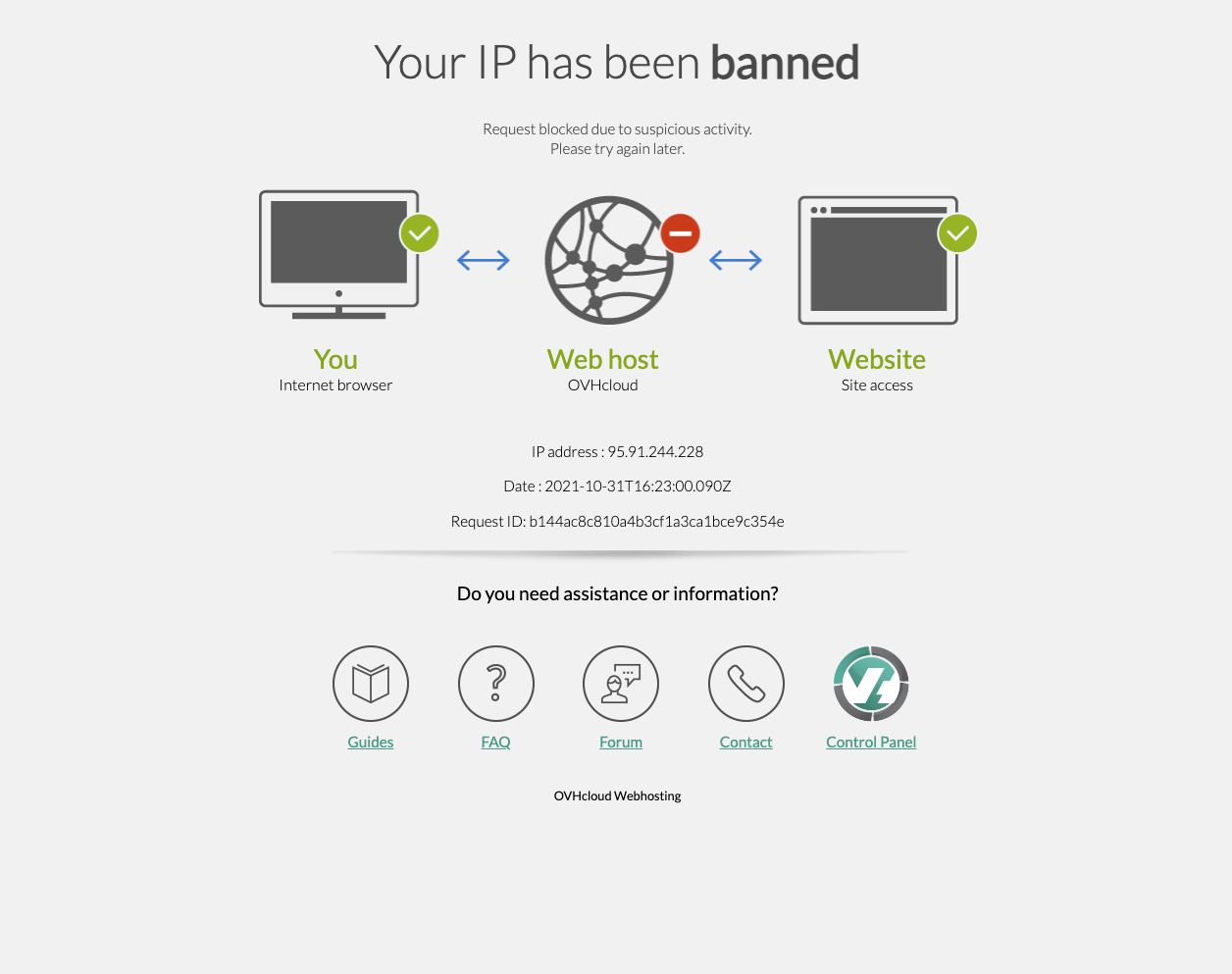
    Bildschirmfoto 2021-10-31 um 17.23.06.png

    1 Reply Last reply
    0
    • Hayo GebauerH
      Hayo GebauerH
      Hayo Gebauer
      wrote on last edited by Hayo Gebauer
      #2

      Nevermind, works again! (seemed to be a temporary issue)

      1 Reply Last reply
      0
      • RichardR
        RichardR
        Richard
        Global Moderator
        wrote on last edited by
        #3

        Thanks @Hayo-Gebauer !!! glad its resolved & best wishes ✨

        1 Reply Last reply
        0
        • Hayo GebauerH
          Hayo GebauerH
          Hayo Gebauer
          wrote on last edited by
          #4

          FYI: The plugin "Really Simple SSL" was the culprit

          1 Reply Last reply
          0
          • RichardR
            RichardR
            Richard
            Global Moderator
            wrote on last edited by
            #5

            Dear Hayo

            @Hayo-Gebauer

            "The plugin "Really Simple SSL" was the culprit"

            Noted. ✅
            On Lay Theme's Shop page there is reference to "Really Simple SSL"

            2. SSL Make sure your website uses SSL/https. This is needed for the payment gateways to work properly.
            If your website address does not start with "https://" but with "http://", you need to set your domain to use SSL.
            After you have activated SSL for your website, you might need to use a Plugin like "Really Simple SSL" to make it work.

            You are using HTTPS i believe, do i need to notify Armin that Really Simple SSL is causing issue? 🤔


            Would be great to know your thoughts & best wishes Hayo 🌼
            Richard

            1 Reply Last reply
            0

            Hello! It looks like you're interested in this conversation, but you don't have an account yet.

            Getting fed up of having to scroll through the same posts each visit? When you register for an account, you'll always come back to exactly where you were before, and choose to be notified of new replies (either via email, or push notification). You'll also be able to save bookmarks and upvote posts to show your appreciation to other community members.

            With your input, this post could be even better 💗

            Register Login
            Reply
            • Reply as topic
            Log in to reply
            • Oldest to Newest
            • Newest to Oldest
            • Most Votes


            Online Users
            Forgot your key, lost your files, need a previous Lay Theme or Addon version? Go to www.laykeymanager.com
            laytheme.com
            • Login

            • Don't have an account? Register

            • Login or register to search.
            • First post
              Last post
            0
            • Recent
            • Tags
            • Popular
            • Users
            • Search
