Sometimes things are very simple! Thanks!
B
Bastion
@Bastion
Posts
-
Trouble adding custom font -
Trouble adding custom fontHi,
I am trying in vain to assign a custom font to my webpage. Somehow I must have done it years ago, since the font I am using is showing up in the scroll down menu of the section "Text Formats". I want to change the typography now. I was trying to upload the woff2 fonts in the media area and use some CSS > in vain. I was using the plugin "Custom Fonts" and can add the typo but can't assign it. So, what is the easiest way to do it?
This is my page: https://architecture.tillessen.info/
Need some help.
Thanks -
Optimizing SEoNo, this setting is unabled. In the end it doesnt matter so much, if Yoast rates me well but if Google does, right? Thanks for you answers!
-
Optimizing SEoHi,
I was optimizing my website www.archphot.com SEO with the Yoast Plugin. So, some things should be good, focus keyphrase, SEO title, meta descriptions, alt Tags in the images, etc ...
But some things (which Google loves) seem not to work inside the lay theme:
- I have plenty of internal and outbound links in my carousel slide show. Yoast (and Google) seem not to recognize them.
- I have plenty of images. Yoast/Google seem not to recognize them
- I have plenty of alt descriptions in my media library but Yoast/Google seem not to recognize them
- I have short texts in my carousel slide show but Yoast seem not to recognize them
...
So, overall I get pretty bad SEO ratings from Yoast and I suppose Google will think the same.
Any suggestions how to improve this?
Thanks
Peter -
Hide header (with menu and site title) on landing pageSure. Thanks for helping out!
-
Hide header (with menu and site title) on landing pageNo, doesn't work ...
-
Hide header (with menu and site title) on landing pageIt's the landing page of a photographers page, so I want there just to be an image, nothing else, no menu, no site title. Tried your CCS, shows two mistakes in line 1 (newline character found in selector) and in line 3 (use of ! important). Unfortunetaly I don't understand CCS language, so I am dependant on other peoples scripts ...
-
Hide header (with menu and site title) on landing pageHi,
on my landing page www.archphot.com I would like to permanently hide the header on desktop and mobile.I tried it with CCS
.page-id-260 header {
  display: none;
}
but didn't precisely know where and how to put it.
At least it didn't work.Any suggestions?
-
Left-aligned text not good on mobileNice. Thank You!!!
-
Left-aligned text not good on mobileHi,
my website is www.archphot.com/photo. When you click on any image, a carousel opens. The last image of each carousel is a text block. Everything looks great on the desktop. But on mobile the text looks odd, since the text has too much margin from the left side — probably the same distance as on the desktop. Where can I reduce this spacing specifically for mobile?
Thanks -
Close button over carousel doesn't work on mobileThanks so much!!!
-
Close button over carousel doesn't work on mobileHi,
I successfully activated project overlay (www.archphot.com/photo). The carousel opens nicely in an overlay. But the X close button doesn't work on mobile. Instead of closing the project the carousel is turning to the next image.
Any clue how to fix this? -
How to set a close icon "x" in the carousel?Thanks arminunruh. That did the job!
-
How to set a close icon "x" in the carousel? -
How to set a close icon "x" in the carousel? -
How to set a close icon "x" in the carousel?Hi,
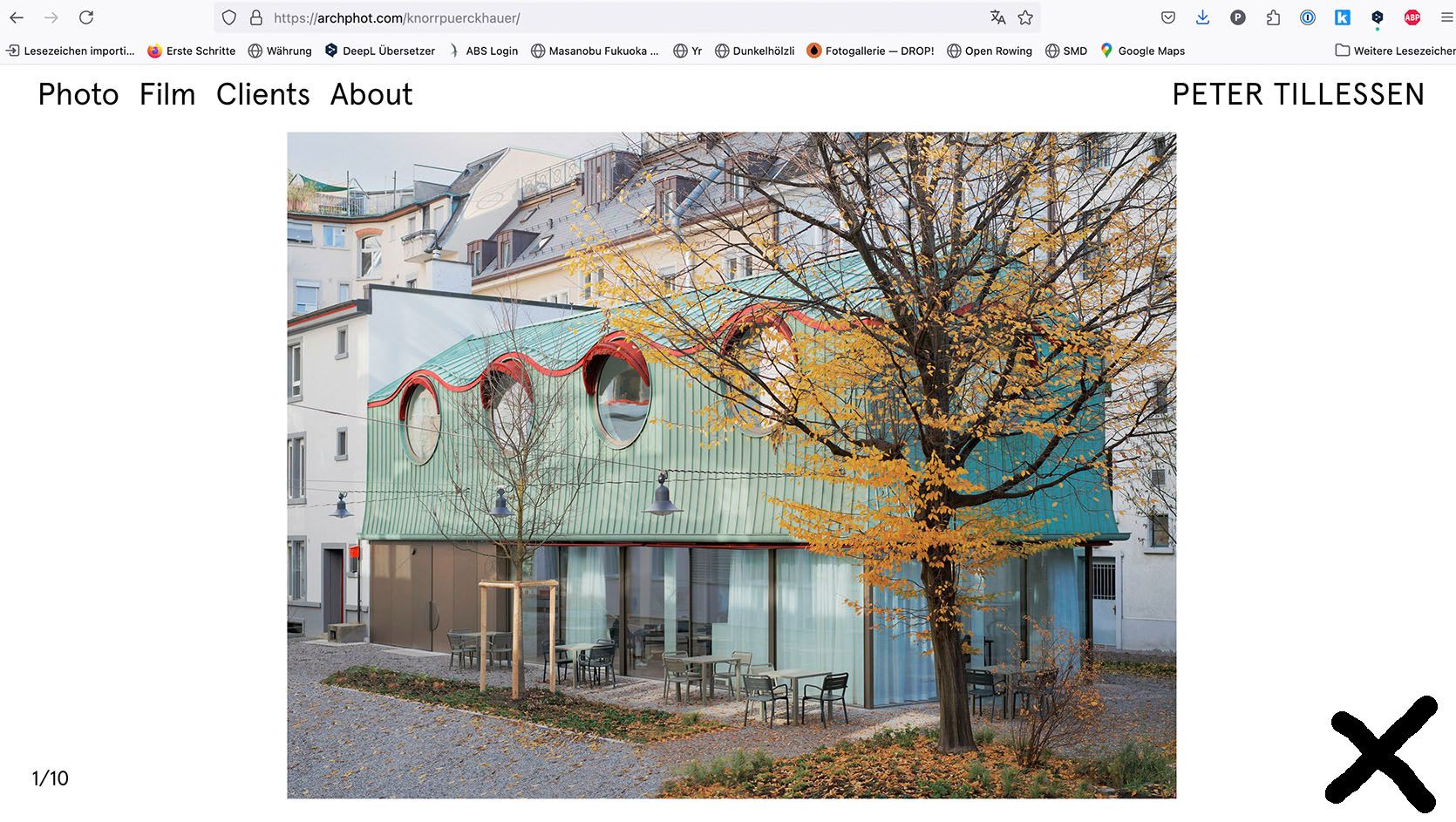
I use the standard carousel addon to show images in a slide show. I would love to show a close icon in x-shape at the side to allow visitors to quit the carousel in a simple intuitive way and to fall back on the main menu.
I can't find a solution for it.
Any help appreciated.
Thanks -
Menu buttons: Some work and some dont@Bastion problem solved!
-
Menu buttons: Some work and some dontHello,
I recently modified the menu. Instead of one hierarchy I now wanted to have 2 hierearchies, which worked out fine. Now I experienced that some buttons are not working, while others do and I have no clue how that can happen or how to fix this. Can please somebody help?
the site is
https://everyedition.chAll the best,
Sebastian -
Consisting problem with carousel sizeHi Armin,
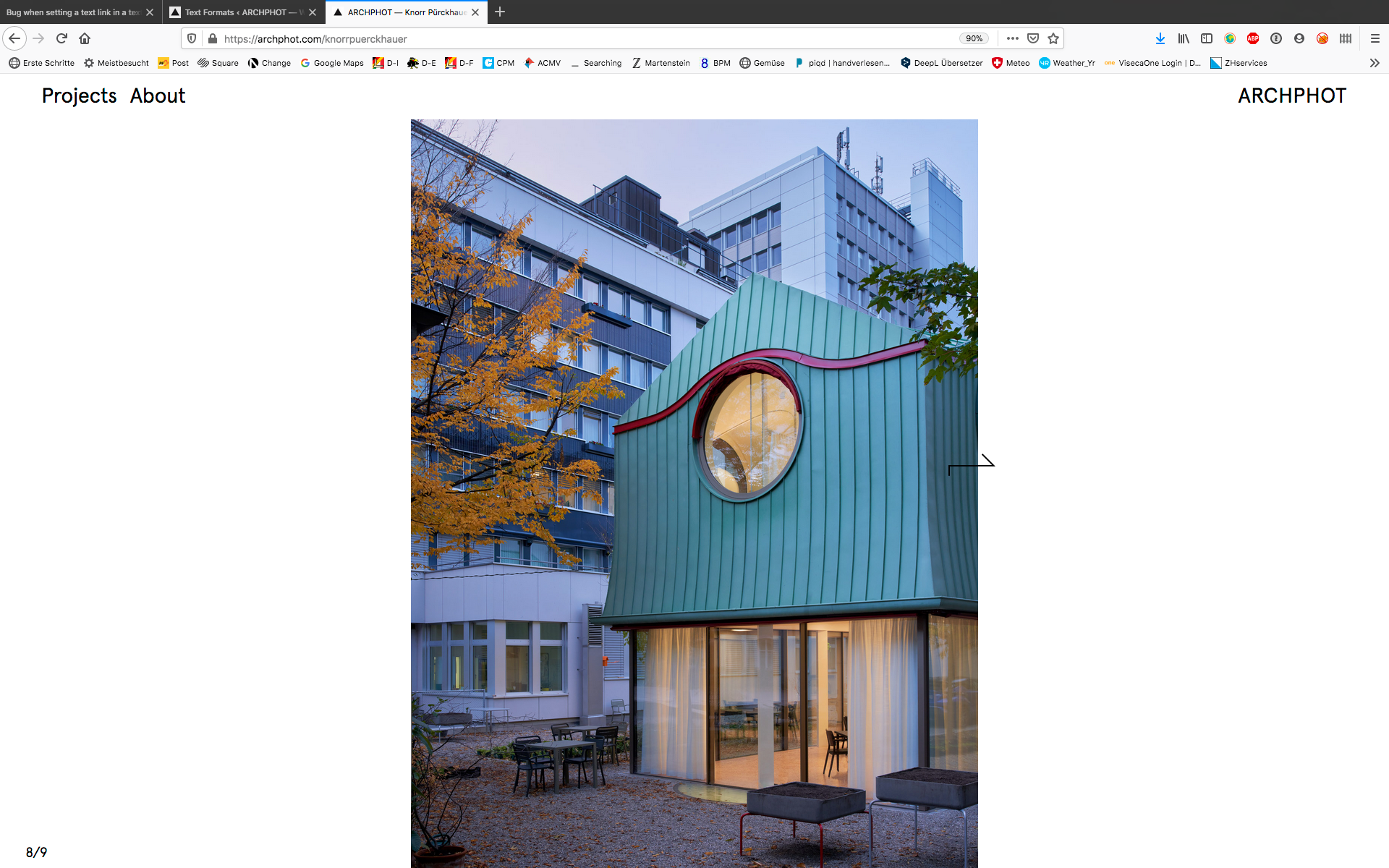
it's hard to explain in english. That's why I am sending two screenshots here. The first one shows it, how I would like to have it, the second one, how it actually is. You might see the difference only when you download those images and compare them. The problem has to do with the lower edge of the image and the question if you see 'white background' underneeth the image or not ...
So my question is: how do I change the general settings to have an image which doesn't 'touch' the lower edge of the browser?
Thanks again for your help!
Peter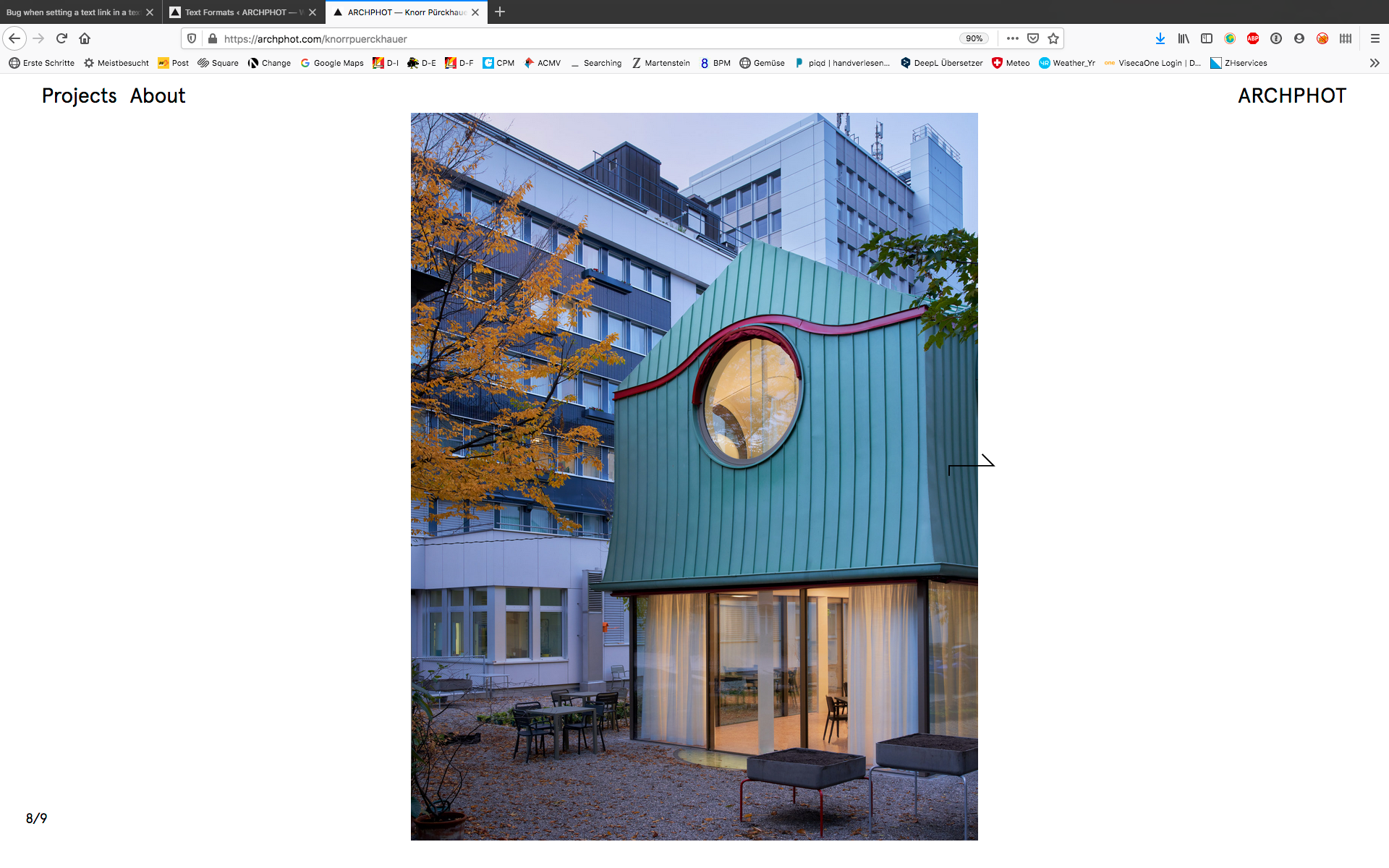
-
Bug when setting a text link in a text fileGreat! This one is fixed. Thanks a lot!