It even stays visible after I closed the plage
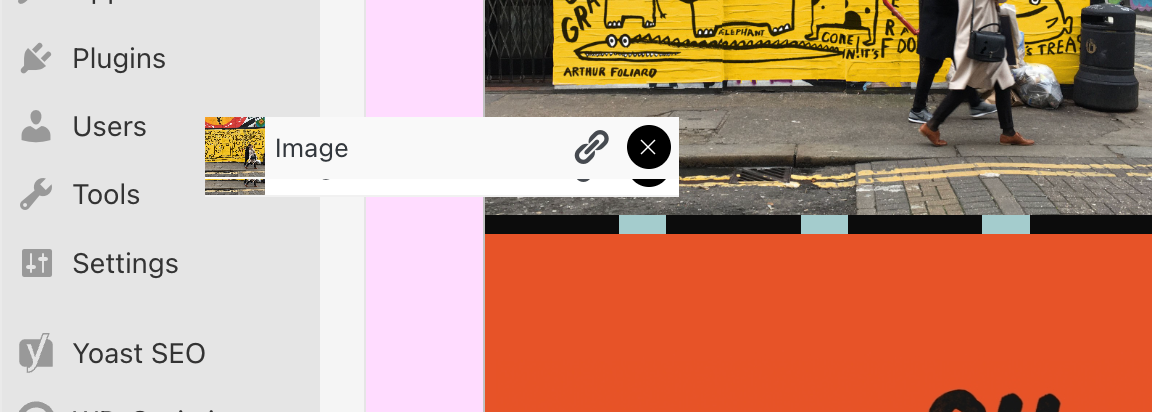
 K
K
It even stays visible after I closed the plage
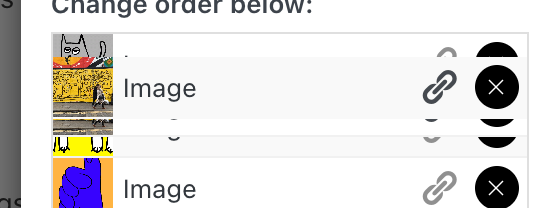
Still happenning it seems!
PS: Congrats on the new website!
Hi,
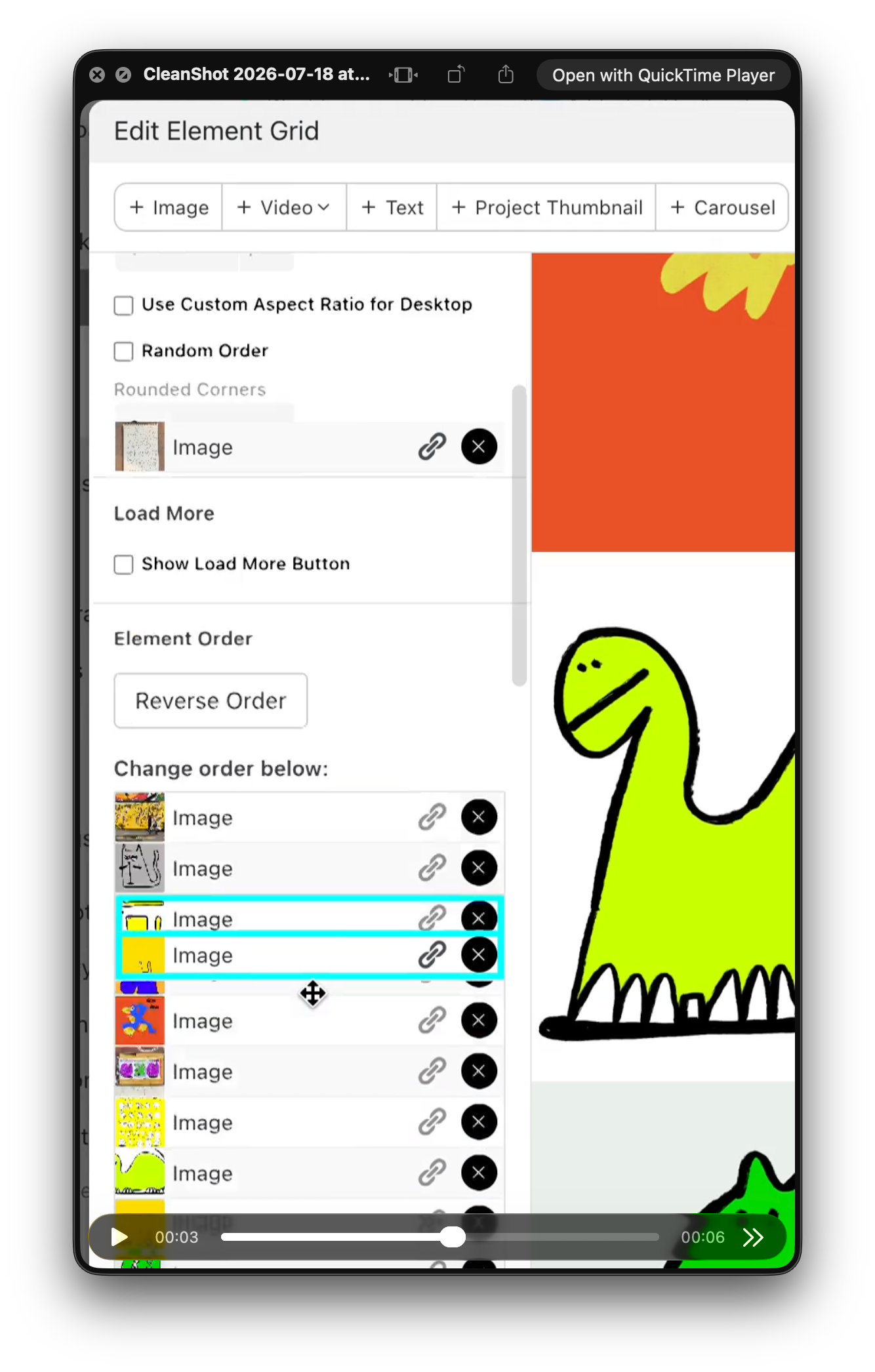
I've run into a bug in the new version of Laytheme, in the "Edit Element Grid" panel.
When reordering elements in the "Change order below" list, some items overlap with the rest of the UI. An image row renders on top of the settings above (Rounded Corners, Random Order, etc.) and stays stuck there. Once that happens, elements can't be selected or dragged properly, which makes reordering a grid with many images almost impossible.
Steps to reproduce:
I'm attaching a few screenshots showing the overlapping elements.
Setup: macOS, latest Laytheme version.
A small suggestion while I'm here, it would be much easier if we could reorder elements directly from the grid preview on the right, rather than through the list. But even just fixing the overlap would already help a lot.
Thanks,
Hi everyone,
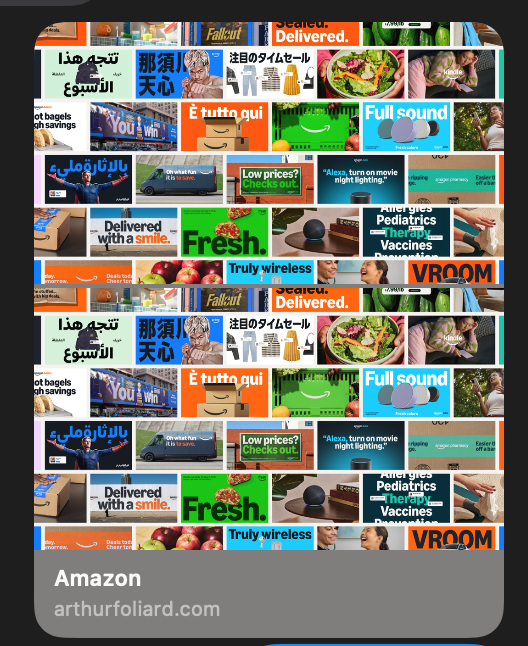
I’m running into a weird issue when sharing my project links (e.g. arthurfoliard.com/amazon) via iMessage — the link preview image appears duplicated vertically, like two identical thumbnails stacked.
I’ve checked my settings and can’t find any option to fix it. Has anyone else seen this or knows what might be causing it?
Thanks!
Arthur

@arminunruh My cursor disappeared after updating laytheme to 5.5.4, is it something you found as well? I re-uploaded it to make sure it was fine but nop
@arminunruh said in How to round corners for thumbnails?:
.thumb .ph{
border-radius: 20px;
}
Thank you so much! It worked
Hello!
I'd love to round the corners of my work thumbnails on my work page but I can't find the right place to do it. Is it through CSS? (I know absolutely nothing about it haha).
Thank you!
Edit: screenshot attached
Yeah, unfortunately the grid is still smashed by that :(
Good afternoon.
Thanks a lot for the hard work on Laytheme, such a great tool.
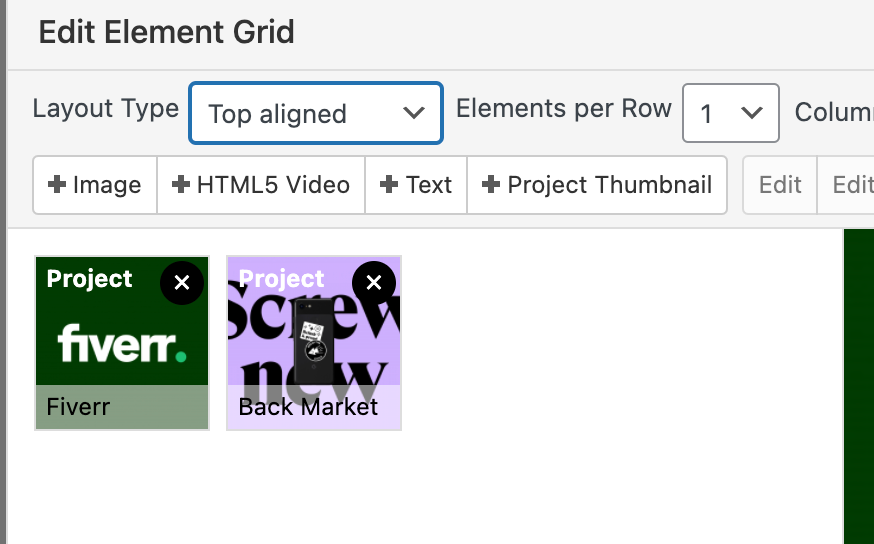
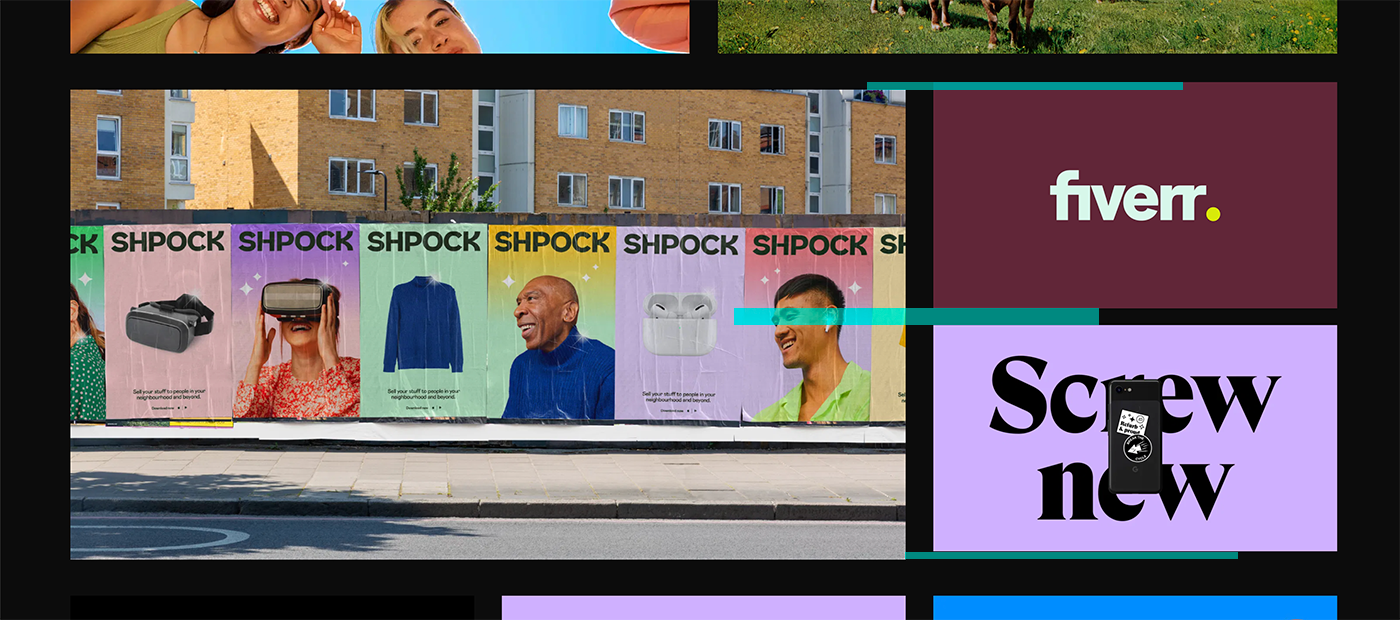
I'm currently trying to change my WORK layout and I'd like to be a bit more playful with it, but I can't seem to make it work. Can we add two images stacked on top of each other per row, without creating a 'grid element' because the values don't match my current grid, it's either too tight or it moves everything.
See the screenshot, it half works as it doesn't properly align to my grid, and somehow also increases the row gutter at the top and bottom
Thank you!
@arminunruh All good man! Thanks anyway :)
Hi guys!
Thanks again for the great work.
I'd like to know how I could change type when links are included.
I used italic right now, but would like to use 'strokes'.
The reference I like:
https://www.new.company/about
What I currently have:
https://arthurfoliard.com/about
I know nothing about CSS and believe it might be the solution though.
Thanks!
Arthur
Good afternoon,
I know you suggested one or two tricks to help with slow websites but someone recommended two more plugin I should use:
https://en-gb.wordpress.org/plugins/wp-smushit/
https://wordpress.org/plugins/autoptimize/
Have you ever heard of these two? Do you recommend using them? Or could it alter laytheme is some way?
Thanks!
Arthur
Thanks man! All thanks to the theme!
I'm using the latest Google Chrome:
Version 74.0.3729.108 (Official Build) (64-bit)
Do you mind checking some of these please?
https://arthurfoliard.com/illustration/
I see some of them with the line.
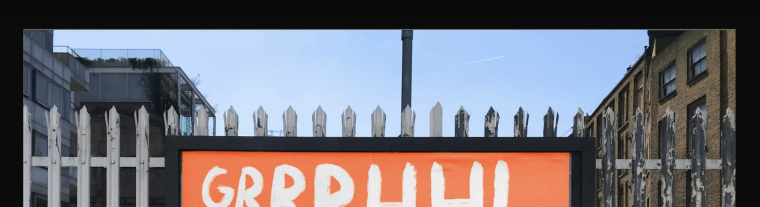
I actually found out this line appears on random images throughout my projects.
They don't have any line on the native files but they do create one on few.
Weird.
Hi guys,
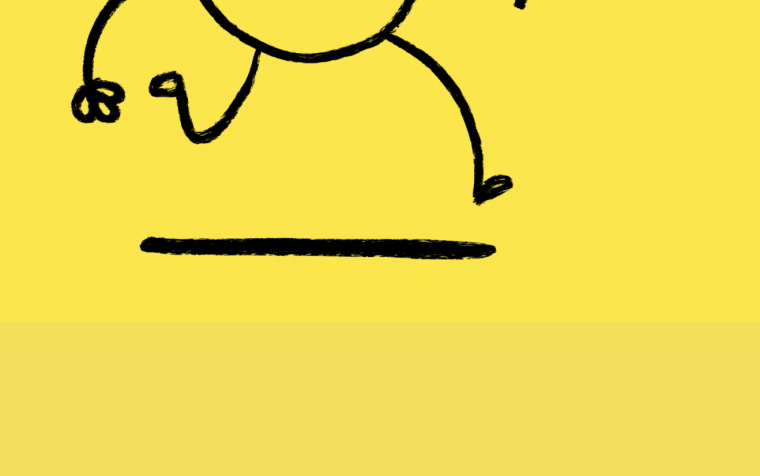
I'd like to know if you're planning to add a colour picker for the row background?
I find it really hard right now to match the colour to my illustration/visual.
When I do it by eyes it's struggling a bit, because the preview for editing the project and what it is on my website varies a lot.
Thanks :)
A.
Hi guys,
I have this weird line going through most of my carousel (on different projects)

First I thought it was my file, but it happens on every project, at the same time (I think it's from the last image back to the first one).
Am I missing something or is it a little glitch?
Cheers!
A.
Hi guys!
First of all great work, it's amazing.
I have two questions.
I know it's possible, I've seen it around, and wondered if that's something you would find interesting?
Thanks!