Hi there,
Is it possible to disable the "scroll animation" for a specific page while keeping it on for all other pages?
Thank you :)
Hi there,
Is it possible to disable the "scroll animation" for a specific page while keeping it on for all other pages?
Thank you :)
How can i preload a webfont so that when laoding the page there is no shift in the layout as the placeholder fonts get replaced?
Possibly an option to preload used webfonts to toggle in the laytheme options would be cool.
All the best!
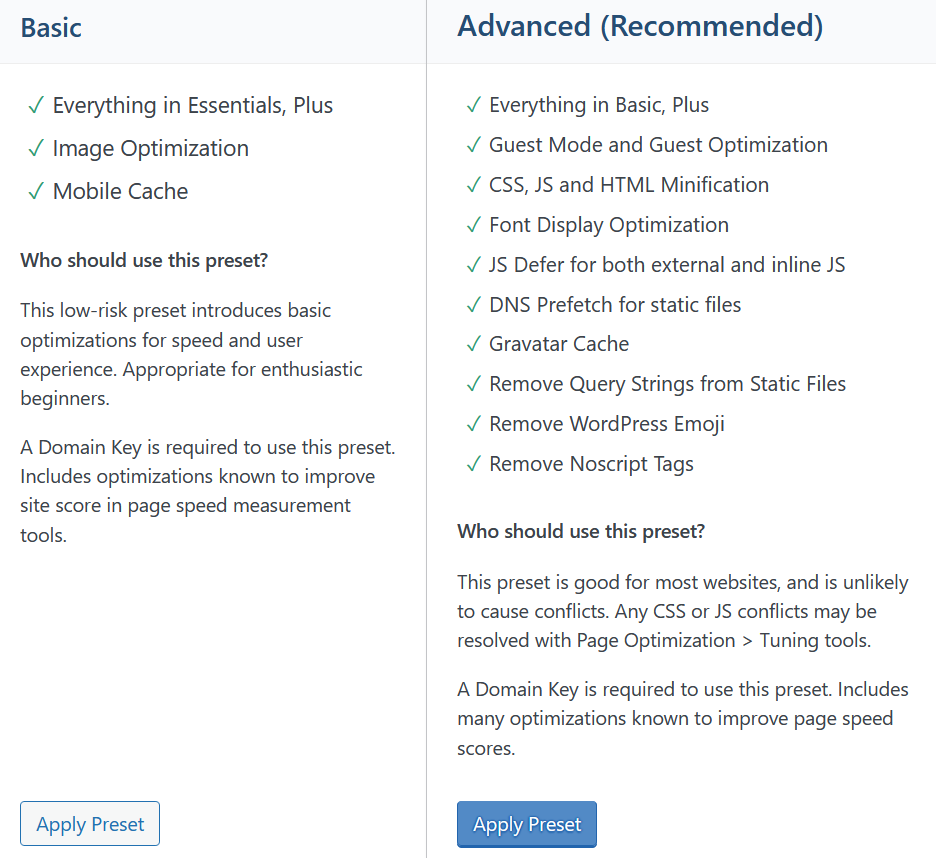
Was able to resolve the issue by changing the Litespeed Cache Preset to "Basic" where it skips certain things.
thanks for the hint, but that didn't solve it.
laytheme is up to date
im using Litespeed Cache/QuicCloudCDN as it came with my digital ocean droplet. it has a "purge all" option that i always use when working on the website. i also just tried disabling it completely and then to enable it again but im still getting the same issue.
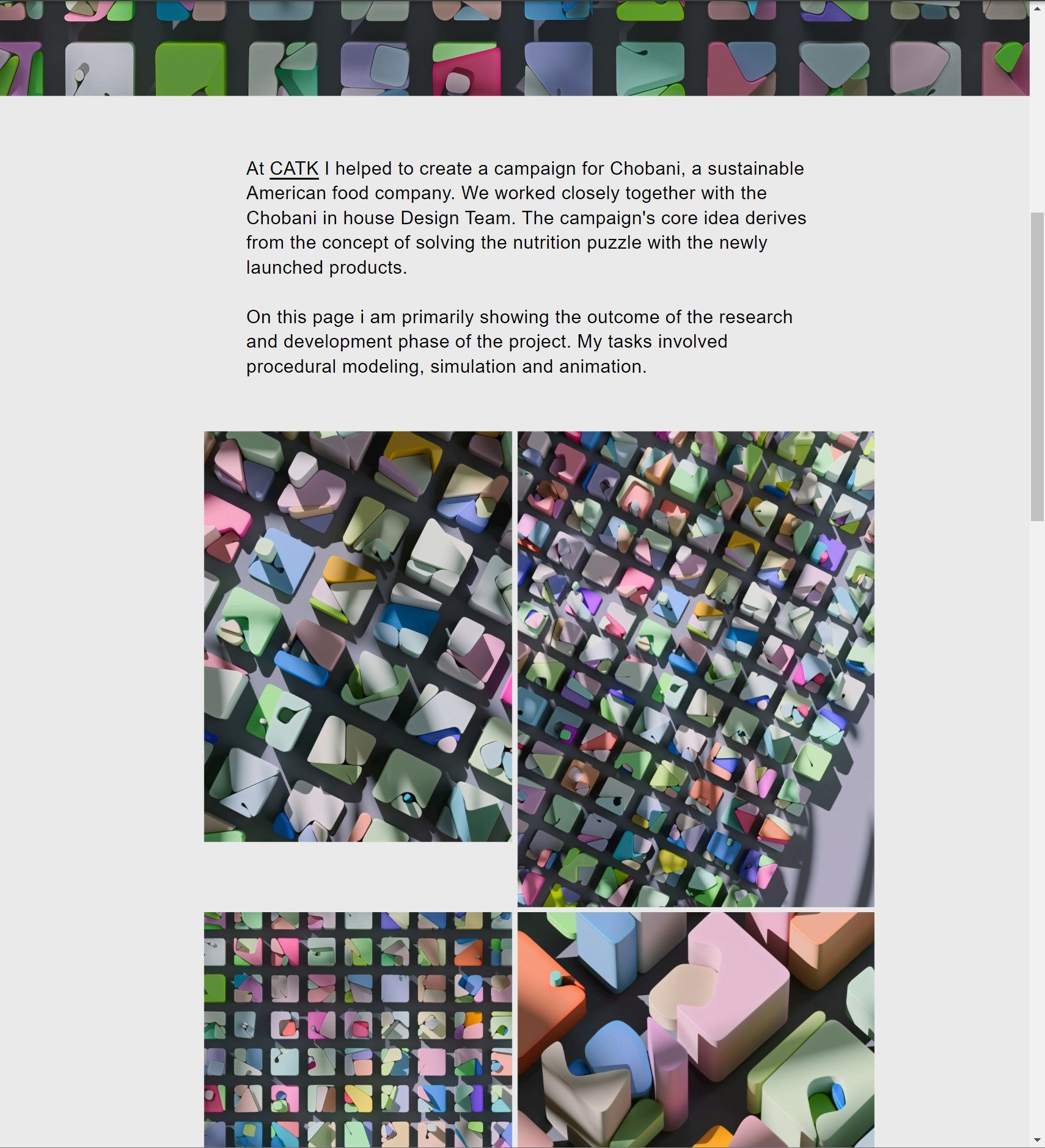
Experiencing very starnge layout shifts in Google chrome, tried purging the cache etc, please see this page:
Correct layout (Firefox/Safari)
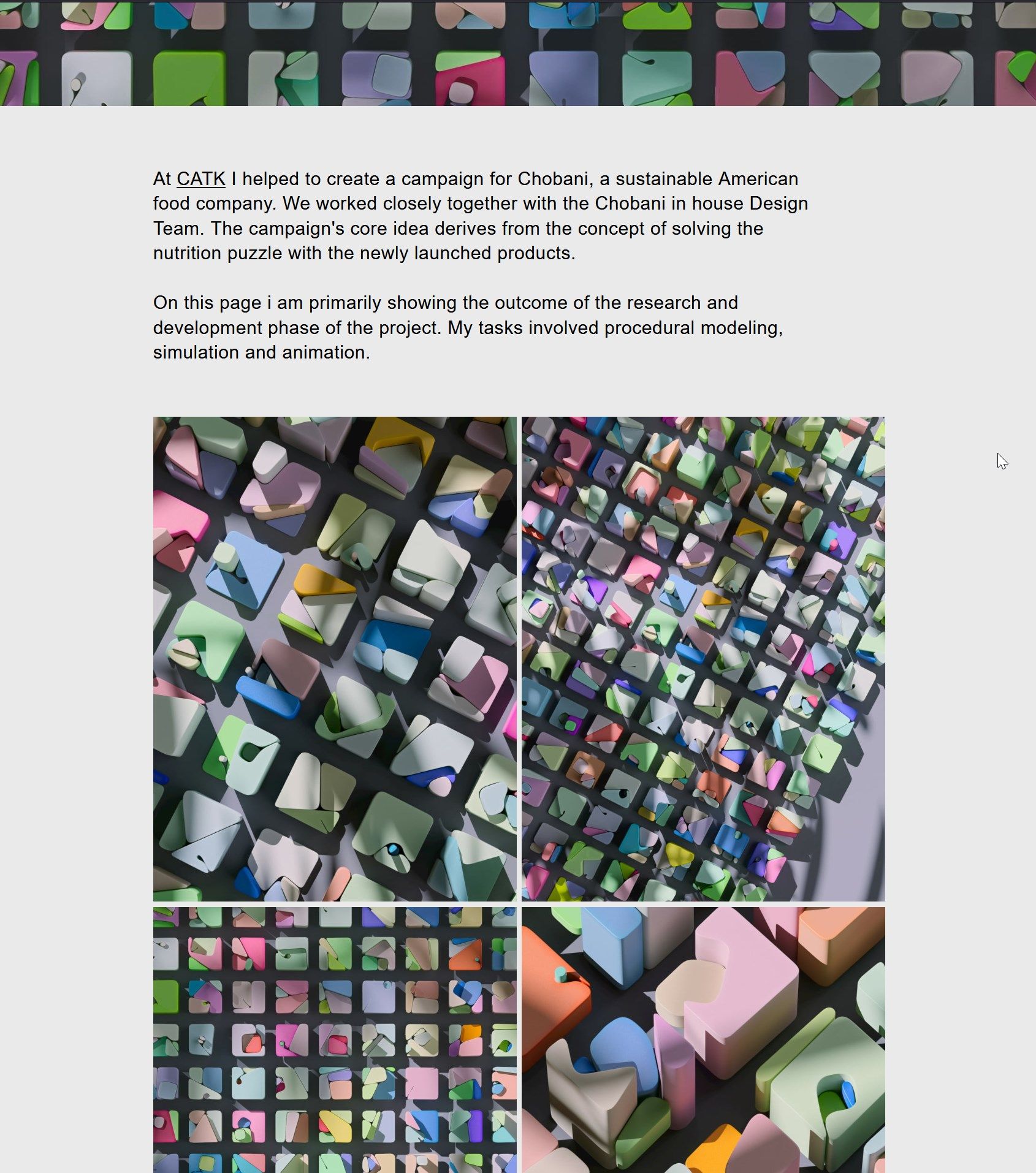
Wrong layout of text and image/video sizes (Chrome)
Update on experiencing a strange issue:
While with this page the video is playning fine for me on Firefox and Safari, it doesn't on Chrome:
https://lrm.world/froggi-dancer/
Its weird because I'm using the same codecs (AV1 & HVEC in the same order) as in this page where the videos load fine on Chrome, Safari & Firefox:
https://lrm.world/circuit-choreography/
The only obvious difference is that on the Frog page the video has Sound, there isn't autoplay but play on click, and full width.
PS: When i access the uploaded video directly via Chrome it also plays, so theres something with the embed.
Video link: https://lrm.world/wp-content/uploads/2024/05/FroggiRhythmDancer_Comp_V008_16x9_AV1-92.mp4
Embed:
<div class="html5video  "><div class="ph" style="padding-bottom:56.25%;">
    <img class="html5video-customplayicon" src="https://lrm.world/wp-content/themes/lay/frontend/assets/img/play.svg" style="display:none">
        <video preload="auto" data-w="1920" data-h="1080" style="aspect-ratio:1920/1080;" data-ar="0.5625" playsinline="" loop="1" class="no-lazyload playpauseonclick loaded userinteractedwith-playing">
            <source src="https://lrm.world/wp-content/uploads/2024/05/FroggiRhythmDancer_Comp_V008_16x9_AV1-92.mp4" type="video/mp4; codecs=av01">
            <source src="https://lrm.world/wp-content/uploads/2024/05/FroggiRhythmDancer_Comp_V008_16x9_H265_High.mp4" type="video/mp4">
        </video>
    </div>
</div>
When i added the playbutton in manually i got weird layout shifts on click.... So yeah, would be osome to just use the standard html/video dialogue as there the checkboxes for player/ui/loop/mute are super handy.
Thanks a lot Armin, i missed this post. So i can confirm it works...
Tested it here:
https://lrm.world/froggi-dancer/
For videos with sound it would be great to have the custom playbutton also. Also setting placeholder thumbnails is of course a nice thing to have. Doing all of this always manually is a bit tedious. Would be lovely to be able to use the standard upload dialogue from laytheme and adding the alternate codecs this way.
Also just wanted to add: I already tested to upload .mp4 video with AV1 codec to laytheme and it wroks falwless, just the caveat with safari in this case.
just a follow up on this topic :) would still really love to see this feature!
This Reddit thread is basicly talking about what i would really love to see in laytheme:
https://www.reddit.com/r/AV1/comments/kw504b/auto_detect_browser_type_and_browser_video/
It would be awesome being able to upload alternative codec versions of the same video to make sure they play as fast as possible. H264 is just too large...
This page also gives a good overview of the support status:
https://caniuse.com/av1 - AV1 basicly supported everywhere but for mac only on M3 macs / iphone 15
https://caniuse.com/hevc - Supported on all macs, but not supported on borswers like firefox and also not planned
Hope you have a nice day!
Okay, nevermind. After 1 day of frustration I finally found the solution right after posting this topic here.
Adding the followiing after the vimeo url finally solved the issue.
&muted=1
Autoplay videos can't have sound, which makes sense. The thing is i that i deleted the audio track of the videos for that reason, but even tho the video didn't have an audio track this control tag is still necessary for it to autoplay in chromium browsers.
Hey there,
Can't get embedded videos from vimeo with autoplay/loop playning on Chrome (or anything Chrome based like MS Edge).
Set up a test side showing the problem here:
https://lrm.world/mercedes-benz-pride/
Here's my embed code:
<div style="padding:125% 0 0 0;position:relative;"><iframe src="https://player.vimeo.com/video/781480854?h=41db163613&badge=0&autopause=0&player_id=0&app_id=58479&autoplay=1&loop=1&controls=0&player_id=0&app_id=58479" frameborder="0" allow="autoplay; fullscreen; picture-in-picture" allowfullscreen style="position:absolute;top:0;left:0;width:100%;height:100%;" title="Mercedes Benz Pride SH020 4/5"></iframe></div><script src="https://player.vimeo.com/api/player.js"></script>
I'm puzzled by this problem. Right clicking on the video and selecting "Refresh frame" triggers the video to play.
@arminunruh Thanks!
***Overview meaning "Category" page in laytheme language. :)
I think it would be a great alternative to using project arrows, to go to another project.
Also i think it allows the user to choose which project to see next by landing on the overview again more quickly.
Exactly!
I have a wish for a feature.
I think it would be super cool in terms of UX to be able to scroll back into the top of the frontpage with the project overview, when a user is on a project subpage and reaches the end of the page.
This way the user journey would be a bit more continuous without being interrupted by having to click on the site title or a "go back to top" button. Just less interaction needed.
If it is unclear what i mean, i am happy to make a quick layout on figma or a small animatic in Ae.
Best,
LRM
same here ( https://lrm.world/ )