Skip to content
  • Recent
  • Tags
  • Popular
  • Users
  • Search
Skins
  • Light
  • Brite
  • Cerulean
  • Cosmo
  • Flatly
  • Journal
  • Litera
  • Lumen
  • Lux
  • Materia
  • Minty
  • Morph
  • Pulse
  • Sandstone
  • Simplex
  • Sketchy
  • Spacelab
  • United
  • Yeti
  • Zephyr
  • Dark
  • Cyborg
  • Darkly
  • Quartz
  • Slate
  • Solar
  • Superhero
  • Vapor

  • Default (No Skin)
  • No Skin
Collapse

Lay Theme Forum

S

Stanczyk

@Stanczyk
Unfollow Follow
About
Posts
8
Topics
2
Shares
0
Groups
0
Followers
0
Following
0

Posts

Recent Best Controversial

  • SVG hidden below 1440 px width
    S Stanczyk
    Bug Reports

    @arminunruh

    Hey Armin

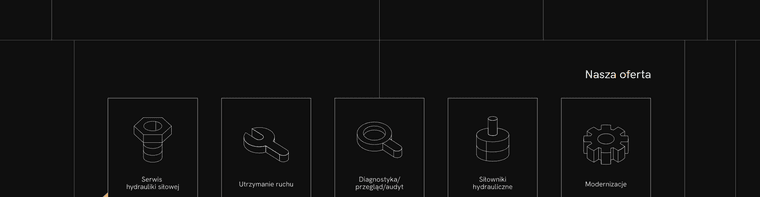
    I didn't use any css to change width/height.
    Just used element grid and streched to 100% width.

    Should I use another option?

    Tried to change svg with css to
    width: 100%;
    height: auto

    but nothing changed
    https://blobtech.pl/modernizacje/

  • SVG hidden below 1440 px width
    S Stanczyk
    Bug Reports

    @arminunruh

    The next video on 16:10 aspect ratio
    https://www.yos-studio.com/wp-content/uploads/2022/11/blobtech-16x10-resolution.mp4

    On 18:9 aspect ratio
    https://www.yos-studio.com/wp-content/uploads/2022/11/blobtech-mp4-resolution.mp4

    • photos do not fit in lines on offer pages
    • the lines from the footer are closer to the centre than they should be

  • SVG hidden below 1440 px width
    S Stanczyk
    Bug Reports

    @arminunruh
    I couldn't drop the mp4 file here,
    so I uploaded it to our www

    Link:
    https://www.yos-studio.com/wp-content/uploads/2022/11/blobtech-mp4-resolution.mp4

    The problem occurs in cases where the resolution / aspect ratio of the screen is different from the standard (16in wide).
    For example, 18:9

    Thanks!


  • SVG hidden below 1440 px width
    S Stanczyk
    Bug Reports

    @arminunruh
    Do you have any idea why footer isn't responsive as main layout?

    I have different background image for offers pages. It had that same resolution like on main background image, but seems different.

    It's visable on different resolutions like 18:9 (matebook) and macbook pro 2021 (3024 x 1964 px)

    f02c7c2e-3a10-4e8b-9dce-5f21593eb428-image.png

    http://archiwum.blobtech.pl/serwis-hydrauliki-silowej/


  • SVG hidden below 1440 px width
    S Stanczyk
    Bug Reports

    @arminunruh

    Unfortunately, this is not the problem.

    I've noticed that the problem only occurs when google maps are added to the page.

    The maps cause the ajax to be disabled.
    As a result, the text bouncing when loading.

    Do you perhaps know of a solution to keep the ajax functionality on this page?


  • SVG hidden below 1440 px width
    S Stanczyk
    Bug Reports

    Hello Amin

    Thank you for your reply, but all the lines are below 1 px.
    Instead of scaling I placed the full width svg. It displays correctly.

    I have another problem, unfortunately I don't know how the different elements load, because exceptionally in the subpage "contact" - text elements, the moment they load they jump from the bottom edge to the desired location.

    Perhaps you would have a solution for this?

    Link: http://archiwum.blobtech.pl/kontakt/

    It's like ajax not working when loading this page.

    Kind regards
    Karol


  • SVG hidden below 1440 px width
    S Stanczyk
    Bug Reports

    Hello

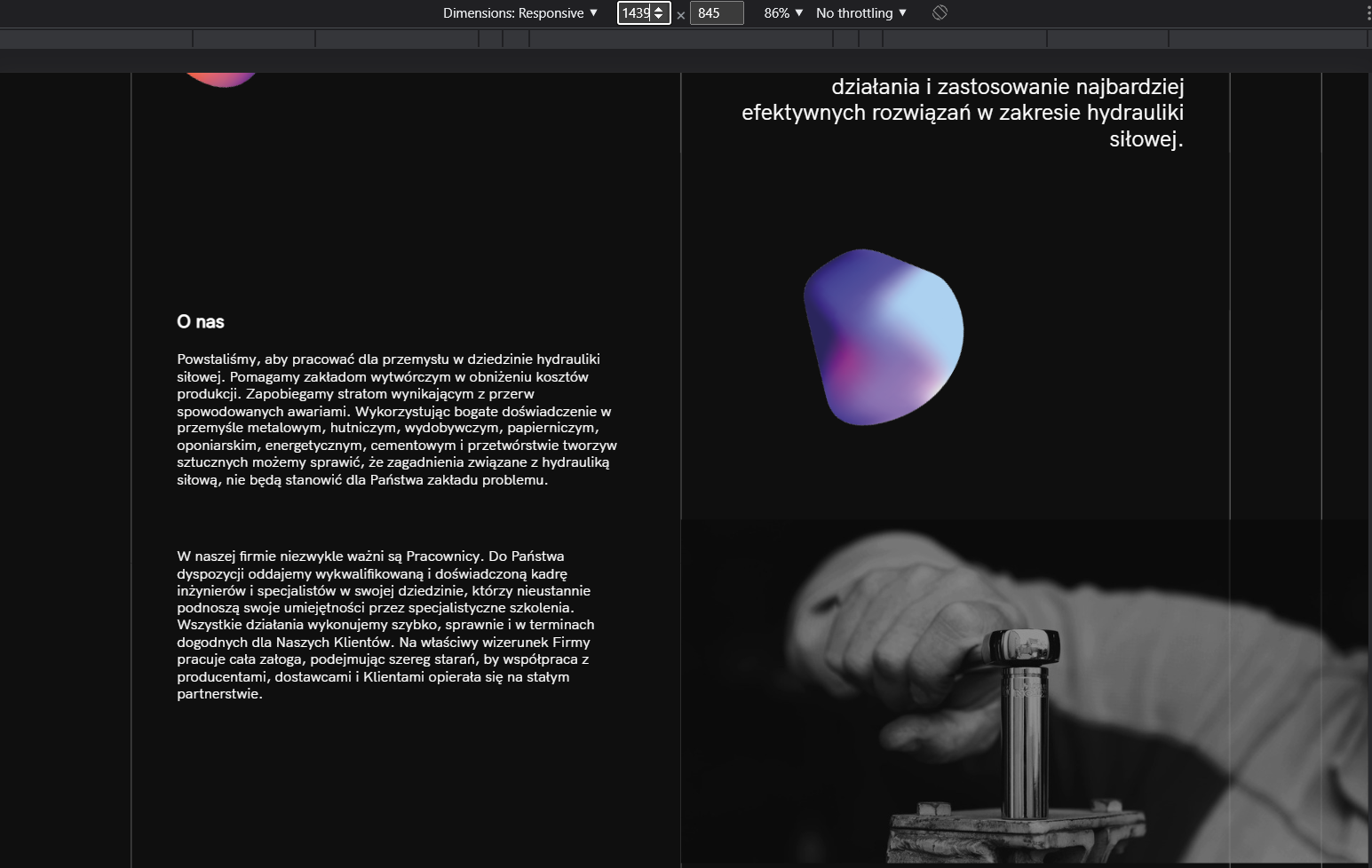
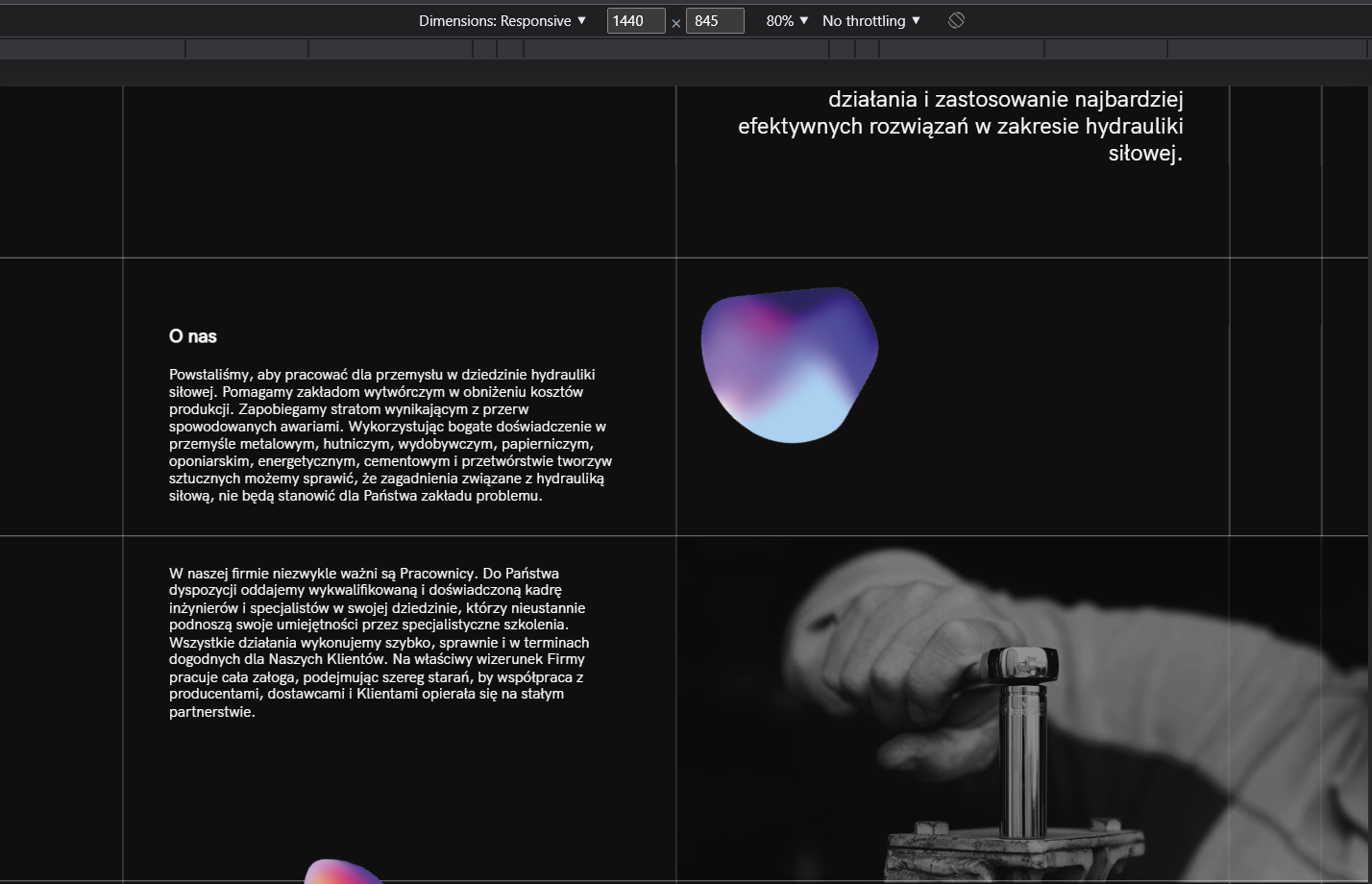
    We used the horizontal lines in the svg and scaled them. The whole thing forms a grid, unfortunately below a width of 1440 pixels the horizontal lines disappear.

    Does anyone know the solution?

    The client is getting impatient.

    Link: http://archiwum.blobtech.pl/

    blobtech-below-1440px.png blobtech-1440px.png

    Thanks
    Karol


  • Search.php problem
    S Stanczyk
    Installation Problems

    Hello, I encountered an error:

    Warning: Trying to access array offset on value of type bool in ftp/themes/lay/search/search.php on line 71

    every time when I want to create new page or new project. Sometimes it shows on front page but It can be hidden when I reload admin page.

    Error refers to this line:
    $sizes[$size] = $attachment[0];

    I have replaced folder "search" from the installation but nothing changed.

    Do you may have any solution?

  • Login

  • Don't have an account? Register

  • Login or register to search.
  • First post
    Last post
0
  • Recent
  • Tags
  • Popular
  • Users
  • Search