ah of course! well spotted.
Thanks as always
ah of course! well spotted.
Thanks as always
www.tobyneilan.com - white band along top of navbar viewed in mobile.
www.tobyneilan.com/projects - project description not working on mouseover
EDIT Re project description.
Had to click on each project in the back end and click on the project description box (which had the project text in already) and then update each page, and then it reappeared on the front end!
is it possible to display project desc 'always on' on mobile but on 'mouseover' hover on desktop?
HI Armin
I have two pages on my site which have two different colours to the rest of my site - "profile page " and "showreel page" (set as my front page.)
When viewing on a mobile I've changed the profile navbar colour with the following css.
body.slug-profile .navbar {
border-bottom-color: #e8e9e8;
background-color: #e8e9e8;
}
which works - However when I apply the same code to the showreel page It doesn't work, I'm left with an unwanted white band - see attachment.
body.slug-showreel .navbar {
border-bottom-color: #1d241b;
background-color: #1d241b;
}
any suggestions to why?
Thanks Toby
edit Also just spotted project Description "show on mouseover" has stopped working!

Thanks Armin good to know
UPDATE:
I added
postion: absolute;
to the code and this worked - but I had to adjust the set frame top on the project page to match rest of site layout (home page) and on one specific project page ( Rogers' Home ) when I had to duplicate that project and rename as old css was still active on that page despite deleting css! (odd!)
Hi Armin
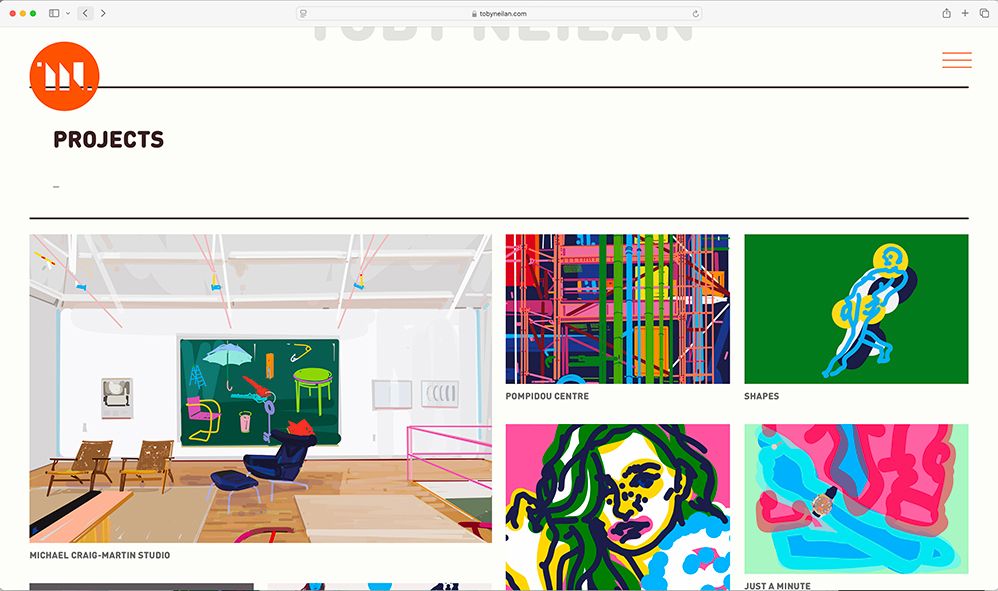
I've just spotted that after the viewer has clicked on a project then opts to click back on the back arrows on the finder window (in both safari and Firefox) the page reloads higher up the page see screen grabs.
( if the visitor hits / clicks my sitetitle the positioning is correct!)

Great - Thanks Armin
Toby
HI
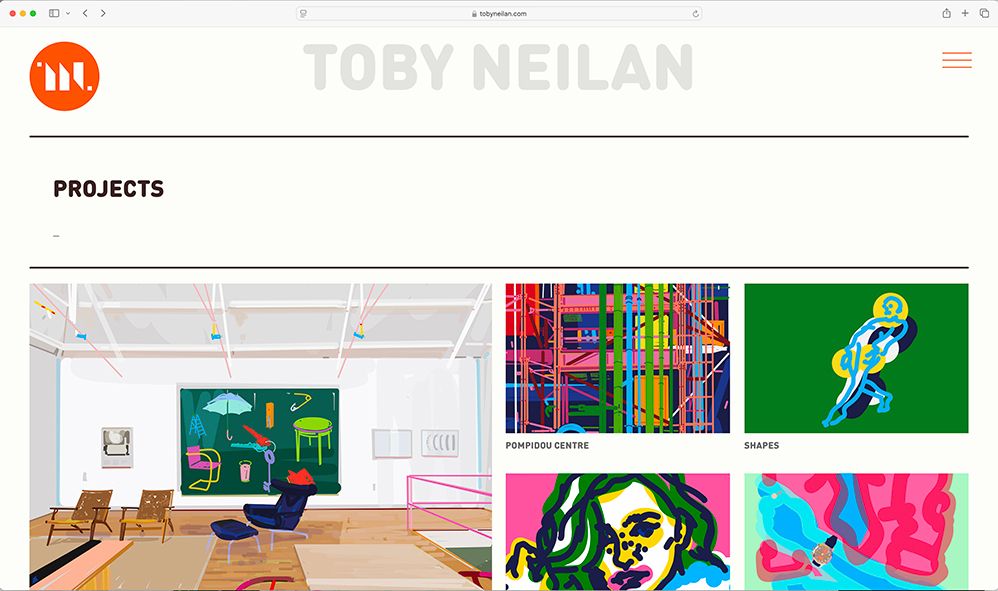
I'm looking to add some text Ie: my name at the top of my webpage see image attached
is this possible?
maybe an option to have a site title and a site image?
Cheers
Toby

@arminunruh Thanks resolved, had to update my css coding
Cheers
Toby
I've reverted back to old version until I get the time to look at my css, However I also noticed when I increased the viewing window ( in chrome) the carousel image enlarged / zoomed into a huge size
and when css was turned off the mobile site had duplicated my project posts!?
Oh - Odd as it worked fine in Google Chrome!
Thanks Armin - info has been sent.
HI
I've just updated all plugins and the theme and the carousel images are no longer visible on safari.
Also the set frame is also not working on my iPhone 14 pro ( all carousel images appear full bleed to edge of screen )
Great - Thanks Armin
Just updated to latest lay theme version and have now noticed the activated scroll element on a row that has text allocated, is scrolling up multiply times at great speed too.
I'm viewing this on an apple iphone14 Pro
Thanks Armin - have it working.
btw I did read the link but i'm the daft student who's changes the navbar to static and fails!!
Thanks again
Toby
Hi Armin
I Could only find these posts
http://laythemeforum.com:4567/topic/7217/category-filter-position?_=1680510893228
http://laythemeforum.com:4567/topic/6399/category-filter-position/4?_=1680510893231
but they don't help with positioning of the categories text above the navbar.
I don't understand why a fixed .lay-hr at a z-index at 20
can appear above the navbar
but a fixed .lay-thumbnailgrid-filter at a z-index at 99 is still hidden below said navbar!?
Cheers
Toby
Any help please?
I'd like the thumbnail grid images to go behind the navbar and the categories to remain above the navbar.
As soon as I allocate a z-index higher than 1 to the navbar it hides the thumbnail grid and categories despite giving the thumbnail grid -filter a index of 99