Skip to content

Bug Reports

Something is not working? Please provide a screenshot, your browser name and browser version and your operating system.
3.1k Topics 14.4k Posts
  • This topic is deleted!

    1
    0 Votes
    1 Posts
    1 Views
    No one has replied
  • Permalink with numbers only

    3
    1
    0 Votes
    3 Posts
    82 Views
    B
    @felix_rabe Yes, that's exactly what I noticed! However, it happens with any number, which irritates me. I don't have a solution or explanation for it yet.
  • Content Not Showing / Only Menu is Visible

    1
    2
    0 Votes
    1 Posts
    25 Views
    No one has replied
  • footer problems on mobile main page

    4
    2
    0 Votes
    4 Posts
    282 Views
    S
    Hello and a big thanks in the beginning, @Richard No, unfortunately I didn't really solve this, yet. You have to check it on mobile phone (not desktop). The browser blocks the video on mobile and the picture is shown. With the bug in the footer area. Can you see it on mobile? It appears now for a short amount of time by scrolling down. Thank you very much @felix_rabe, it's better now but still the wrong picture / error blinks up for a short amount of time when scrolling down. Any ideas how to fix this perfectly? :) Thank you in advance, Sunnyi
  • Using a PDF-flipbook in LayTheme

    13
    1 Votes
    13 Posts
    684 Views
    RichardR
    Dear Arne @ArneRobot Great that the Bug has been isolated further. 🌝 Best wishes Richard
  • front end only loads on refresh

    2
    0 Votes
    2 Posts
    106 Views
    RichardR
    Dear Johannes @JOEYP26 Has something changed since creating this thread? I am currently able to view content without refreshing. What browser are you using? Talk soon Johannes, best wishes 🌝 Richard
  • change menu text color and fullscreen images

    2
    2
    0 Votes
    2 Posts
    133 Views
    RichardR
    Dear @bbarbara "Is there a css code to change the menu text color only on the homepage including the mouseover and active menu point?" This can be achieved with help from the following link: https://laytheme.com/documentation.html#css-based-on-current-page "Can I change something so it adjusts the size automatically so that there are no blank spaces between the pictures?" You should be able to choose "Fill Slides" in the Carousel settings? Best wishes Barbara & talk soon 🌝 Richard
  • customizer preview not working

    4
    0 Votes
    4 Posts
    128 Views
    RichardR
    Dear Barbara @bbarbara Great to hear! thank you for updating your thread, have a wonderful day 🌝 Richard
  • All carousel images offset by different amounts

    5
    5
    0 Votes
    5 Posts
    217 Views
    RichardR
    Dear @alidarosie This i great to hear! thank you for updating your thread with this information, Best wishes! 🌝 Richard
  • This topic is deleted!

    1
    0 Votes
    1 Posts
    1 Views
    No one has replied
  • bug with borlab shortcodes

    5
    0 Votes
    5 Posts
    406 Views
    RichardR
    Dear Tobias @michaelmaeder An email has been sent 🌝 Sincerely Richard
  • Gridder: Text changes are duplicated

    2
    0 Votes
    2 Posts
    60 Views
    RichardR
    Dear @Alexx Sorry that you are experiencing issue Could you please make sure of the following: - Wordpress, Lay Theme & Laytheme's Addons are all updated to current versions ? - Any custom code </> that may interfere is temporarily removed. - Any third-party plugins are de-activated. Also could you post a link to your website if possible πŸ” Talk soon & best wishes 🌝 Richard
  • This topic is deleted!

    1
    1
    0 Votes
    1 Posts
    3 Views
    No one has replied
  • This topic is deleted!

    2
    0 Votes
    2 Posts
    1 Views
  • Lay Theme v3.3.7 - Borlabs Cookie Box doesn't disappear anymore

    12
    0 Votes
    12 Posts
    794 Views
    RichardR
    Dear @michaelmaeder I have recently replied on this Thread: http://laythemeforum.com/topic/6887/bug-with-borlab-shortcodes/3 Best wishes 🌝 Richard
  • Phone layout gridder problem

    2
    1
    0 Votes
    2 Posts
    115 Views
    RichardR
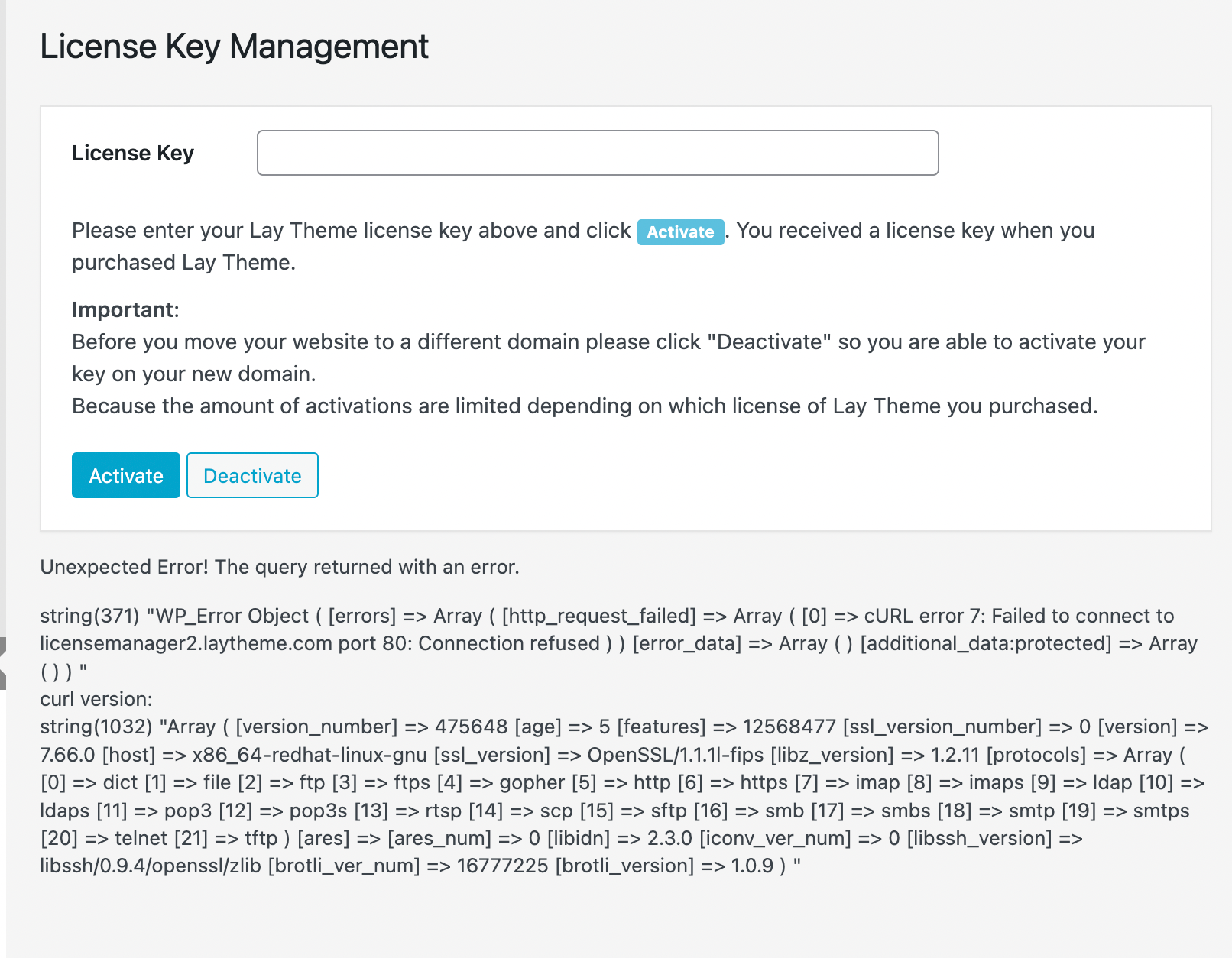
    Dear @QuentinC Sorry that you are experiencing issue Firstly are you able to post a link to your website, to check that nothing is wrong on the Front-end. Secondly before proceeding could you make sure of the following: Wordpress, Lay Theme & Laytheme's Addons are all up to date ? Any custom CSS or JS that may interfere is temporarily removed. Any third-party plugins are de-activated to see if this resolves the issue. If using a WordPress Cache plugin, disable it or clear your cache. License key not activated - (in website blank situations or button not available) If your WordPress Dashboard shows a warning "PHP Update required” 
Please update your PHP version in your webhost control panel. Possibly your website is running PHP 8.0 this has been known in some cases to cause issue. Talk soon Quentin & have a wonderful day 🌝 If we cannot find the issue easily then there are options for me to Login and check or worst case install a previous version (3.8.4) if the Bug relates to the new (3.8.5) version of Lay Theme Sincerely Richard
  • This topic is deleted!

    1
    0 Votes
    1 Posts
    2 Views
    No one has replied
  • Stack Element goes off-border

    2
    2
    0 Votes
    2 Posts
    102 Views
    RichardR
    Dear Robin @rbnbm Could you please post a link to your website with the Stack Element in question? πŸ” Best wishes, have a wonderful day 🌝 Richard
  • This topic is deleted!

    1
    1
    1 Votes
    1 Posts
    7 Views
    No one has replied
  • Menu Point Active isn't working correctly

    2
    0 Votes
    2 Posts
    80 Views
    RichardR
    Dear @axmannrottler I am sorry that your thread has not been replied to. The most recent update of Lay Theme has indeed caused some bugs πŸ›. Because of this user's are having to wait for some of these to be remedied in the next update. However an option that may work better for you is to just re-install a previous version of Lay Theme. If you liked how your website was earlier and have no need for Woo-commerce integration please send an email to lostfiles@laytheme.com with your License key and the necessary downloads can be provided 🌝 Once again sorry for the inconvenience axmannrottler and have a wonderful day 🌼 Sincerely Richard

I also code custom websites or custom Lay features.
πŸ’Ώ Email me here: πŸ’Ώ
info@laytheme.com

Our Web Development company: 100k.studio

Want to tip me? https://www.paypal.com/paypalme/arminunruh

Before you post:
  1. When using a WordPress Cache plugin, disable it or clear your cache.
  2. Update Lay Theme and all Lay Theme Addons
  3. Disable all Plugins
  4. Go to Lay Options β†’ Custom CSS & HTML, click "Turn Off All Custom Code", click "Save Changes"

This often solves issues you might run into

When you post:
  1. Post a link to where the problem is
  2. Does the problem happen on Chrome, Firefox, Safari or iPhone or Android?
  3. If the problem is difficult to explain, post screenshots / link to a video to explain it
Online Users
Forgot your key, lost your files, need a previous Lay Theme or Addon version? Go to www.laykeymanager.com