Skip to content

General Discussion

5.0k Topics 21.7k Posts

A place to talk about anything Lay Theme related

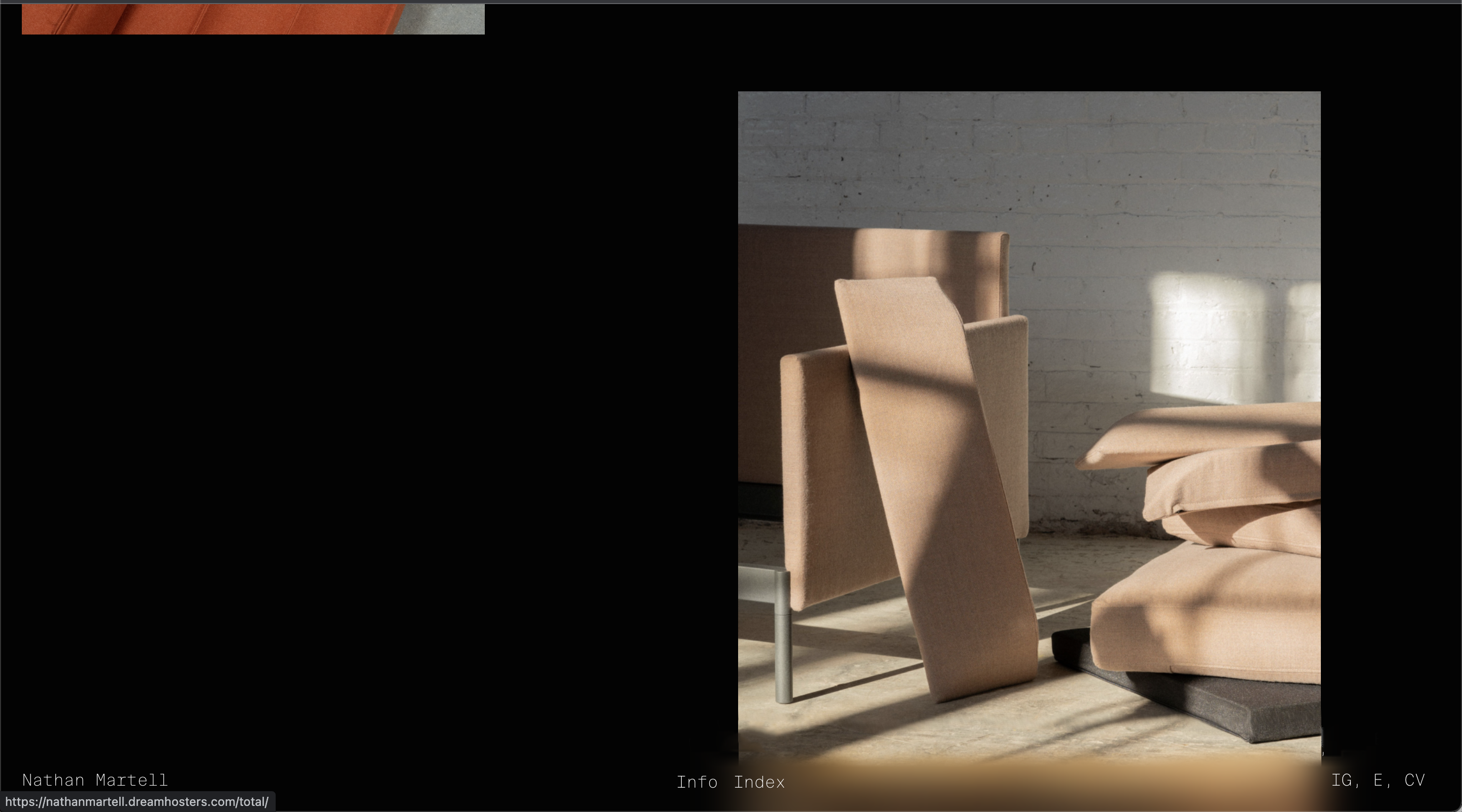
  • Navbar blur + box-shadow?

    blur box-shadow navbar
    4
    3
    0 Votes
    4 Posts
    1k Views
    RichardR
    Dear Nathan @nm Yes this will be a bit tricky but you can get there, you can apply a nice blur using back-drop-filter:blur : https://www.w3schools.com/cssref/css3_pr_backdrop-filter.asp Result: [image: Screen Shot 2022-05-23 at 11.57.29 AM.png] This is good when the Navbar is not interacting with another element behind it to blur off, i noticed this when using the standard 'filter:blur'. The tricky part is the box-shadow but this thread outlines a possible solution: https://stackoverflow.com/questions/52140378/using-a-shadow-together-with-backdrop-filter-blur Even better would be to use the Blur function and Drop shadow in the same, for example with the backdrop filter you can apply multiple settings: .element { backdrop-filter: grayscale(0.5) opacity(0.8) /* ...and on and on... */; } Outlined here: https://css-tricks.com/almanac/properties/b/backdrop-filter/ So you could have blur and drop shadow together within the backdrop filter. Best wishes and good luck! โญ๏ธ Richard
  • Mouseover Text

    4
    0 Votes
    4 Posts
    1k Views
    RichardR
    Dear Jan @Jan This is not possible at the moment with standard Lay Theme functions unless you used the Imagehover Addon with an image that was text. It would need to be custom coded and this link will may help you in the right direction, the same logic applies ๐ŸŒ: http://laythemeforum.com/topic/6087/imagehover-on-element-grid-lightbox-on-carousel https://laytheme.com/documentation/custom-css-styling.html Best Richard
  • Mobile Video Background doesn't play

    5
    0 Votes
    5 Posts
    935 Views
    RichardR
    Dear @otto Are you using a Custom Phone layout and the video has not been set? Also when adding a video to row background the info is given: "The placeholder image is used on mobile devices that do not support inline autoplaying videos." Maybe this is why. I am able to add an .mp4 Video via > Customize > Mobile > Background > Video and also working through the Gridder Row background video. "and if i use Rowbackround Video i cant use one Video for all content...." If doing this from the Gridder then you will need to apply it to all Gridder's. I would suggest you try a different .mp4 video without sound as a test & also make sure of the following: Wordpress, Lay Theme & Laytheme's Addons are all up to date ?โ€จ Any custom CSS or JS that may interfere is temporarily removed.โ€จ Any third-party plugins are de-activated to see if this resolves the issue. Best wishes Richard
  • change font size for different thumbnails

    3
    0 Votes
    3 Posts
    340 Views
    S
    thank you very much!
  • Presentation of images

    3
    0 Votes
    3 Posts
    527 Views
    B
    Yes, exactly, thank you! :)
  • My website does not open

    5
    0 Votes
    5 Posts
    544 Views
    RichardR
    Dear @MES Am i correct that we emailed together about this? ๐ŸŒ Best wishes Richard
  • image hover add-on sizes

    2
    0 Votes
    2 Posts
    396 Views
    RichardR
    Dear @tali This would be possible with Custom CSS, targeting the Imagehover region and the images that sit inside it: [image: Screen Shot 2022-05-20 at 12.42.29 PM.png] https://laytheme.com/documentation/custom-css-styling.html The lay-Imagehover-region is the parent container and the children images are called lay-image-responsive The images order in the container should match the order the links appear on the page. Because all the images sit in the same parent container and do not share different classes i would use the nth-child selector: https://www.w3schools.com/cssref/sel_nth-child.asp If you have 4 images in the first section and 5 in the second section then you know to target the last 5 and apply your 'small image' css. The following code is saying within the imagehover region (.lay-imagehover-region) target all images from the 5th: .lay-imagehover-region img.lay-image-responsive:nth-child(n+5) { // insert desired CSS here } hope this helps Tali & best wishes ๐ŸŒ Richard
  • Malewere inside

    4
    0 Votes
    4 Posts
    594 Views
    RichardR
    Dear @micheleiacca Have replied to your email ๐Ÿ‘ Best Richard
  • On Scroll Element Transitions on single page

    1
    0 Votes
    1 Posts
    126 Views
    No one has replied
  • Loading from instagram not working

    5
    0 Votes
    5 Posts
    512 Views
    H
    @Richard Yes, the bug happens randomly and only on mobile from the instagram application. When the scroll is freezing, you have to reload the page to make it work but it's not very convenient. Thanks you for your response, hope you can find a solution.
  • How to justify text and fit to the container?

    4
    0 Votes
    4 Posts
    506 Views
    RichardR
    Dear Barry @barrybianco Thanks for the reply, i don't quite understand sorry, but i appreciate your description: "because I would keep the text in 1 line and its change a lot depend of the size of the navigator." As for the second question, you have this font "Carmensin Headline Regular" and the font-size has been set to 150px. px or 'pixels' are a fixed unit. They will not change based on browser size etc, so if the browser is smaller they are forced to move and occupy a different space. I would suggest looking into the use of % 'percentage' as this is a variable or responsive unit. This means that it will shrink or grow depending the size of its parent container. It's Parent container will most likely also resize with the browser so the font should resize too! ๐ŸŒ You can change the unit from 'px' to '%' in text formats. Looking into other responsive units will help as well such as 'vw' & 'vh': https://www.w3schools.com/cssref/css_units.asp Best wishes Richard
  • text float image

    5
    0 Votes
    5 Posts
    1k Views
    RichardR
    Thanks @hanna have a wonderful day ๐ŸŒ
  • Costumize mobile view

    2
    2
    0 Votes
    2 Posts
    131 Views
    RichardR
    Dear @Eddy Nice looking website โญ๏ธ In most cases, Mobile will take your Content and stack the elements on top of each other because this works dimensionally. Have you looked into creating a "Custom Phone Layout"? https://laytheme.com/documentation/custom-phone-layouts.html This may a solution for you to get Projects next to each other ๐ŸŒ Best Richard
  • Youtube Cookies / Always Set even if I don't use them?

    17
    1
    0 Votes
    17 Posts
    3k Views
    W
    @Richard said in Youtube Cookies / Always Set even if I don't use them?: @arminunruh ! Thank you very much! Have a good time!
  • "+ Add font" option missing at LayOptions, Webfonts

    3
    1
    0 Votes
    3 Posts
    235 Views
    M
    @Richard Thank you so much Richard! I will try it :)
  • Accordeon-feature or plugin?

    5
    1 Votes
    5 Posts
    648 Views
    B
    Tank you!
  • Multiple Carousel Layout

    1
    0 Votes
    1 Posts
    105 Views
    No one has replied
  • Randomize thumbnails order in Thumbnail grid

    9
    0 Votes
    9 Posts
    2k Views
    RichardR
    Dear @edgrbnz @Financial Have added to the development noted & forwarded to Armin ๐ŸŒ Best Richard
  • upgrade request from pro to studio

    2
    0 Votes
    2 Posts
    118 Views
    RichardR
    Dear @Antonio-di-Summa Your Email has been replied to ๐ŸŒ Best Richard
  • can't select fonts in mobile menu version

    4
    1
    0 Votes
    4 Posts
    500 Views
    RichardR
    Dear Scarlett @scarlettwyner Are you not able to create a "text format" of this font and then apply it properly to the Mobile? Best wishes Richard
Online Users
Forgot your key, lost your files, need a previous Lay Theme or Addon version? Go to www.laykeymanager.com