Carousel "X"
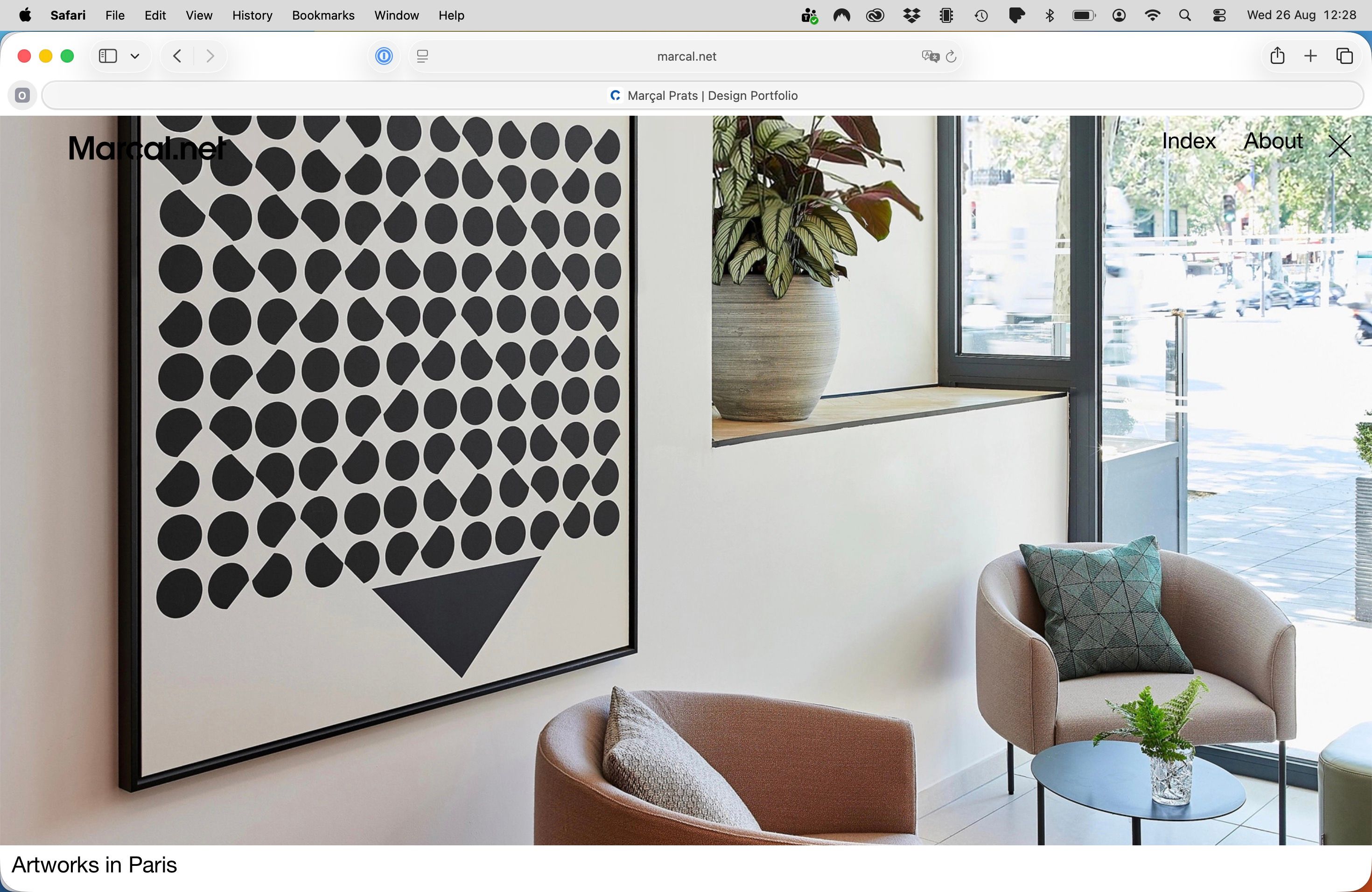
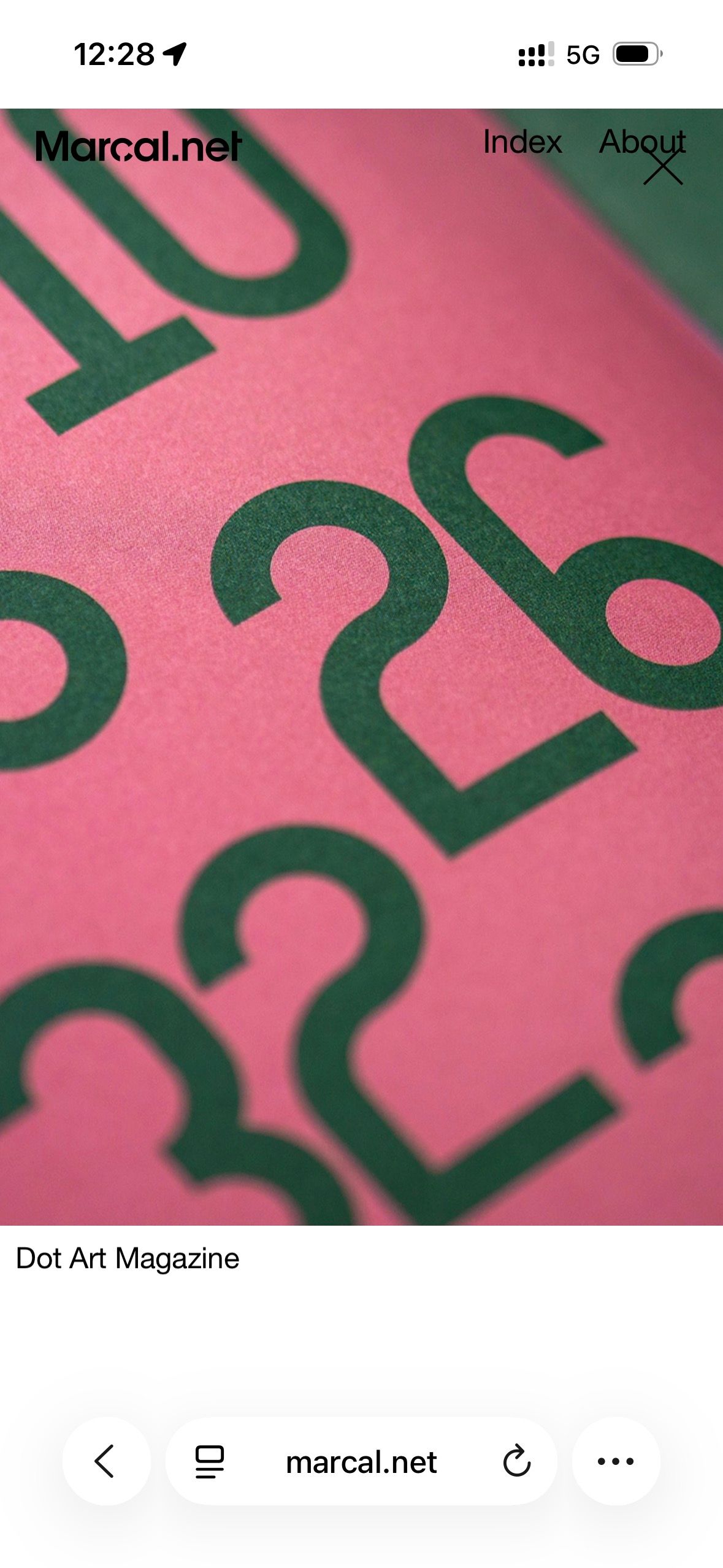
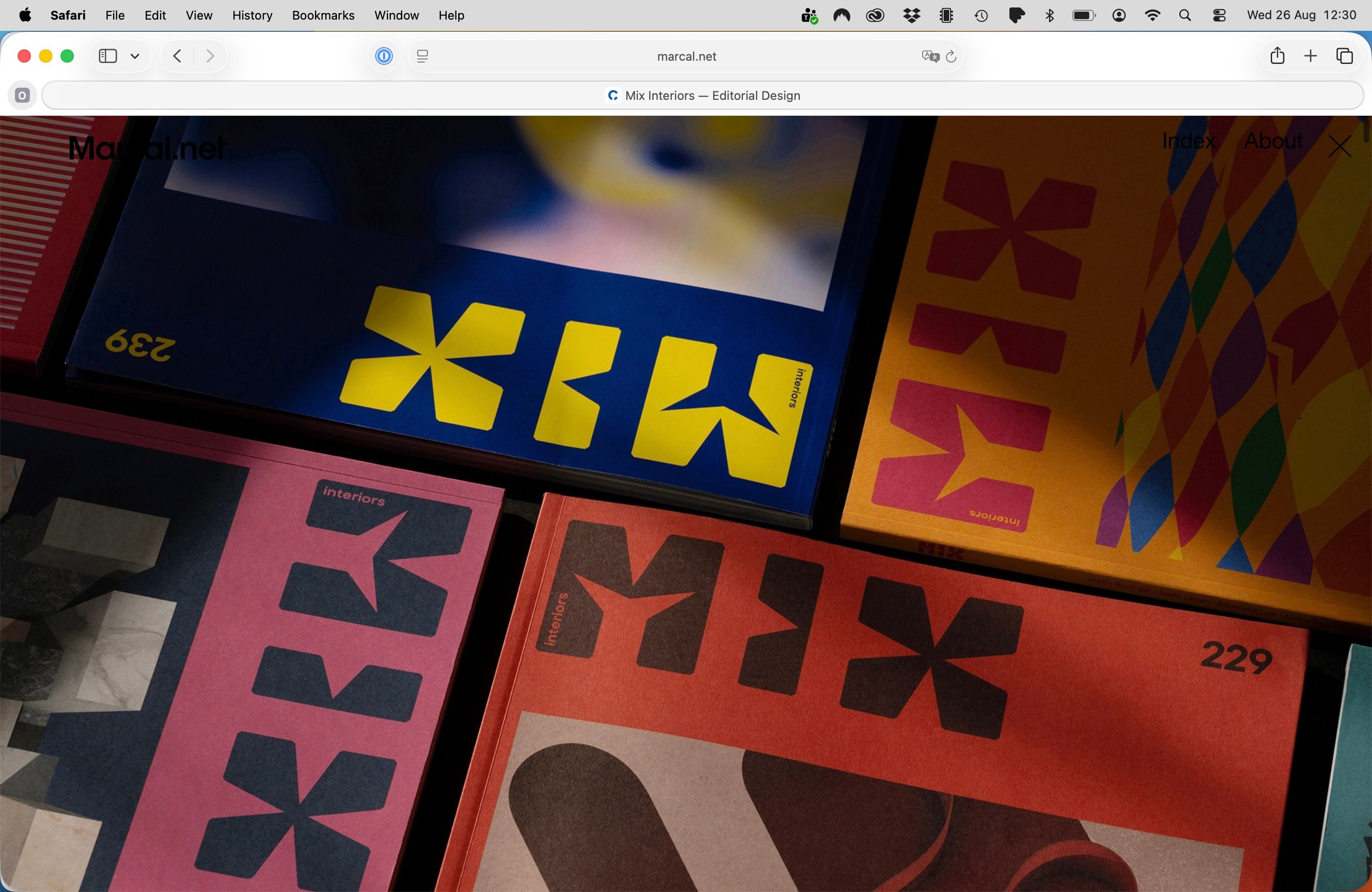
-
Thanks! The remaining X is the search close icon. Your updated Lay Theme CSS already contains the fix, but WP Fastest Cache is still serving an older minified CSS file. Please use “Delete Cache and Minified CSS” in WP Fastest Cache, then reload the page. Clearing only the browser cache is not enough.
-
-
aha thanks a lot!! <3 :))
-
-
Hi Armin!
Good news! My site logo now has the same mix-blend-mode: difference effect 🎊
I had to change the black logo SVG to a white one so this would work.Anyway, I also have this custom CSS that does the job, even without the feature activated:
a.sitetitle,
a.sitetitle.is-fixed {
mix-blend-mode: difference;
background: transparent;
isolation: auto;
}a.sitetitle img {
mix-blend-mode: normal;
}
Screenshot attached.

-
Last thing: now the carousel "X" icon does not appear when landing on the home screen (good!), but it also does not appear when visiting any of the project links on the home page.
However, the "X" icon is still functional, so clicking on the "X" icon area when visiting a project closes it and returns to the home page.
Is it possible to have the "X" icon feature back, only when visiting any of the homepage project links?
Then I would add the following CSS to apply the mix-blend-mode: difference effect to the "X" icon.
div.close-projects-overlay {
mix-blend-mode: difference;
background-color: transparent;
isolation: auto;
}
Many thanks!
-
Hey, you need to set up the icon to be white, cuz that's what mix blend mode difference needs to work correctly.
-
div.close-projects-overlay {
color: #fff !important;
mix-blend-mode: difference;
background-color: transparent;
isolation: auto;
}You can also try this CSS. <3
-
-
-

Hello! It looks like you're interested in this conversation, but you don't have an account yet.
Getting fed up of having to scroll through the same posts each visit? When you register for an account, you'll always come back to exactly where you were before, and choose to be notified of new replies (either via email, or push notification). You'll also be able to save bookmarks and upvote posts to show your appreciation to other community members.
With your input, this post could be even better 💗
Register Login