mailto: link issue
-
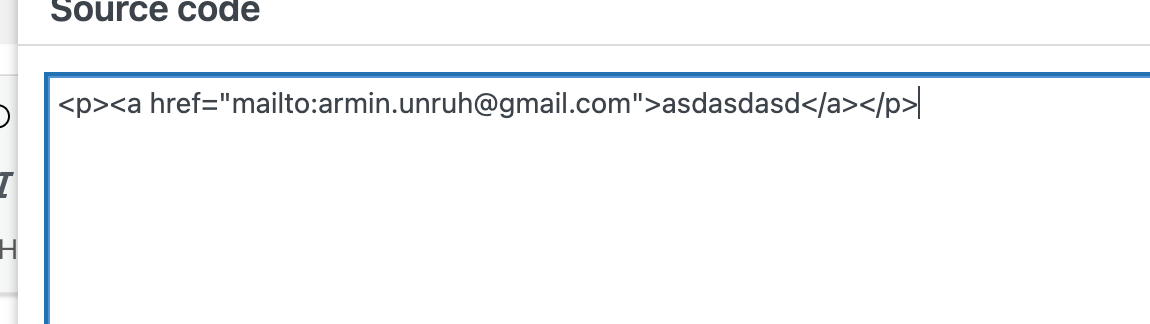
when creating a mailto link with lay theme i see the code is correct. make sure to also use the latest lay version and then create a link
-
can you remove: target="_blank" please and remove data-id="0" too please
usually when you enter just a mailto: link it looks like:
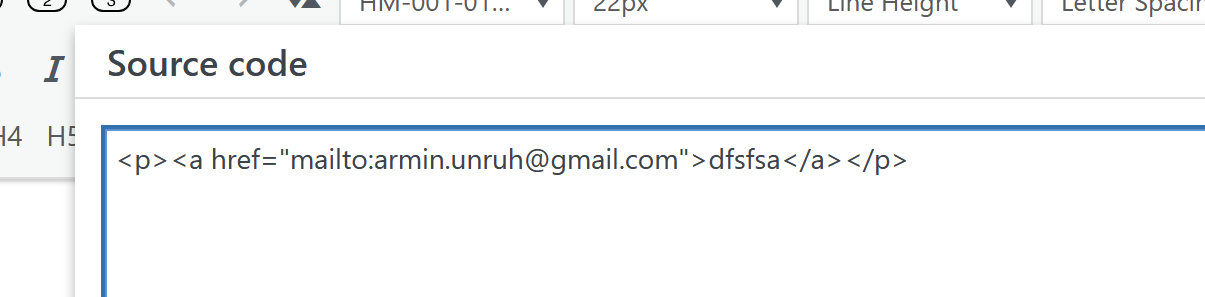
-
nothing. The problem is only on computer, on smartphone it work well.
<p class="_Descrizione" style="text-align: left;"><a rel="noopener" href="mailto:info@spaziodimora.it">info@spaziodimora.it</a></p>
-
ok whats the link to the page? i want to take a look myself at ur website
-
ok whats the link to the page? i want to take a look myself at ur website
@arminunruh said in mailto: link issue:
ok whats the link to the page? i want to take a look myself at ur website
-

So you did it right, and when I click this link, my email program opens.
Do you think maybe the issue is with your browser? Can you try a different browser, please?
-
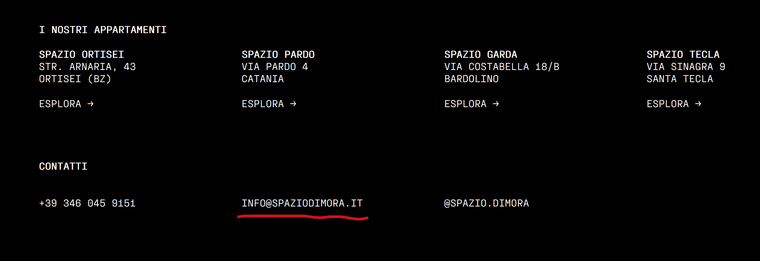
I'm talking about this link in the footer here:
Congratulations on the website. It looks really good.


