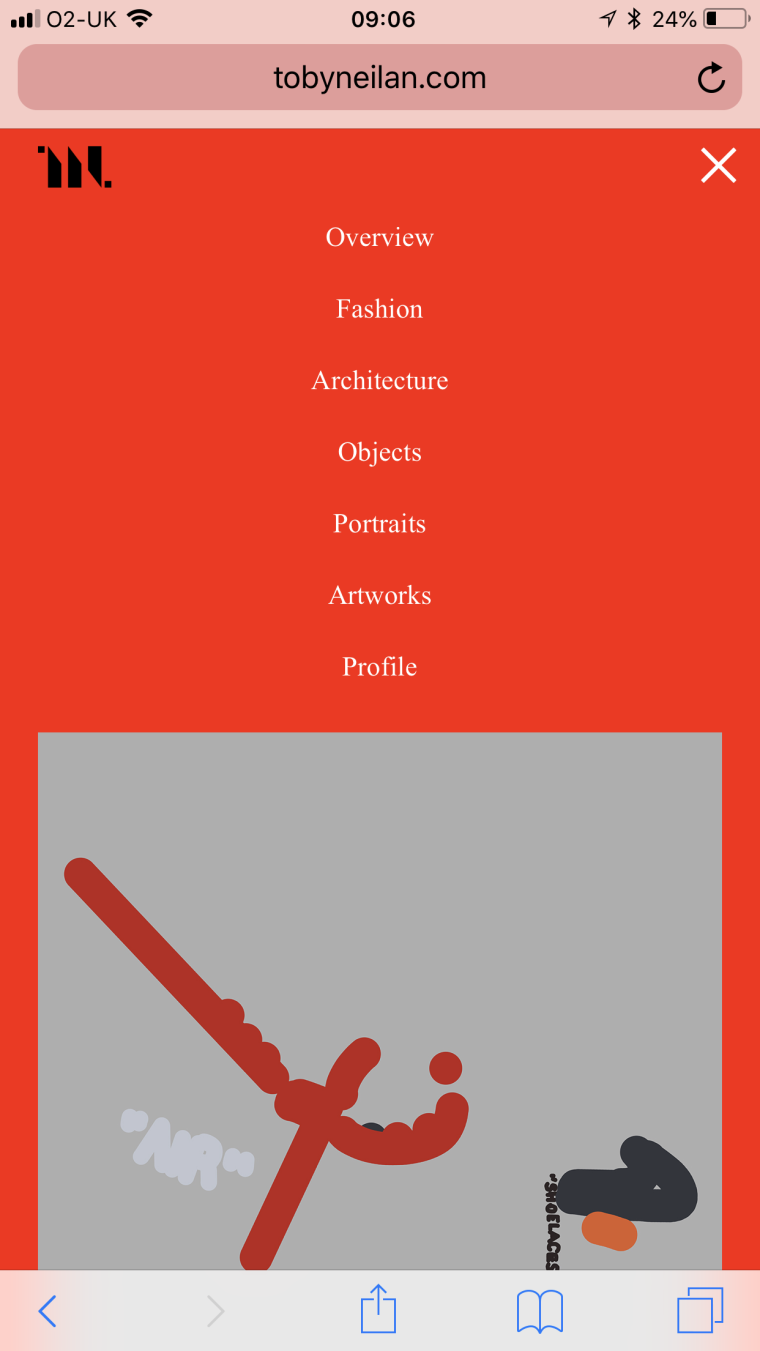
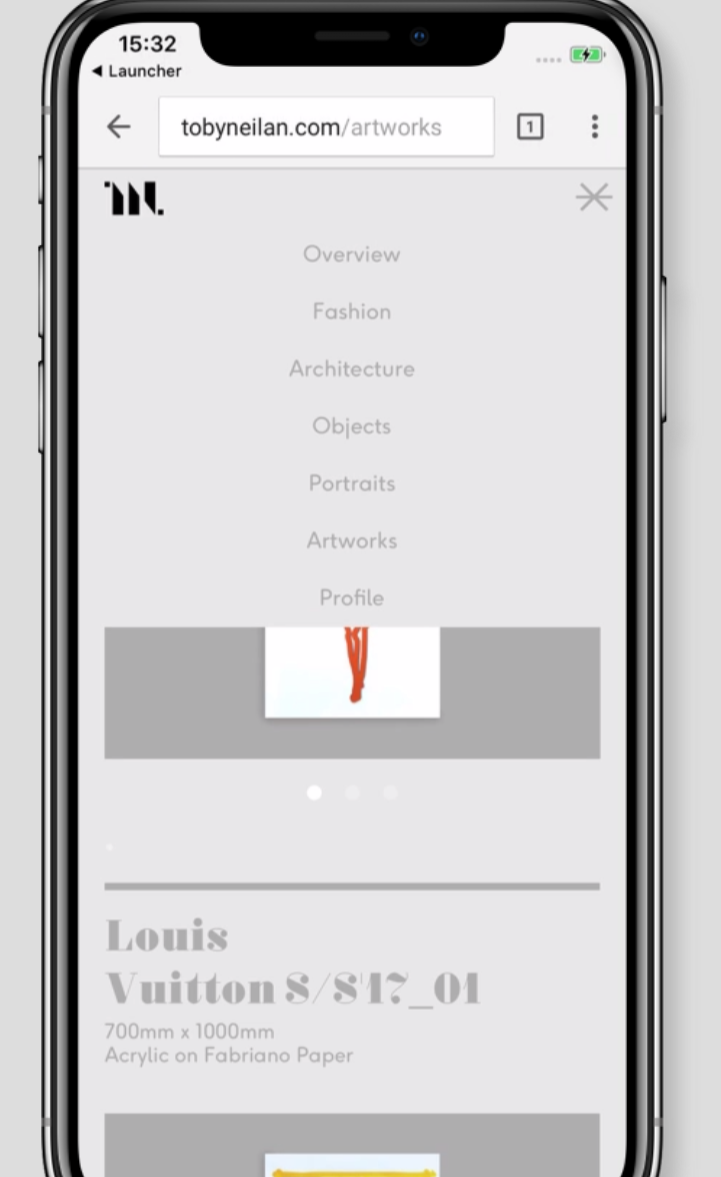
Fonts on the mobile
-
-
ok thanks will look at this!
-
-
Ok I looked at it on an IPhone X v1
iPhone 7 plus v 10.3
iPhone 6s v 11.3.1Couldn't reproduce it :/
Do you have version 11.3 or 11.3.1 ?
-
also on iOS 11.2 i couldnt reproduce it on iphoneX and iphone 7+
Are u using safari?
-
also on iOS 11.2 i couldnt reproduce it on iphoneX and iphone 7+
Are u using safari?
I'm using 11.3 and safari - odd because I Just visited on the iPhone and the text was displaying correctly (which is good but bizarre)
I have now updated to 11.3.1 and fonts are still correct.
However I had some one check on an iPhone 7 (iOS 11.3.1 ) and it still didn't work
Thanks for looking into it
Toby
-
-
Sorry but I can't reproduce this on an iPhone 7 :/
-
-
-
Ok.
Does this happen with any custom font or is it only this one?
Maybe it has sth to do with the font itself, maybe you can try a different webfont? -
-
-
@mariusjopen Thanks Marius email has been sent.
-
-
-
-
-
Ok Toby
Can you delete all of your webfonts from lay options -> webfonts, and then re-insert them?
I believe the problem is not the iphone version, but when you visit the website using https instead of http the fonts are not loaded correctly.This I fixed in a certain lay theme verison but it only works with newly inserted fonts.
If that doesn't work please send me your /wp-admin/ login info to armin.unruh@gmail.com along with a link to this topic, thanks!
-



Hello! It looks like you're interested in this conversation, but you don't have an account yet.
Getting fed up of having to scroll through the same posts each visit? When you register for an account, you'll always come back to exactly where you were before, and choose to be notified of new replies (either via email, or push notification). You'll also be able to save bookmarks and upvote posts to show your appreciation to other community members.
With your input, this post could be even better 💗
Register Login