@arminunruh is there a way to edit the stye of disable links?
cesarbourgeois
Posts
-
Add projects to project index without having project page -
Images not showingHi,
https://barbaratedeschi.com/
my friend's website is not showing any image, for some reason they all have opacity set to 0. I tried deactivating custom code, reinstalling laytheme and its plugin with the latest version but nothing changes. There are not other plugin installed. Any clue?
Thanks!! -
Bug: Carousel & captions with backgroundHi there,
I'm encoutering some bugs using the Carousel Addons:
My goal is to have a website with a single carousel, hovering the central part the captions disappear to let the basic info appear and vice versa. A working overview is available here. I'm using some custom code to achieve the effects as shown below:/* bio */ .blur { opacity: 0; border-radius: 4px; background-color: rgba(0, 0, 0, 0.4); box-shadow: 0 8px 32px rgba(0, 0, 0, 0.1), inset 0 1px 0 rgba(255, 255, 255, 0.2), inset 0 -1px 0 rgba(255, 255, 255, 0.1), inset 0 0 0px 0px rgba(255, 255, 255, 0); backdrop-filter: blur(13px); transition-duration: 0.3s; border: 1px solid rgba(255, 255, 255, 0.25); } .blur:hover { opacity: 1; transition-duration: 0.3s; } /* captions PSNCaption = Caption text style */ .lay-carousel-wrap:hover ._PSNCaption { opacity: 1; } ._PSNCaption { padding: 5px; opacity: 0; transition: opacity 0.3s ease; z-index: 100; display: inline-block; opacity: 0; padding: 5px 10px; border-radius: 4px; border: 1px solid rgba(255, 255, 255, 0.25); background-color: rgba(0, 0, 0, 0.4); backdrop-filter: blur(13px); box-shadow: 0 8px 32px rgba(0, 0, 0, 0.1), inset 0 1px 0 rgba(255, 255, 255, 0.2), inset 0 -1px 0 rgba(255, 255, 255, 0.1), inset 0 0 0 0 rgba(255, 255, 255, 0); transition: opacity 0.3s ease; }While on this page the captions flips up and we lost the hover controls allowed by the carousel to navigate through. The problem is probably due to the amount of slides and captions, any idea on how to resolve?
Thank you!
-
multiple image hoverHi everyone,
I'm attempting to have multiple images when hovering on a project name. Basically I would like to be able to select multiple images when selecting the image hover of a link.
Is there anyway to do that? Possibly editing the css of image hover addon?
The effect I'm looking to achieve is something like this: https://www.davidwilliambaum.com/
Thanks a lot,
César
-
Multiple row sticky elementsHi everyone,
I recently update my website in a one page approach and with new design: https://www.bourgeoiscesar.com/
If you open the website you can notice that each project name+description is written after its content/images. I tried to use sticky elements to have it fixed on top (at the place of the BIO text for instance) while scrolling through and then switching to the following. The issue is that sticky elements works only in one row and you must use stacks to achieve the desired effect. I can't have the same freedom in the grid as I cant add two images side by side + aligned horizontally.
Is there any way to make sticky elements through multiple and specific rows?
Or another way with another logic I'vent even thought about?Thank you and good Sunday!
César ;^)
-
Row as link to page -
Row as link to pageDear @Richard-Keith thanks for asking!
So, yes @edgrbnz's worked out and now the link trigger and works for the entire row, good news.
The fact is that I can't make the entire row go blur, it applies only to the linked text, any idea how I can force this?
Working on the same page as the last post: http://www.bourgeoiscesar.com/nh-3Cheers,
César -
Row as link to page@edgrbnz yeah, thanks for pointing out. It worked only on safari.
So I made the page using a table, added the link to each text but I'm struggling to have the row linked as described on Stack.
http://www.bourgeoiscesar.com/nh-3
What I'm not understanding is where to add this snippet$('tr').click( function() { window.location = $(this).find('a').attr('href'); }).hover( function() { $(this).toggleClass('hover'); });Thanks for your help,
CheersC
-
Row as link to pageHi @edgrbnz ! Thanks a lot for your time.
Well at the end I managed to do it, not having enough knowledge about code, opting for svgs of the entire row and link on images. Not sure if it is a good idea, but hey, it works http://www.bourgeoiscesar.com/nh-2
I'll dig a bit more using tables, thanks for the advice.
Cheers!
C -
Row as link to pageDear @Richard-Keith, Thanks a lot for your answer.
First of all I'll move to a new page as reference: http://www.bourgeoiscesar.com/nhcaps
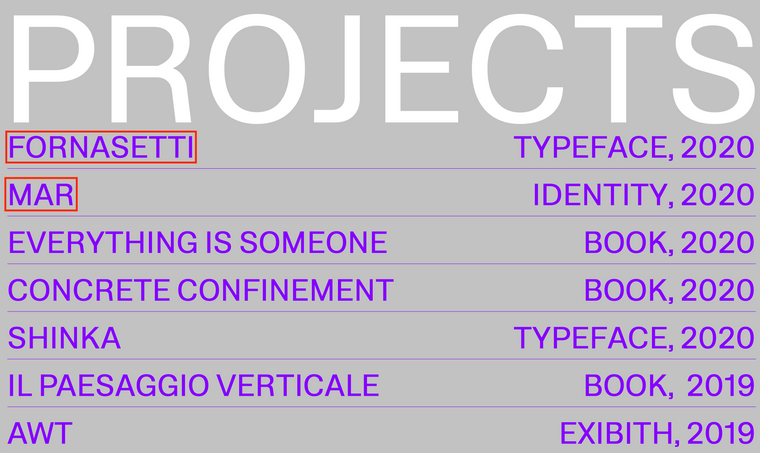
Here the first two names ("Fornasetti" and "MAR") are in text links exactly as CONTACT at the end of the pages is. This mean that the clickable and mouseover sensible area is only around Fornasetti or MAR. As a schema:
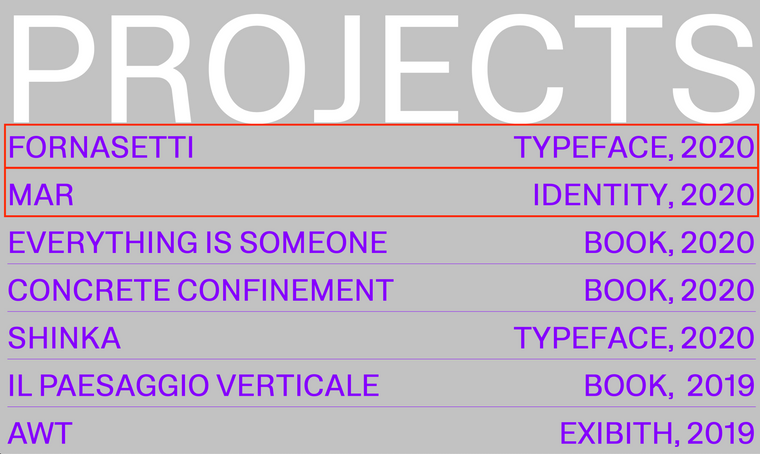
What I would like is the entire row to be clickable and mouseover effective, having the entire row as a kind of button as shown here:
I've used just the first two projects as example but what I'm looking for is to have all the following projects like that. Is there a simple way to achieve that?
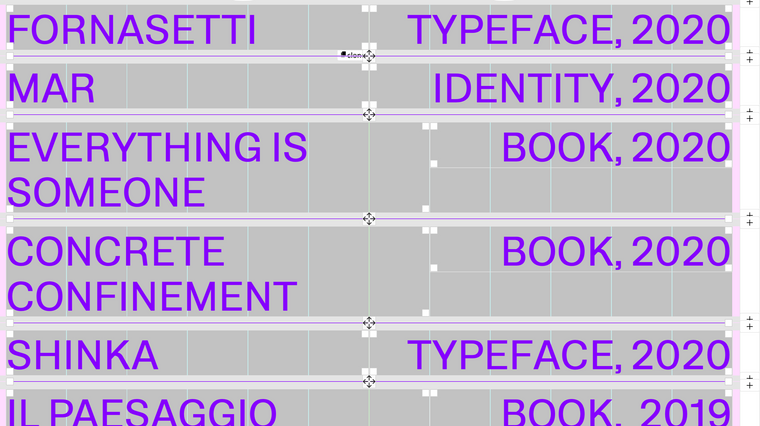
PS When I use the word "row" I refer to the gridder's row which for this page it looks like:

Cheers
César -
Row as link to pageHi,
I'm working on this page http://www.bourgeoiscesar.com/nh/.
Is there a way to have all a row as a link to an other page? I have also a blur mouseover effect for in text links added through CSS, and would like the entire row to go blur on mouseover. Now when I put a link it logically just activate in proximity of texts, what I'm looking for is to have an area that activate the blur on al the the row. Each line of text is a separate row for now.!Many thanks!
-
Page showing only content of first row in gridderYesss, Thanks!
-
Page showing only content of first row in gridderHey,
Thanks for you answer.I've the v3.2.0 and Activate on scroll element transitions feature is not activated. Using safari at the moment.
-
Page showing only content of first row in gridderHi there,
I'm having an issue using multiple rows on a page: the website (ex: http://www.bourgeoiscesar.com/awt) show content only for the first row, and on the following ones it just doesn't appear. Use browser height for row Height is not activated.
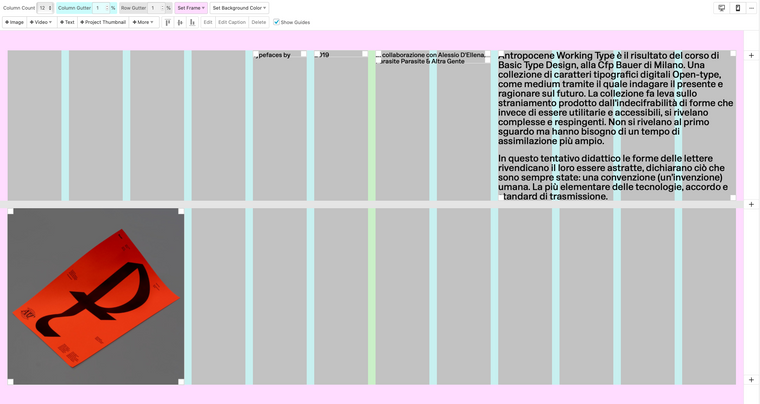
here attached a screenshot of the Gridder for the linked page:

Any idea what is the problem?
Thanks!