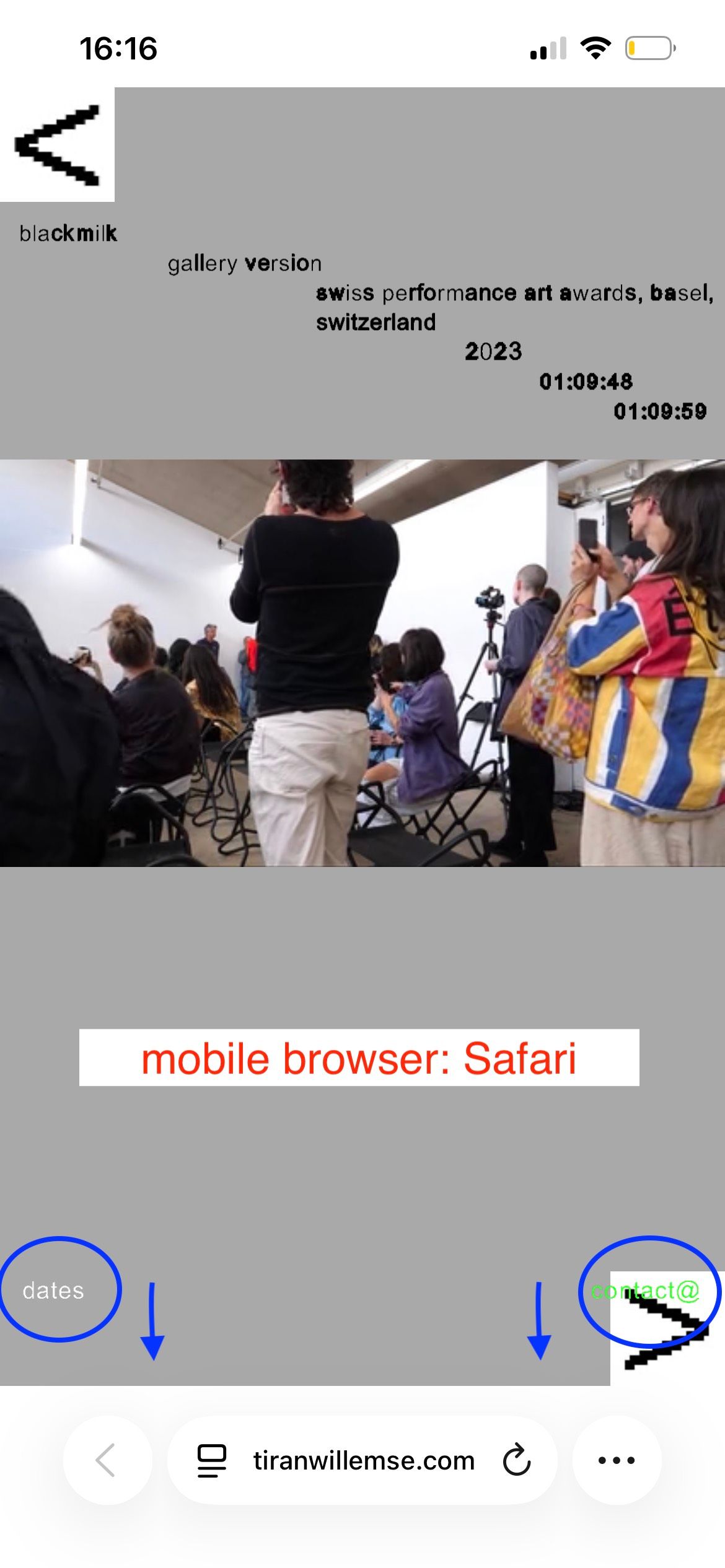
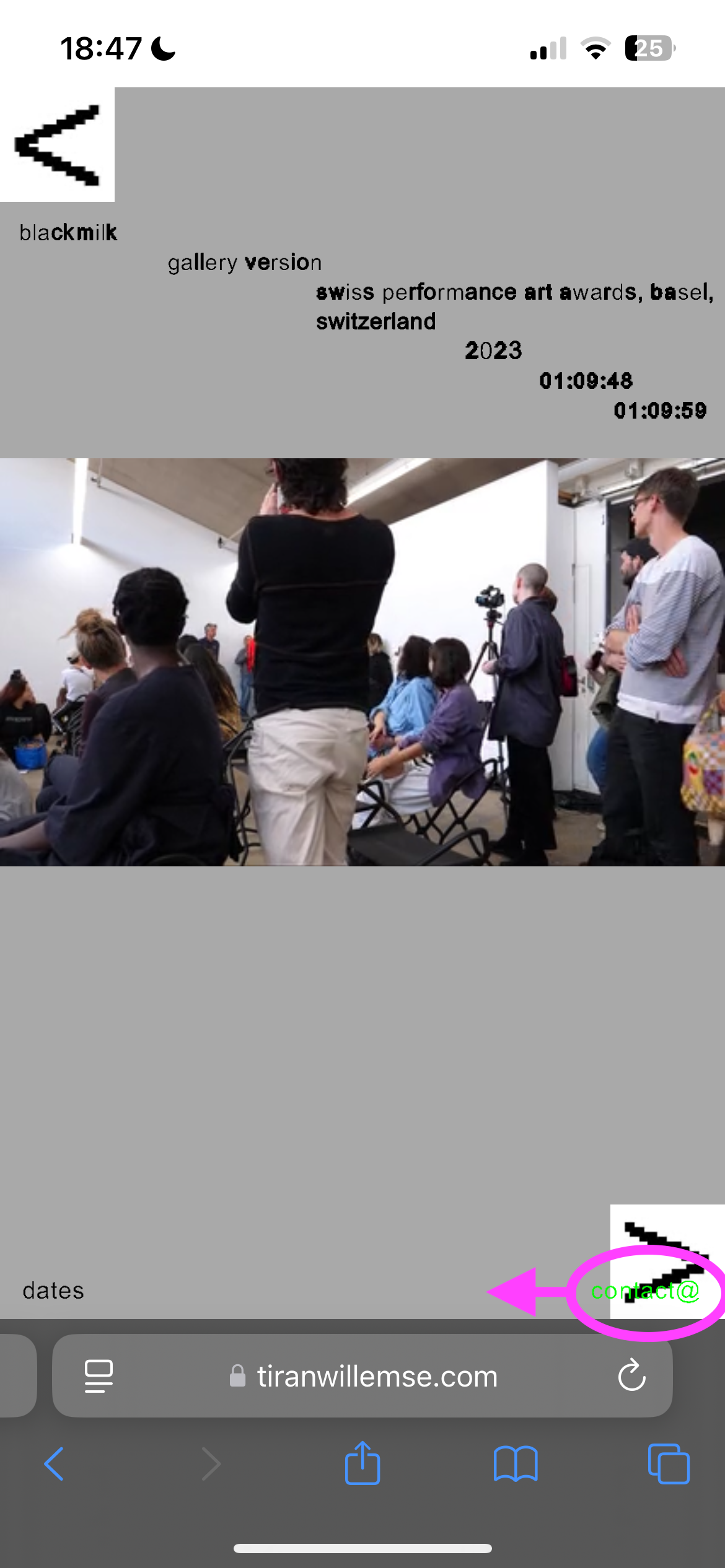
thanks! you are totally right: I use the fullscreen slider addon and percentage Y offset for the captions. I don't use custom CSS for the captions.
the update is great! now I can position the image slides and video slides in the same way (I use stacks). the mobile version and the desktop are different in the design.
thanks a lot !
oh i forgot. above, you have "textformat settings"
and you need to enable this first:
[image: Screenshot 2026-01-18 at 14.29.50.png]
(make sure youre using the latest lay theme version)
Hello Julie "folder", do you mean menu point?
Yeah, that's so weird. I mean, you can send me your admin login info to info@laytheme.com, then I can take a look.
hello
for mobile menu you cant have multiple
you always only have one
you mean second menu point of mobile menu
your mobile menu should be aligned to the bottom.
now you have top: 640px. i dont think thats a good idea.
any phones where the browser height is more or less, the menu wont be at the bottom but somehwere in between
in the customizer, check if you can set the menu position to bottom. or use my css here:
nav.mobile-nav{
position: fixed!important;
top: auto!important;
bottom: 10px!important;
}
to move your second menu point more to the left:
body.mobile-menu-style_desktop_menu nav.mobile-nav li:last-child {
right: 80px!important
position: relative!important;
}
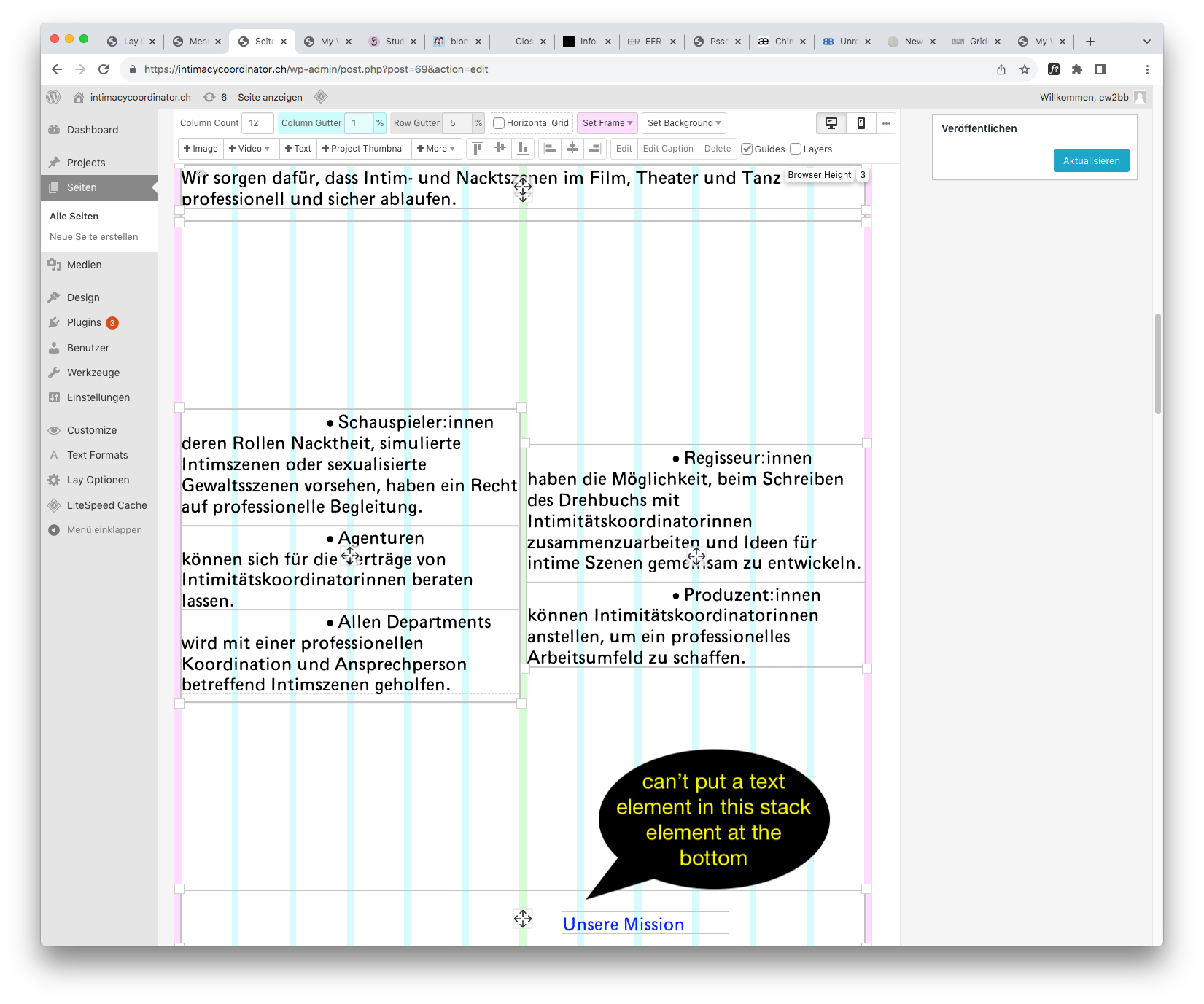
recently i was working on making stacks be able to also have elements side by side in it.
for one lay update or two, i accidentally published the work in progress of that code. so that could have been the reason why stacks have been behaving strangely.
yea the css needs to go to "css", not "html at bottom"
just the javascript needs to go into "html at bottom"
css: not closing your css statement with a } sign tells me maybe you need to do a basic css course to learn the basics
like this tutorial:
https://developer.mozilla.org/en-US/docs/Learn/Getting_started_with_the_web/CSS_basics
hey in this case its best to create a svg. make sure to convert the text to paths.
then use a stack element: put the svg image in there and underneath the text
or just use two rows if u want
no the fullscreen slider works as it should but it cant do this one thing that you want
fullscreen just means a row fills the screen and when u slide, it goes to the next row
but it doesnt mean the images or videos inside the row are 100% browser-height
i need to add this functionality one day too, but at the moment its not available
only thing that can be done is this:
[image: Screenshot 2024-05-25 at 12.43.28.png]