@arminunruh sure will do, thanks!!
F
fernandol97
@fernandol97
Posts
-
"Sorry, you are not allowed to access this page." -
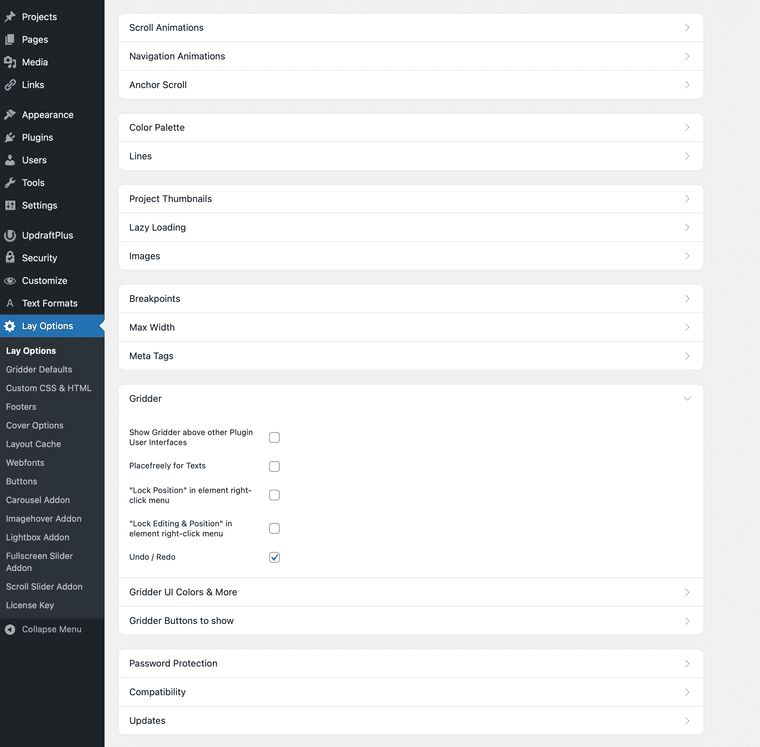
"Sorry, you are not allowed to access this page."@arminunruh yeah I can’t update to the newest version, it won’t let me that’s why I’m trying to find GZIP option. Searching the search bar doesn’t do anything :( any idea?
-
"Sorry, you are not allowed to access this page."im curreently on Version: 10.1.6 if it makes a difference
-
"Sorry, you are not allowed to access this page."@arminunruh and i dont see it in the gridder options? the troubleshooting guide points me here?
-
"Sorry, you are not allowed to access this page."@arminunruh said in "Sorry, you are not allowed to access this page.":
gzip
am i being real stupid, but i type in gzip hit enter and nothing shows up?
-
"Sorry, you are not allowed to access this page."Hey guys, getting "Sorry, you are not allowed to access this page" when attempting to update my Laytheme? Only have two logins for the site, and both are labeled as administrator.
Also if i try to update a design on a page I'm working on and press "update" it takes me straight to the page but wihtout the updates? any idea whats going on?
Any guidance? thanks
-
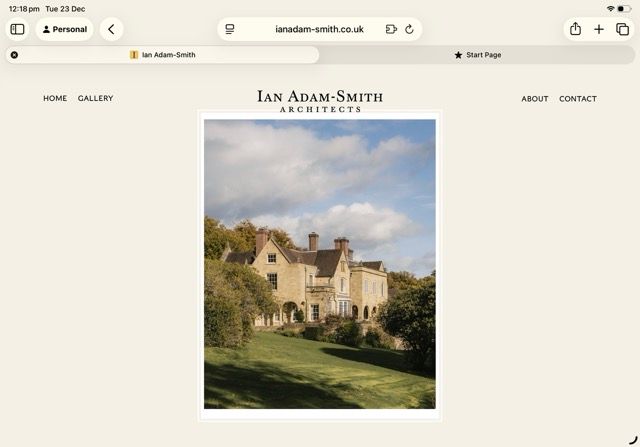
Image clash issueHey guys, built this website for a client. On the home page, portrait images seem to clash with the menu when viewed on ipad, is there any mehtod of easily avoiding? it might be a simple fix but i cant figure it out. thanks!
-
Not found error when updating site@alasdair17 This worked, thanks!
-
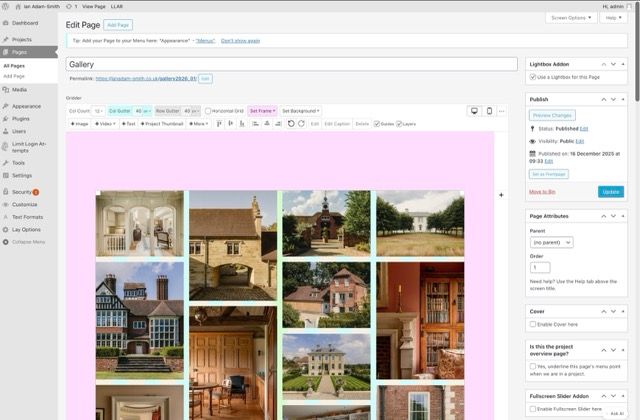
Not found error when updating siteHey guys, trying to update some things in the gallery for a client, move images around, change mobile layout etc. whenever i press update, it takes me to the homepage of the site and says "page not found" in the tab and doesnt update the site with the changes i made? anyone know any fixes? i tried to duplciate the page and the same issue persists. Any help please
https://ianadam-smith.co.uk/gallery2026_01/
-
Critical errorAll sorted now, for anyone else experincing this, it was my PHP version :)
-
Critical error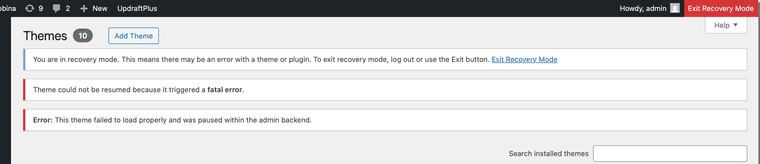
-
Critical errorsent an email to info@laytheme with further details i have uncovered :) any help would be appreciated
-
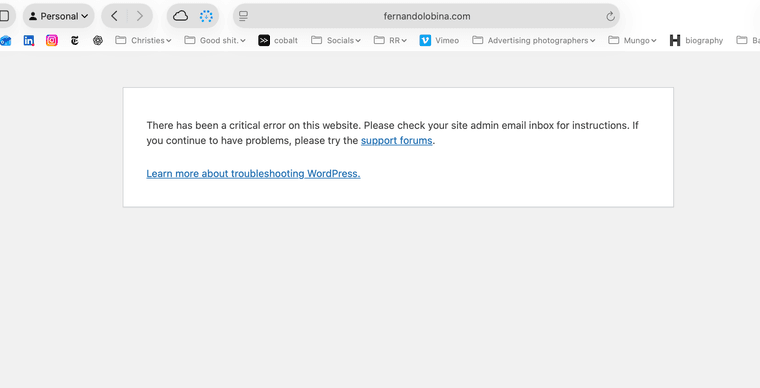
Critical errorHey guys, just updated laytheme and all the plug ins to the latest version and this has happened? any idea what is going on please?
"There has been a critical error on this website. Please check your site admin email inbox for instructions. If you continue to have problems, please try the support forums.Learn more about troubleshooting WordPress.
WWW.FERNANDOLOBINA.COM
-
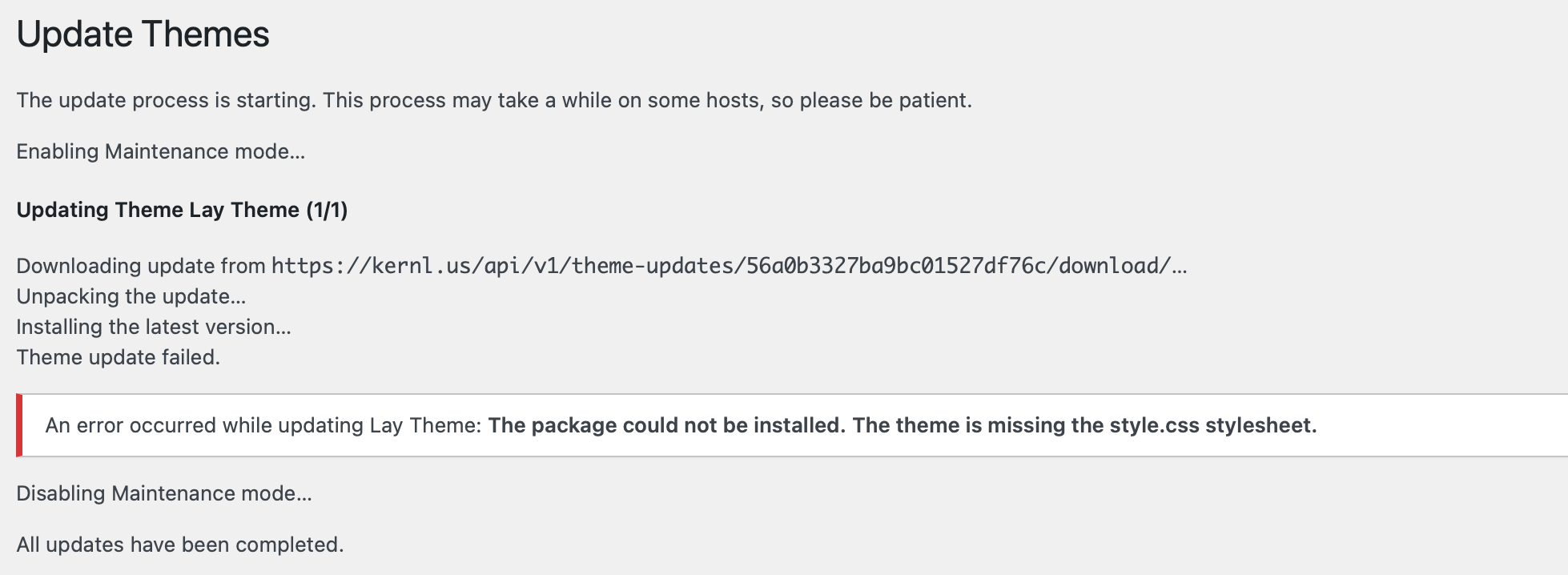
cAPTIONS GONE?@arminunruh Hey, this error showed up when i attempted to update
-
cAPTIONS GONE?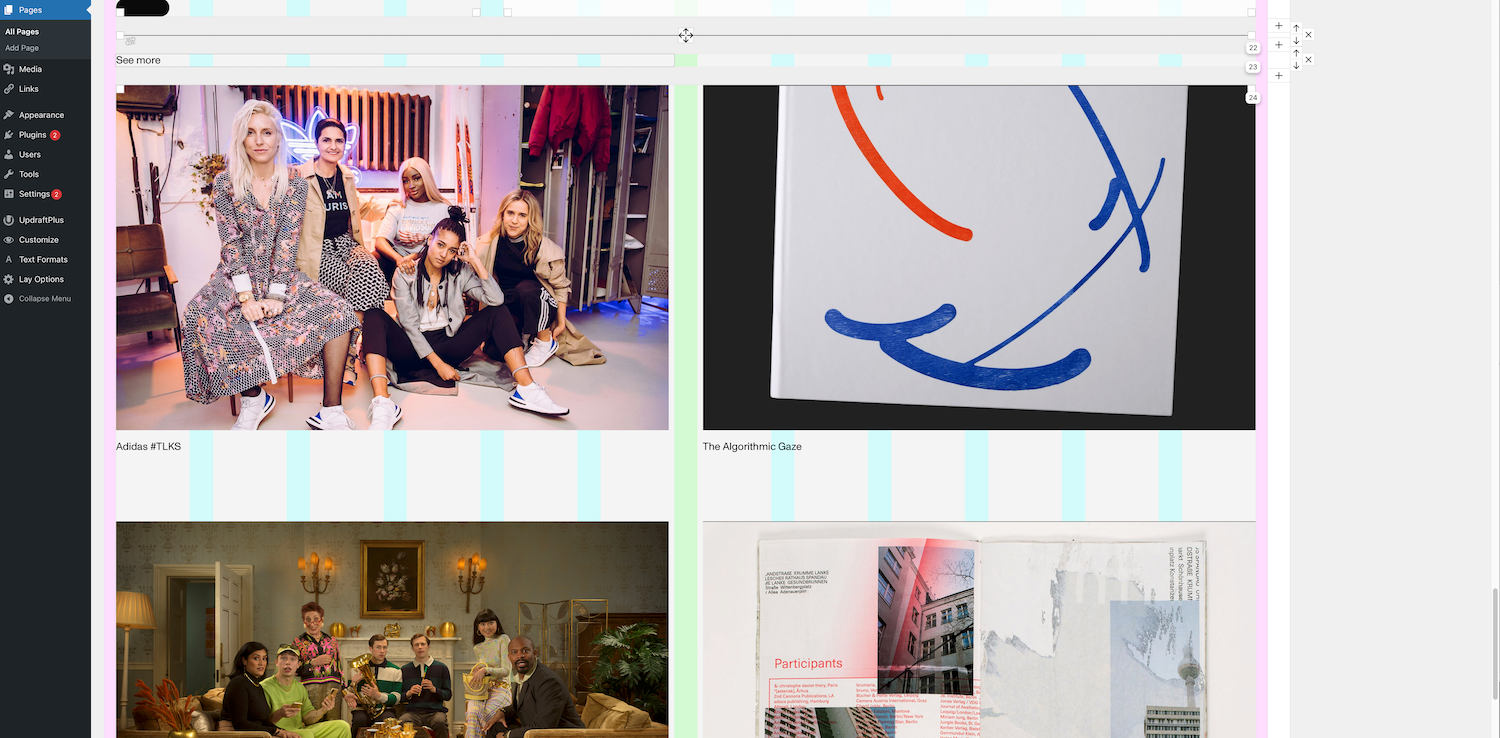
-
cAPTIONS GONE?Hey guys, i have a element grid set up at the bottom of my homepage here. it was working fine, but I recently added another image to the grid and now the captions that i have are not showing? Any advice?
https://www.fernandolobina.com/home/
Here is how it looks in the gridder:
-
Rounded cornersthanks for the help guys!!
-
Rounded cornersChat GPT seemed to supply me with this, it worked!
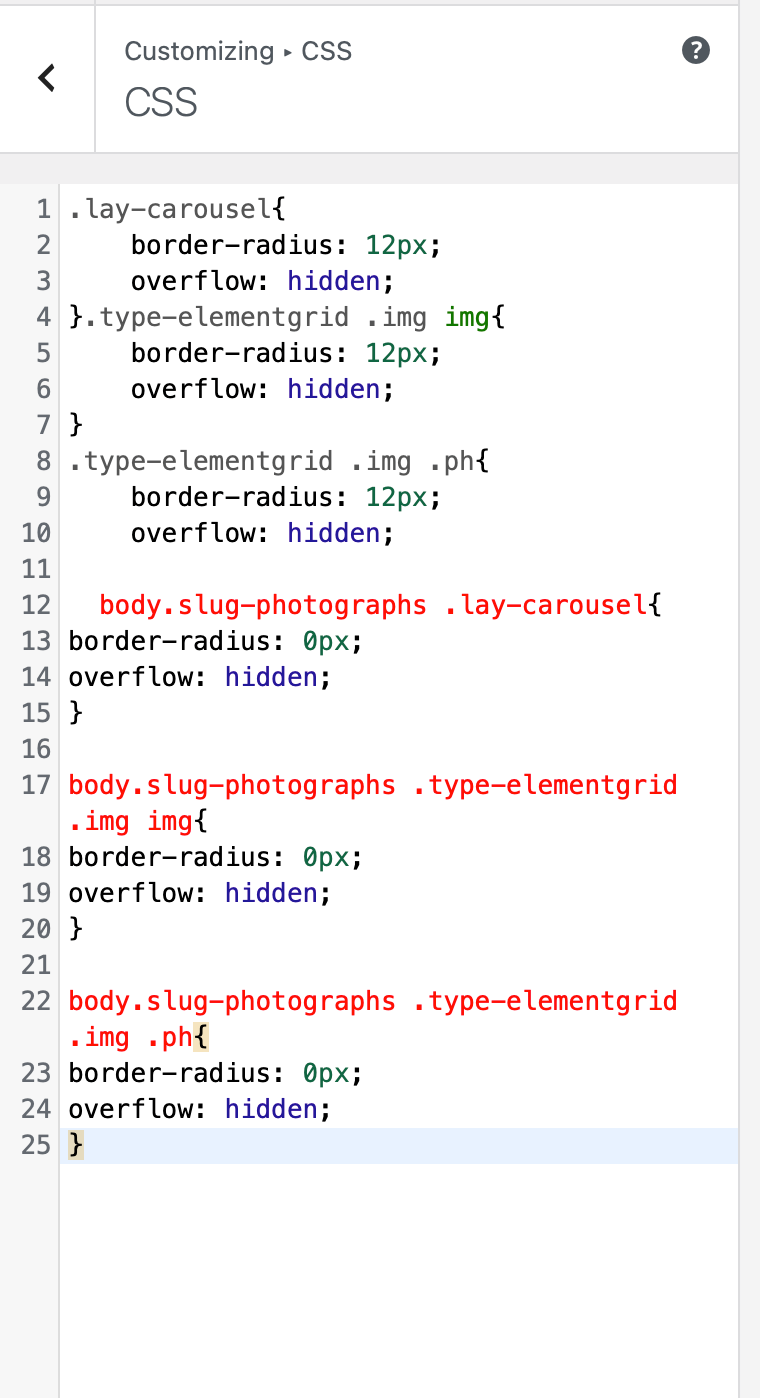
/* Global styles that round all images */ .lay-carousel { border-radius: 12px; overflow: hidden; } .type-elementgrid .img img { border-radius: 12px; overflow: hidden; } .type-elementgrid .img .ph { border-radius: 12px; overflow: hidden; } /* Page-specific override: remove rounding on photographs page */ body.slug-photographs .lay-carousel { border-radius: 0; } body.slug-photographs .type-elementgrid .img img { border-radius: 0; } body.slug-photographs .type-elementgrid .img .ph { border-radius: 0; } -
Rounded corners@alasdair17 Thank you for this. i am super uneducated when it comes to CSS i think i am doing somthing wrong.
I updated the Page URL to https://www.fernandolobina.com/photographs/, but am i copy and pasting the lines of text yoyu supplied me with into the correct locations here?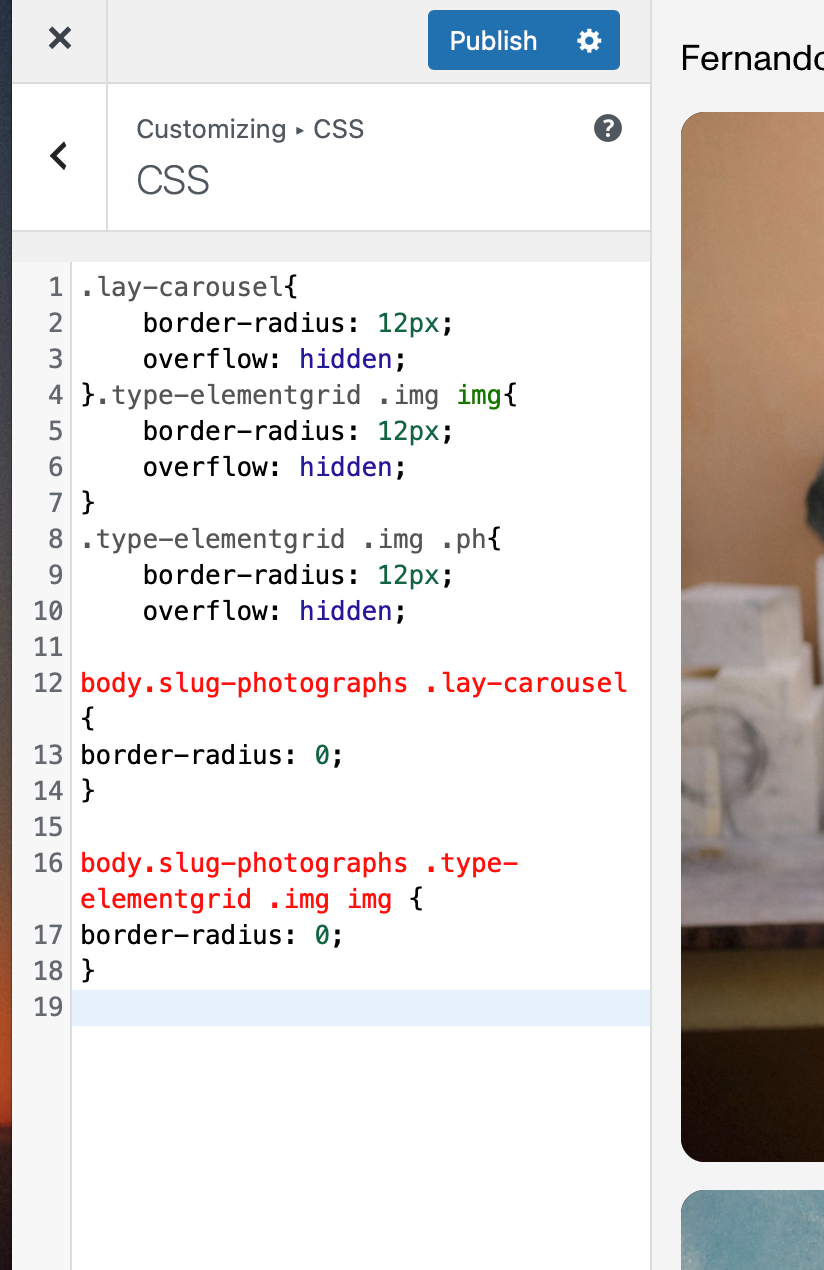
-
Rounded corners@alasdair17 Thank you, do i just add it to the bottom like this? Excuse my niavety when it comes to CSS stuff. I there a way of me also to disable it from other pages like my case study pages?