hey!
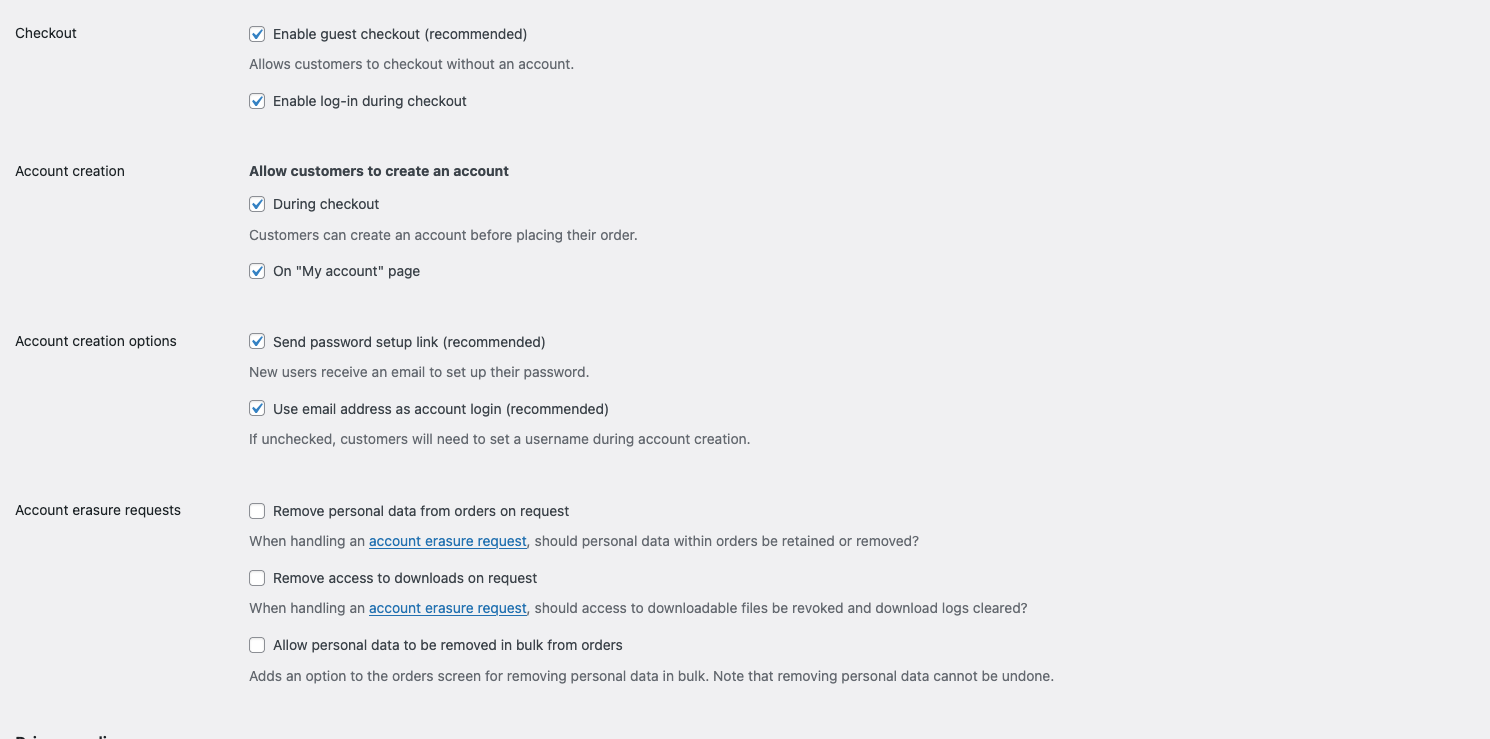
Oh yeah, so I changed it now with the next update, so the login is not weirdly on the left.
[image: 1782319441373-a2e76623-fc64-4dfc-b5dd-cf0427c34b6d-grafik-resized.png]
hey i just noticed there are breadcrumbs in the code
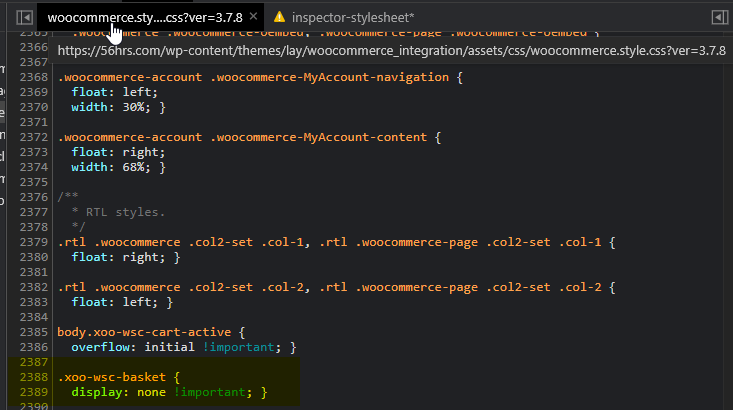
use this css:
.woocommerce-breadcrumb{
display: block!important;
}
Enter this css in "lay options" -> "custom css & html" -> "custom css for desktop"
[image: 1739697083334-screenshot-2025-02-16-at-10.11.19.png]
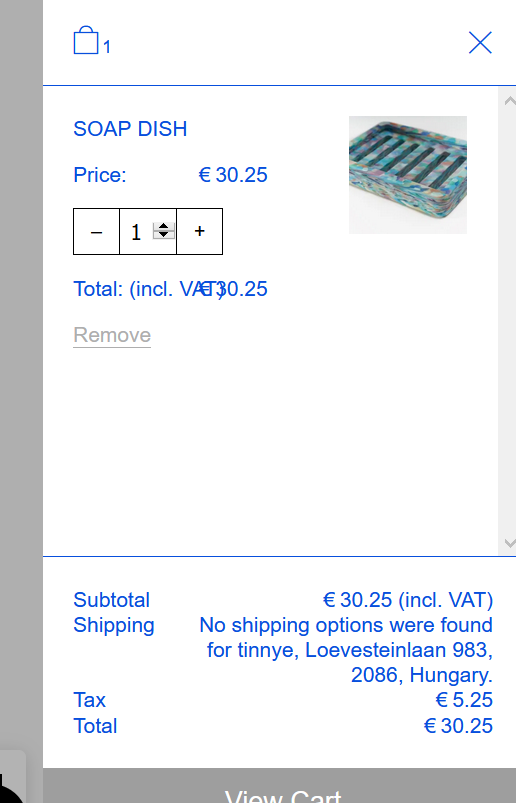
hey unfortunately i cannot find the setting that makes the tax show up.
could you please send an email to info@laytheme.com with a link to this topic and a description about how you make the tax show up?
hey @lortnok
please read the shop setup:
https://laytheme.com/shop.html
the way it works is you need to add a cart menu point to your menu,
its not supposed to work with the plugin's default cart icon
can you please update lay theme and disable all of your plugins that are not lay theme plugins?
you can update lay theme if you enter your license key
also make sure to disable "wp-super-cache" plugin
Dear @lortnok
do you have resize images activated? You can also just show the original image, but then it will take some more loading time.
Best!
Marius