Skip to content

General Discussion

A place to talk about anything Lay Theme related
4.8k Topics 20.7k Posts
  • title under every thumbnail

    2
    0 Votes
    2 Posts
    52 Views
    arminunruhA
    case 1: If you mean you just want captions under your videos, you can just click on the video in the gridder and then click the button 'Edit caption' case 2: You mean you want to have posts that have titles in your admin panel, and you want to show a page that is just a list of all the contents of that post? In that case: If you go to lay options, you can activate "news feature". Then you can create multiple news posts in news:. [image: 1745416640601-screenshot-2025-04-23-at-15.57.17.png] And then the gridder, add the news element. [image: 1745416739350-screenshot-2025-04-23-at-15.58.56.png] And as layout choose show full content. [image: 1745416762827-screenshot-2025-04-23-at-15.59.19.png] This way, the content of every news post will be shown in the news element. not sure if thats what you mean
  • Feature request: place freely but not freely on phone

    2
    0 Votes
    2 Posts
    49 Views
    arminunruhA
    but if you click create custom phone layout, it gives you the option to "stack all elements on top of each other" [image: 1745415954026-screenshot-2025-04-23-at-15.45.51.png] Theoretically, if you insert a new place freely image, you could then just click the three buttons next to the phone icon in the gridder, click 'delete phone layout'. To delete the old phone layout. and then just click the phone icon to create a new phone layout and then click stack elements on top of each other.
  • carousel captions custom css: expanding the textbox from bottom to top

    8
    0 Votes
    8 Posts
    161 Views
    arminunruhA
    thats a nice solution too
  • Overriding news.php in Child Theme for Future Scheduled News Posts

    4
    0 Votes
    4 Posts
    489 Views
    arminunruhA
    ok nice to hear :))
  • Ensuring optimal image quality and fast loading speed with LayTheme

    9
    0 Votes
    9 Posts
    194 Views
    arminunruhA
    lay theme downsizes images to all of these sizes: ['_4096', '_3840', '_3200', '_2560', '_1920', '_1280', '_1024', '_768', '_512', '_265'] it uses wordpress' php functionality to do the resizing. quality and thus images size can be set in: [image: 1745412667884-screenshot-2025-04-23-at-14.51.02.png] image quality. nothing else can be done there. but if you use a plugin like https://wordpress.org/plugins/webp-converter-for-media/ it will load all these images as webp resulting in a lower image size
  • Select only one Tag for sorting

    2
    0 Votes
    2 Posts
    41 Views
    arminunruhA
    no its not possible for this use categories
  • soundcloud implementation in 2025

    6
    1
    0 Votes
    6 Posts
    92 Views
    O
    Wow ! This is great! Thank you for that and your great support!
  • 0 Votes
    11 Posts
    148 Views
    arminunruhA
    Yeah, their website is also really nice. Thanks a lot!
  • burger/menu dynamic color adaptation

    9
    1
    0 Votes
    9 Posts
    352 Views
    arminunruhA
    Oh, thanks for the great answers Felix. Yeah, I too think the SVG needs to be white. And then remove the filter invert.
  • presto Player and laytheme integration

    2
    0 Votes
    2 Posts
    54 Views
    arminunruhA
    Hey, doesn't it give you a shortcode? Or some HTML. You can use that with more โ†’ shortcode, or more โ†’ HTML.
  • same caption for image and lightbox

    8
    0 Votes
    8 Posts
    280 Views
    arminunruhA
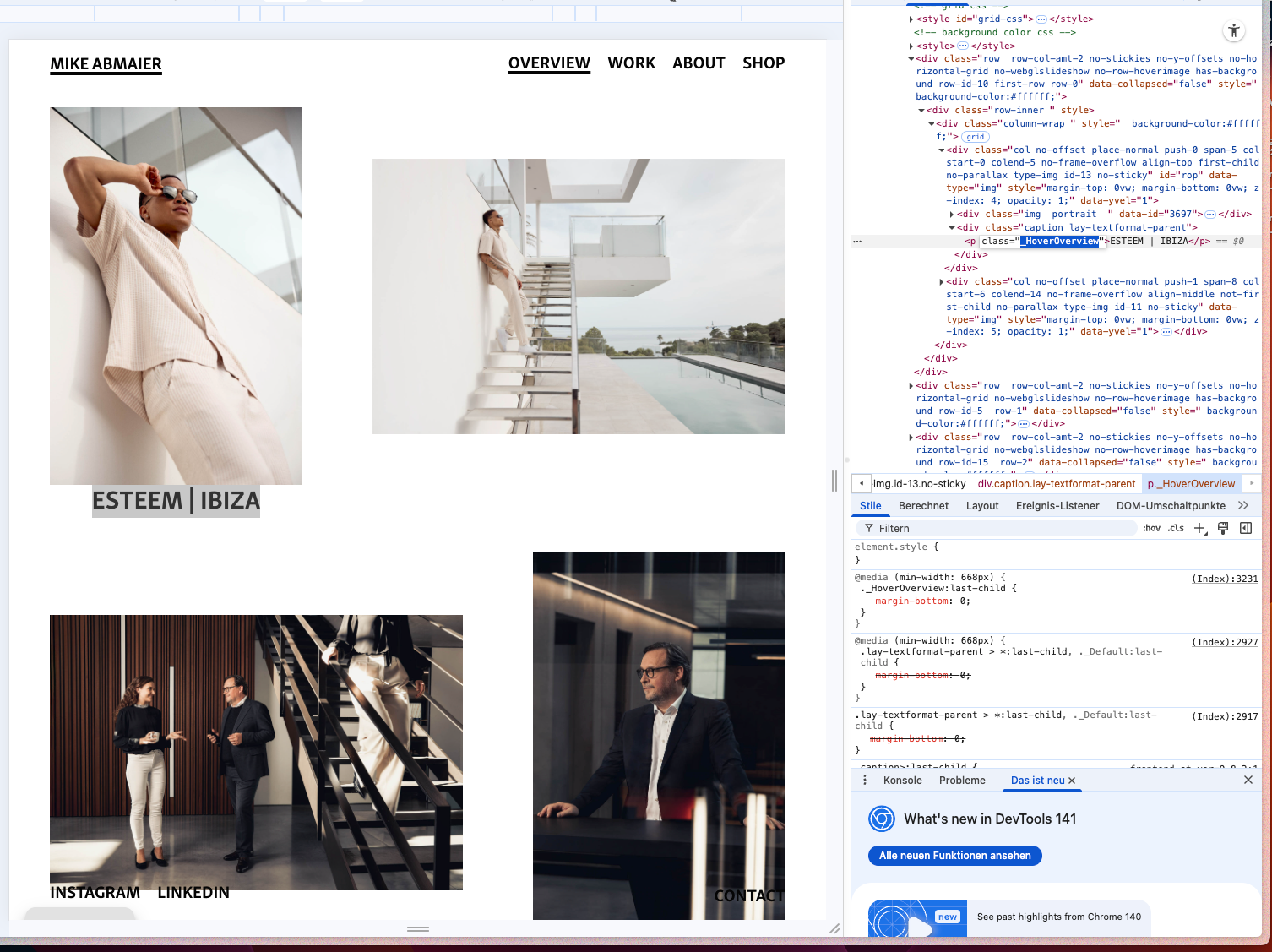
    Hey, there is no option for this because it just takes the HTML of the caption and inside the HTML of the caption, the text format is already set. However, you could use custom CSS. Can you please Google how to use Google Chrome Web Inspector? For example, in Chrome, you could right-click the lightbox caption and then click "Inspect" Here you can see the CSS and CSS selectors that are used. Now you can write your own CSS to change the font family, font size, and more. Put it in Lay Options > Custom CSS and HTML.
  • Active State in Project Link?

    2
    0 Votes
    2 Posts
    39 Views
    reinterpretR
    Found it. Thank you! :)
  • individual head content

    12
    1
    0 Votes
    12 Posts
    246 Views
    J
    ๐Ÿ‘ thank you
  • Horizontal submenu

    2
    1
    0 Votes
    2 Posts
    71 Views
    arminunruhA
    do you have a link please
  • 0 Votes
    5 Posts
    105 Views
    arminunruhA
    you can use masonry type elementgrid use a couple more columns. then you'll see + and - buttons to change sizes: [image: 1744224185439-screenshot-2025-04-09-at-20.42.59.png] like this, you can make some elements span one column, others can span all columns or like 4 out of 5 or sth like that :DD
  • Rounded corners for background colour

    12
    0 Votes
    12 Posts
    308 Views
    arminunruhA
    maybe this? remove your other css, only have this css: .grid-inner{ border-radius: 30px!important; } then in custom <head> content: <script> window.laytheme.on('newpageshown', function(){ var bgcolor = jQuery('#grid').css('background-color'); jQuery("#grid .grid-inner").css('background-color', bgcolor); jQuery('#grid').css('background-color', 'transparent'); var bgcolor2 = jQuery('#custom-phone-grid').css('background-color'); jQuery("#custom-phone-grid .grid-inner").css('background-color', bgcolor2); jQuery('#custom-phone-grid').css('background-color', 'transparent'); }) </script> with this js we take the bg color of the grid. we apply it to the inner div. then we set the grid bg color to transparent. we do this for bot normal grids and custom phone layout grids. the css makes the border round.
  • Lightbox closing X

    4
    0 Votes
    4 Posts
    410 Views
    arminunruhA
    hey @KW1 nice website! your svg is likely missing width and height attributes. take a look here: http://laythemeforum.com:4567/topic/5190/svg-cursors-fix [image: 1744221491444-screenshot-2025-04-09-at-19.57.58.png] i will update this description above to include svgs for close icon
  • Project Overlays limited?

    2
    0 Votes
    2 Posts
    53 Views
    arminunruhA
    thx! can you do a screenrecording where you show where you click and post a link to it here :O maybe like on your dropbox if you have one so the way i implemented it is like this. for project overlays: clicking on a link to a project opens it in an overlay when inside the overlay, clicking on a link that is not a project link: it closes the overlay and loads the page in the underlying space a hard refresh while inside a project will display the project not in an overlay but just as it is when you have opened a project in an overlay, when you click "back" the overlay closes and you land on the page you came from when you are in a project overlay, when you click a link there to a project, that project does not open in a new overlay, the content of the current overlay just gets replaced if any of your pages or footer of these pages or projects have a shortcode, it wont work if any links to a project are custom coded links by you and dont contain the attributes like data-id, data-type etc. clicking them wont open an overlay
  • mobile second menu different position possible?

    2
    1
    0 Votes
    2 Posts
    69 Views
    arminunruhA
    hello for mobile menu you cant have multiple you always only have one you mean second menu point of mobile menu your mobile menu should be aligned to the bottom. now you have top: 640px. i dont think thats a good idea. any phones where the browser height is more or less, the menu wont be at the bottom but somehwere in between in the customizer, check if you can set the menu position to bottom. or use my css here: nav.mobile-nav{ position: fixed!important; top: auto!important; bottom: 10px!important; } to move your second menu point more to the left: body.mobile-menu-style_desktop_menu nav.mobile-nav li:last-child { right: 80px!important position: relative!important; }
  • how to make a website offline?

    4
    0 Votes
    4 Posts
    92 Views
    U
    oh i can edit them in bulk. all good thank u very much <3

I also code custom websites or custom Lay features.
๐Ÿ’ฟ Email me here: ๐Ÿ’ฟ
info@laytheme.com

Our Web Development company: 100k.studio

Want to tip me? https://www.paypal.com/paypalme/arminunruh

Before you post:
  1. When using a WordPress Cache plugin, disable it or clear your cache.
  2. Update Lay Theme and all Lay Theme Addons
  3. Disable all Plugins
  4. Go to Lay Options โ†’ Custom CSS & HTML, click "Turn Off All Custom Code", click "Save Changes"

This often solves issues you might run into

When you post:
  1. Post a link to where the problem is
  2. Does the problem happen on Chrome, Firefox, Safari or iPhone or Android?
  3. If the problem is difficult to explain, post screenshots / link to a video to explain it
Online Users
Forgot your key, lost your files, need a previous Lay Theme or Addon version? Go to www.laykeymanager.com