Skip to content
  • Index

    General Discussion
    2
    0 Votes
    2 Posts
    111 Views
    arminunruhA
    you mean you want a menu point that only shows up on one page?
  • marquee space between

    Bug Reports
    9
    2
    0 Votes
    9 Posts
    344 Views
    arminunruhA
    ok but the spacing will be the same in the gridder and the frontend with the next update, i fixed this now :D
  • password protection not working

    Bug Reports
    3
    0 Votes
    3 Posts
    137 Views
    M
    okay. Thanks @arminunruh !
  • 0 Votes
    3 Posts
    255 Views
    arminunruhA
    hey, okay, that's great. Yeah, I just released the update that fixes this.
  • Cache issue?

    General Discussion
    3
    2
    0 Votes
    3 Posts
    145 Views
    arminunruhA
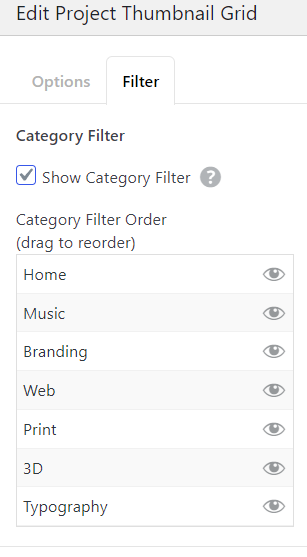
    or try this: hey, lay theme has a built-in layout cache that probably holds the old category version. try this: in wp-admin go to Lay Options → extra features → disable "Layout Cache" also flush any hosting-level page cache or cdn while youre at it. if that doesnt fix it, can you send your website address, /wp-admin/ username and password and a link to this topic to info@laytheme.com?
  • Site title/navigation change of color

    General Discussion
    3
    0 Votes
    3 Posts
    139 Views
    arminunruhA
    heres a better explanation: hey, the global settings live in wp-admin → Appearance → Customize → "Site Title" (text color) and "Navigation" (link color). for a per-page override you can also go into the page, open page settings, and enable "site title color" there. if custom css isnt working its usually because the selector doesnt match — try .lay-sitetitle a { color: #faf8f7 !important; } for the title and #lay-navigation a { color: #faf8f7 !important; } for the nav.
  • 0 Votes
    5 Posts
    200 Views
    arminunruhA
    heres a better explanation: hey, i reproduced it on your site — its not really a bug, its how overlay pages work. your /bienvenue page is configured as an overlay in lay theme (in wp-admin you'll see "Overlay" settings for the page). any link pointing to an overlay page opens it as an overlay, which means the url stays where it was and both pages get layered on top of each other. to fix: go to /bienvenue's page edit screen in wp-admin, find the "Overlay" metabox and turn off the overlay option. then links to bienvenue will navigate normally and update the url. if you actually want bienvenue to stay as an overlay for some reason, thats a different setup discussion — let me know.
  • alternative links in text styles

    Feedback
    7
    1 Votes
    7 Posts
    534 Views
    arminunruhA
    yeah, makes sense to have multiple "Links in Text" styles like the button styles do. ill add it to the feature list — cant promise timing but its a reasonable ask that keeps coming up. for now the workaround is a custom class per link style in css, but thats not great for clients who arent fluent in html.
  • Negative Kerning

    General Discussion
    4
    1
    0 Votes
    4 Posts
    164 Views
    arminunruhA
    in textformats you can already to negative letter spacing, but it will be possible there too with the next update!
  • 0 Votes
    3 Posts
    127 Views
    arminunruhA
    amazing thanks a lot for the help samfrancis! <3
  • Accordion element in footer

    Bug Reports
    3
    0 Votes
    3 Posts
    119 Views
    V
    Many thanks @arminunruh !
  • Stacked element handling really inconsistent

    Feedback
    3
    0 Votes
    3 Posts
    198 Views
    arminunruhA
    oh yea thats bad. i havent tested it with lines, i will check it out!
  • Scroll Slider

    General Discussion
    2
    0 Votes
    2 Posts
    113 Views
    arminunruhA
    hey i think you put invalid HTML into your site title. which then broke the whole html structure of your website go to customize -> site title there u probably are using the HTML type. remove your HTML markup from here or you may have malformed html in lay options -> custom html & css Go to Lay Options → Custom CSS & HTML, click "Turn Off All Custom Code", click "Save Changes"
  • Accordion is not working on mobile

    Bug Reports
    2
    0 Votes
    2 Posts
    121 Views
    arminunruhA
    the accordion is not styled correctly, Some styles that are usually in Lay Theme are just missing and don't show up. Can you please just disable any caching plugins you may use and then check if it looks correct?
  • Ability to lock elements

    Feedback
    17
    1 Votes
    17 Posts
    1k Views
    arminunruhA
    yeah fair, the label should toggle to "Unlock" when the element is already locked. and get the unlock icon! ill fix that in the next release — the tinted bg is too subtle on its own.
  • Thumbnail navigation for carousel

    Addons
    7
    0 Votes
    7 Posts
    569 Views
    S
    Perfect Sir @arminunruh
  • Projects order

    General Discussion
    5
    0 Votes
    5 Posts
    317 Views
    S
    Seems to be working now - maybe because I cleared the cache.
  • 0 Votes
    2 Posts
    98 Views
    benjaminmugnierB
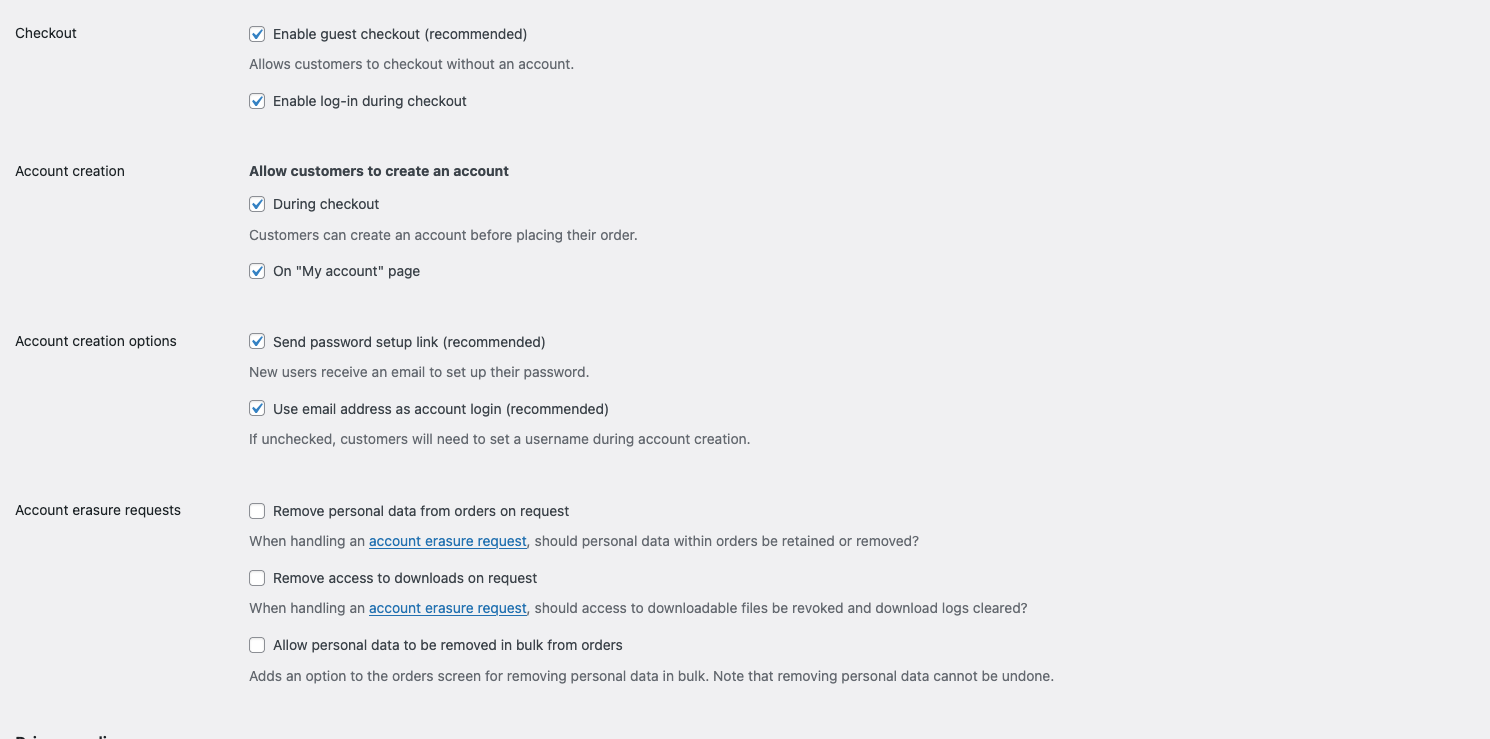
    Solved! The issue was WooCommerce → Settings → Default customer location → "Geolocate (with caching support)". → It adds ?v=... to URLs and breaks overlays. Fix: Switch to "Geolocate (without caching)". Done. ✅
  • 0 Votes
    5 Posts
    163 Views
    arminunruhA
    same here [image: 1776331396381-96e85397-8380-4bf9-8127-dd8a772a40de-grafik-resized.png] https://ar-mut.ch/start/#funktion
  • Text animation, missing space after "."

    Bug Reports
    4
    0 Votes
    4 Posts
    155 Views
    arminunruhA
    ok i'm checking it out

For paid 1-on-1 Lay Theme Coaching, contact Audrey (audrey@cyberslayers.work) or me (info@laytheme.com).

We also code custom websites or bespoke Lay features. Drop me a line at info@laytheme.com or check out my work at arminunruh.com.

Want to support my work? paypal.me/arminunruh

Before you post:
  1. When using a WordPress Cache plugin, disable it or clear your cache.
  2. Update Lay Theme and all Lay Theme Addons
  3. Disable all Plugins
  4. Go to Lay Options → Custom CSS & HTML, click "Turn Off All Custom Code", click "Save Changes"

This often solves issues you might run into

When you post:
  1. Post a link to where the problem is
  2. Does the problem happen on Chrome, Firefox, Safari or iPhone or Android?
  3. If the problem is difficult to explain, post screenshots / link to a video to explain it
Online Users
Forgot your key, lost your files, need a previous Lay Theme or Addon version? Go to www.laykeymanager.com