it just happened lol, so maybe was the update!
piranha
Posts
-
filters not working on product grid -
filters not working on product gridhi! solved!
-
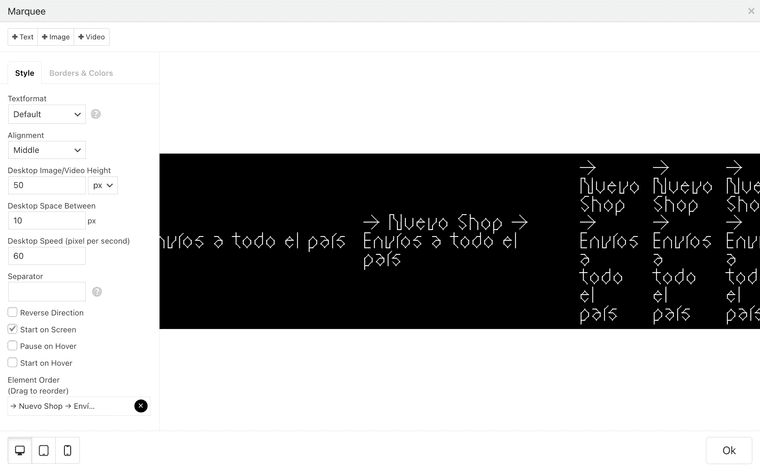
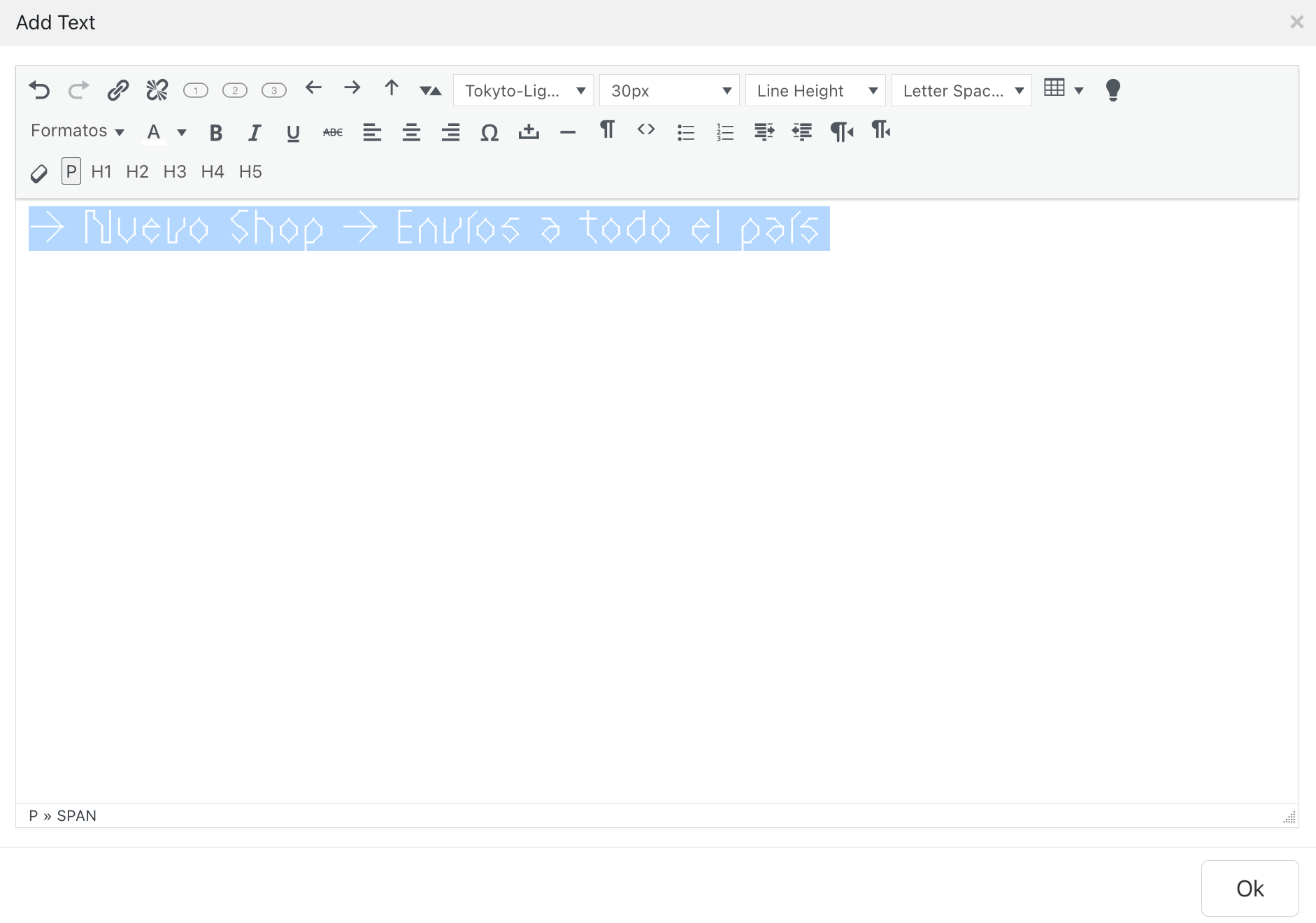
cant edit Text formatsHi, Im not able to edit the fonts because every time i click on the text formats link on the left column it flashes a second where it shows them and then goes blank.
-
filters not working on product gridHi! Im having trouble with the category filters for my product grid in my shop page.
https://proyectopiranha.com/tienda/
They only work when you refresh the page after clicking on any of them but they wont change on the same page as they should.
They do work in customizer mode but not in user mode.
Also, is there any way to add a "go back to store" at the cart page or in each product outside the breadcrumb setting?
Thanks!
-
turn off overlay in mobile viewHi! Thanks for the quick response.
I tried it but it looks like it just hides them everywhere. Could you check that for me?
Maybe its my cache, but I did try it on incognito mode and still no luck.
-
turn off overlay in mobile viewHi! Thank you so much, it all worked our except for this piece of css:
body:not(.home) #lay-overlays{
display: none;
}because actually it hides the overlay everywhere.
I realize that when I tried the spanish home version that was not tag in that css code and it kept showing it everywhere, so I try adding it like a second piece of code like this:
body:not(.inicio) #lay-overlays{
display: none;
}changing the "home" slang for "inicio" and it started to hide it everywhere in the spanish version of the web too.
Let me know if i that makes sense.
Right now the code its not applied anywhere.
Thanks!
-
turn off overlay in mobile viewHi! Yes, I just want to turn off the overlays getting preloaded for mobile.
Perfect, I really appreciate it, this is my website: https://proyectopiranha.com/
-
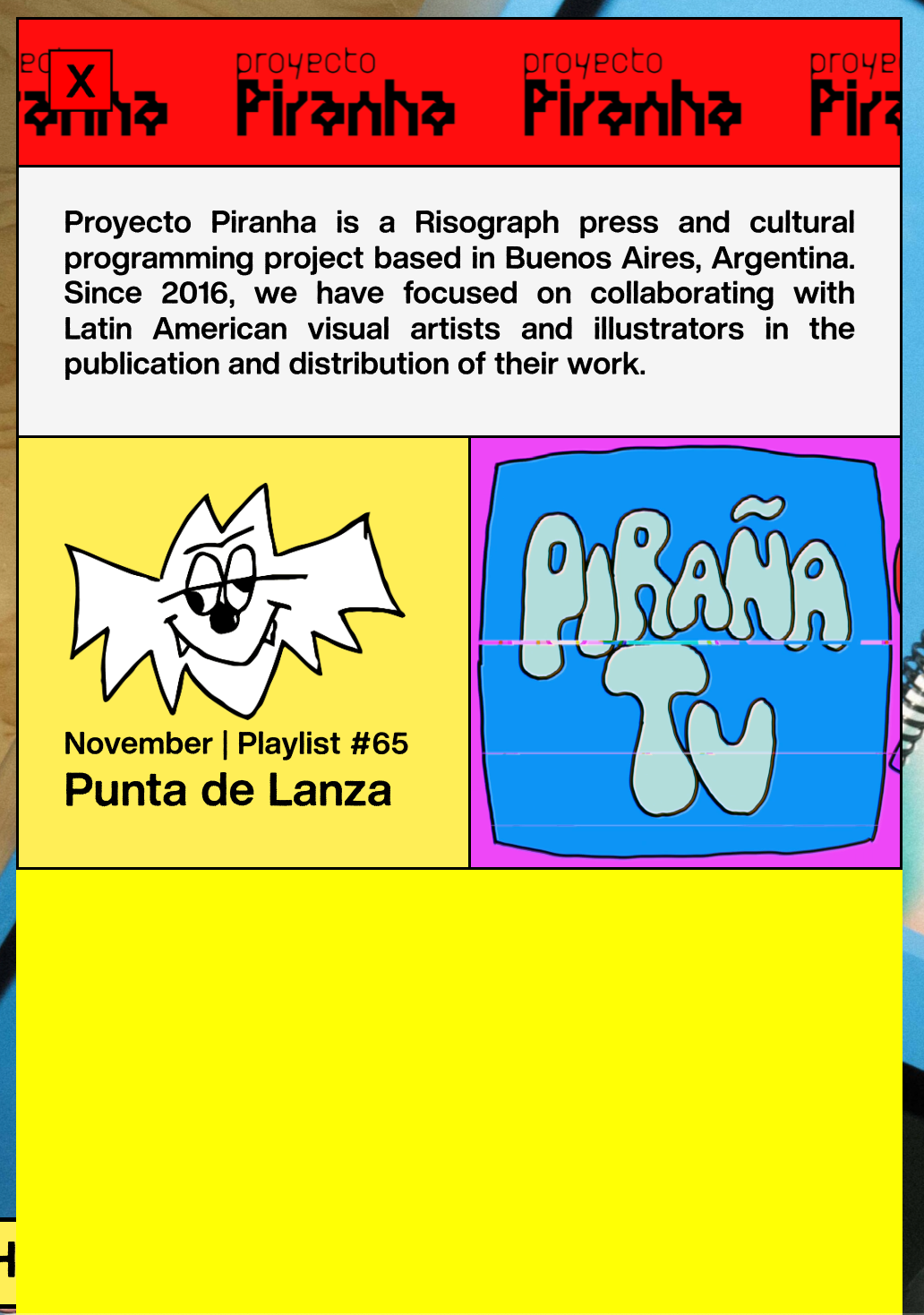
turn off overlay in mobile viewHi! Because it keeps on preloading on mobile and blocking the content underneath it, even the menu. So when people visit the web on mobile they cannot access to anything other than the overlay page and think its broke or something. Its been really usefull the preload for the desktop version because its a display of the general info of the project, so I want them to see that when they visit the front page, but I dont need it on the mobile. So I guess my question is: could I only leave the preload of the overlay on desktop and off on mobile?
-
turn off overlay in mobile viewHi, I set the overlay on preload for the desktop version but I dont want it to show for the mobile at all and still use it with a preload on desktop. Is there a way to do that?