Skip to content

Bug Reports

Something is not working? Please provide a screenshot, your browser name and browser version and your operating system.
3.1k Topics 14.5k Posts
  • Cannot add Project thumbnail after update to 2.5.0

    4
    1
    0 Votes
    4 Posts
    492 Views
    arminunruhA
    hey you can update to 2.5.1 now. We fixed everything except the "link button" bug, which will be fixed later today.
  • iframe carousel

    11
    0 Votes
    11 Posts
    3k Views
    arminunruhA
    hey ok afaik videos will not autoplay if they have audio, even if the video does not have audio, you will still need a "muted" attribute at least for html5 videos. maybe there is a muted attribute you can pass to the iframe like &muted=1 not sure!
  • scroll speed modifications don't work after update 2.5.0

    3
    1
    0 Votes
    3 Posts
    299 Views
    arminunruhA
    oh yeah, working on it!
  • New uploaded images cannot display in the carousal after 2.5.o update

    2
    2
    0 Votes
    2 Posts
    254 Views
    arminunruhA
    We are working on the fix
  • menu doesn't work

    3
    0 Votes
    3 Posts
    293 Views
    arminunruhA
    So when I click on the menu, in the console I see Uncaught DOMException: Failed to execute 'pushState' on 'History': A history state object with URL 'http://whub55.webhostinghub.com/~pietsc6/category/play-safe/' cannot be created in a document with origin 'http://pietsch.space' and URL 'http://pietsch.space/'. Basically your website is trying to access http://whub55.webhostinghub.com/~pietsc6/category/play-safe/ from the website http://pietsch.space You need to adapt your database to use pietsch.space as your webhost instead of whub55.webhostinghub.com/~pietsc6/ follow the tutorial for moving your website: http://laytheme.com/documentation.html#moving-website
  • problem with row gutter space

    6
    2
    0 Votes
    6 Posts
    648 Views
    mariusjopenM
    Dear @Sunnyi Perfect! Have a good day!
  • This topic is deleted!

    1
    0 Votes
    1 Posts
    3 Views
    No one has replied
  • TinyMCE Bug

    7
    0 Votes
    7 Posts
    661 Views
    A
    Great! Was looking for this feature for a long time!
  • Lay theme conflicting with Bookly

    2
    0 Votes
    2 Posts
    259 Views
    mariusjopenM
    Dear Sam, because LayTheme is written as a single Javascript-Application some things are not possible. For example use extra post types, or include some jQuery scripts. Also it is not recommended to modify the theme files, because the changes will get overwritten with the next update. It's all a compromise. If you want to use those features, I recommend to have a look at LayGridder. Hope I could make things clear :-) Best! Marius
  • 0 Votes
    4 Posts
    380 Views
    mariusjopenM
    Dear @Eiszeit kind of try and error. It does not get translated 1 to 1. Font sizes don't always look the same. But it's easy to get hold of it. Best! Marius
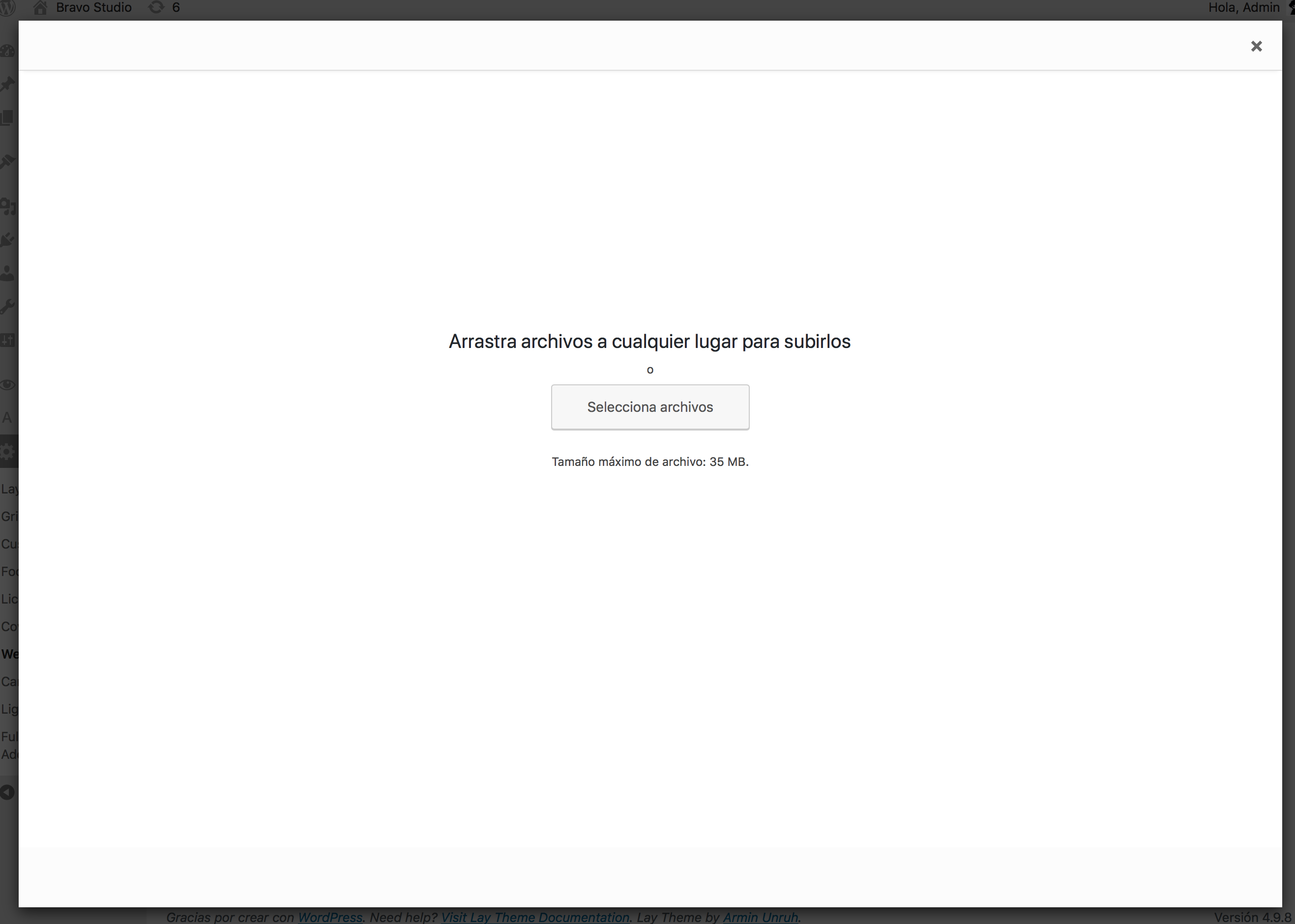
  • Image select modal blank

    3
    1
    0 Votes
    3 Posts
    338 Views
    A
    @arminunruh Worked :) thanks so much for your help
  • carousel doesn't show on project page

    6
    0 Votes
    6 Posts
    513 Views
    arminunruhA
    Ugh that is really unfortunate. There is a small amount of webhosts that have this problem. And except for your case I have only heard of one other case where the webhost was unable to do the configuration. The urls that don't work, those are standard wordpress urls for getting data for your website. It's not something that I did myself. I can give you a refund, just write an email to info@laytheme.com Otherwise you could choose one of the hosts I recommend on http://laytheme.com/installation.html
  • Images in projects are invisible

    2
    0 Votes
    2 Posts
    306 Views
    mariusjopenM
    Dear @SebastianS did you try this? No images are shown when you click "+Image"? Disable "Jetpack" plugin. Projects do not show up? http://laytheme.com/troubleshooting.html#nothing-shows-up http://laytheme.com/troubleshooting.html#projects-dont-show-up Is Wordpress and Laytheme up to date? Did you install Laytheme on an fresh & empty Wordpress installation? Maybe it is your webhost. Did you try to run the website locally on your computer with MAMP? Many questions… :-) Best! Marius
  • This topic is deleted!

    1
    0 Votes
    1 Posts
    1 Views
    No one has replied
  • HTML5 Videos aren't playable on Firefox

    8
    0 Votes
    8 Posts
    946 Views
    arminunruhA
    Hello guys! I have looked at the problem and for me the videos are working on this site on firefox 58.0.1 : http://www.schroeder-andreas.com/denn-da-ist-keine-stelle-die-mich-nicht-sieht Please let me know which firefox version you use, thanks!
  • 404 Not Found

    4
    0 Votes
    4 Posts
    579 Views
    arminunruhA
    Hey stella, We were in email contact about this.
  • Background color disapear on smartphone

    6
    0 Votes
    6 Posts
    592 Views
    arminunruhA
    Hey You set the row-class to "weiss" and assigned to the "weiss" class is custom css that makes the background white :). Just right click the row in the gridder and click "edit html class and id" and remove "weiss"
  • tiny logo imgs

    size img icon
    6
    0 Votes
    6 Posts
    786 Views
    U
    thank you, sorry for the silly question!!!
  • This topic is deleted!

    1
    0 Votes
    1 Posts
    2 Views
    No one has replied
  • <br/> tag in HTML embed won't render

    5
    0 Votes
    5 Posts
    584 Views
    arminunruhA
    Hey! HTML code in gridder: [image: 1517570284423-screen-shot-2018-02-02-at-12.17.08.png] HTML code on frontend: [image: 1517570305612-screen-shot-2018-02-02-at-12.17.14-resized.png] The HTML markup is correct on the frontend. Still, no text will shop up because globally the font-size is set to 0 because of layout reasons. (If the font size is not 0, there will be small gaps between divs) That's why you need to add a textformat's HTML class to any <p> like: [image: 1517570397170-screen-shot-2018-02-02-at-12.19.45.png]

I also code custom websites or custom Lay features.
💿 Email me here: 💿
info@laytheme.com

Our Web Development company: 100k.studio

Want to tip me? https://www.paypal.com/paypalme/arminunruh

Before you post:
  1. When using a WordPress Cache plugin, disable it or clear your cache.
  2. Update Lay Theme and all Lay Theme Addons
  3. Disable all Plugins
  4. Go to Lay Options → Custom CSS & HTML, click "Turn Off All Custom Code", click "Save Changes"

This often solves issues you might run into

When you post:
  1. Post a link to where the problem is
  2. Does the problem happen on Chrome, Firefox, Safari or iPhone or Android?
  3. If the problem is difficult to explain, post screenshots / link to a video to explain it
Forgot your key, lost your files, need a previous Lay Theme or Addon version? Go to www.laykeymanager.com