Skip to content
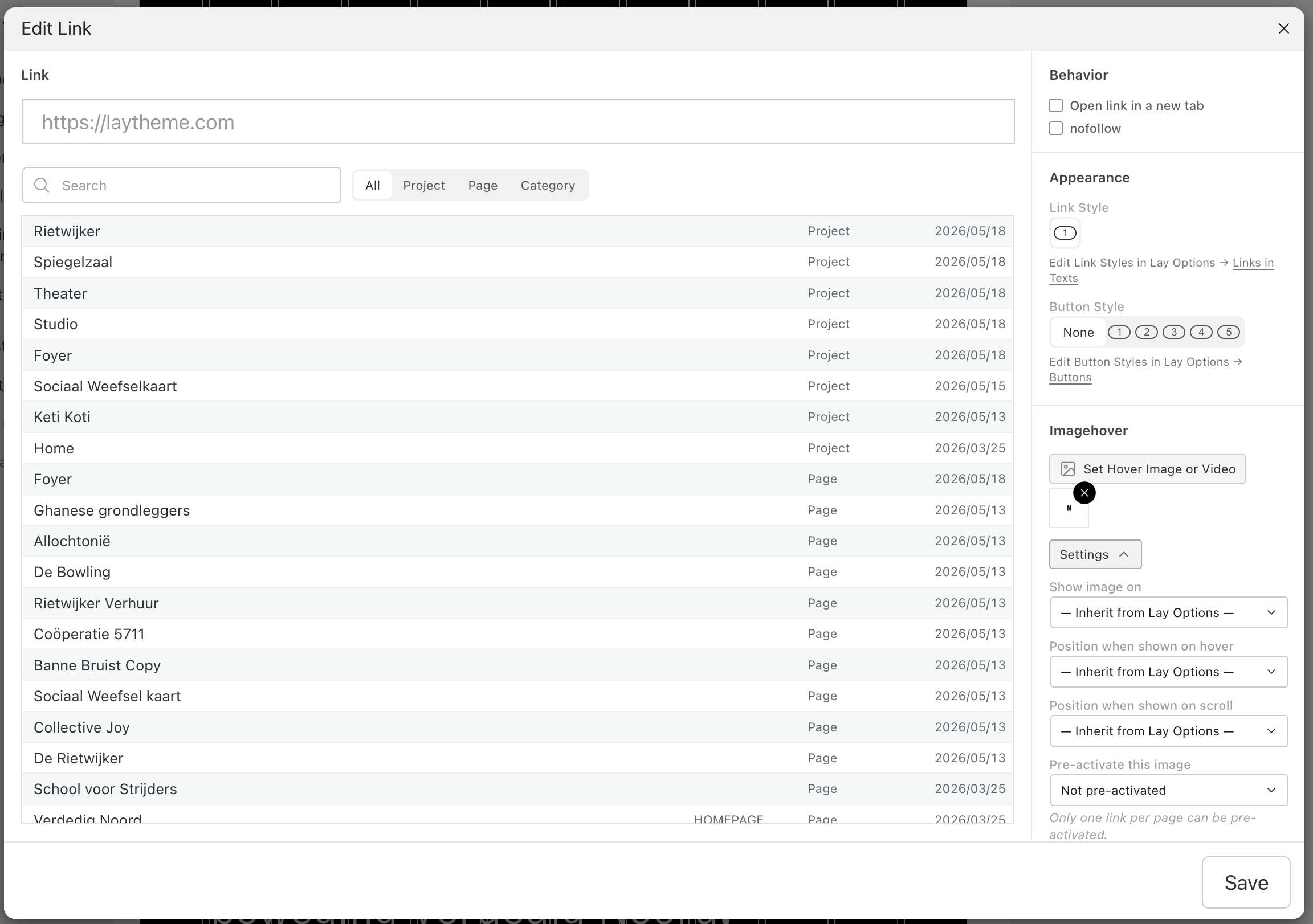
  • hover image of link shows under buttons - zindex issue

    Bug Reports
    4
    1
    0 Votes
    4 Posts
    43 Views
    N
    Thanks Armin! This fixed my issue!
  • Vertical alignment in mobile problem after update

    Bug Reports
    5
    2
    0 Votes
    5 Posts
    80 Views
    M
    solved! thank you! 🙏
  • project thumbnail mouseover Always show mouseover state

    Bug Reports
    3
    0 Votes
    3 Posts
    72 Views
    Q
    thanks @arminunruh, you are the best
  • problem with load more button for thumbnail grip

    General Discussion
    3
    0 Votes
    3 Posts
    44 Views
    arminunruhA
    about the button: .lay-thumbnailgrid-load-more-wrap{ display: flex!important; } .lay-thumbnailgrid-load-more{ display: inline-block!important; } add this in: lay options -> custom css & html -> custom css or you could try and update lay theme before trying this maybe that fixes it not sure ! about this: The row limit works perfectly in safari, but not in firefox, chrome and for the mobile version ok lemme check!
  • Licence key problem

    Installation Problems
    3
    0 Votes
    3 Posts
    93 Views
    arminunruhA
    ok i answered you. thats so weird, i just checked and yours was the only valid email that actually landed in spam
  • Scroll slider addon multiple settings

    Addons
    3
    0 Votes
    3 Posts
    101 Views
    A
    Thanks @arminunruh !
  • Edit Row Background WebGL Slideshow

    General Discussion
    2
    0 Votes
    2 Posts
    43 Views
    arminunruhA
    sure, with the next update we will have: [image: 1769497581404-b6ddb93d-0c31-4f43-afb9-1493424d7d0f-image.png] at the moment, you already have "fade"
  • dentist for kids

    Showcase
    2
    0 Votes
    2 Posts
    96 Views
    arminunruhA
    wow!! so good, and even has hand painted illustrations! i think its really well done. as a kid i never cried when i was at the dentist. only at the hairdresser :D
  • Text formats disappeared in "Add text" window

    Bug Reports
    8
    1
    1 Votes
    8 Posts
    303 Views
    arminunruhA
    Can you please send: a link to this forum topic your website address /wp-admin/ username and password to: info@laytheme.com
  • 1 Votes
    5 Posts
    1k Views
    CyberSlayersC
    Hello 🙂 I’m currently available to take on new projects and help LayTheme users bring their portfolio websites to life. Here’s how I can support you: -> Portfolio optimisation & renewal – Facelift an existing website -> Build your website on Laytheme, in a blink of an eye – Design provided by U <3 -> Commissioned portfolio website – Full website creation including design and development -> Custom-coded effects or online shop features – add unique interactions or shop functionality I offer free 45-min consultations session here, I wanna get to know you and your project :) A bit about me: I’ve been designing, developing, and customizing LayTheme websites for 9 years. I’ve worked with over 45 LayTheme users, run online workshops, and taught at Burg Giebichenstein University of Art and Design in Halle. You can find some of my work here! : https://cyberslayers.work/ I look forward to bring your vision online! ✨ — Audrey audrey@cyberslayers.work
  • Vimeo cookie

    General Discussion
    3
    0 Votes
    3 Posts
    93 Views
    Q
    great, thanks! @arminunruh
  • »update« and »previews« won‘t work since last update

    Bug Reports
    4
    0 Votes
    4 Posts
    109 Views
    arminunruhA
    with the next update, enabling this setting will make it work: [image: 1769420984122-f1cc614c-7b56-4df3-ade9-d34ffa2adc80-image.png] reason was the layout is really big and the server seems to have limitations that prevented the layout from being saved
  • 0 Votes
    2 Posts
    46 Views
    arminunruhA
    hello! the text alignment itself stays text align center, as i can see in your screenshot. however, the text container's position inside of the column is always left aligned yes. i will release an update now where you will have this new setting. just set that to "center": [image: 1769420482654-db72247b-abdc-47e4-9fd1-2aa02959a14c-image.png]
  • FAKE USERS ARE BEING REGISTERED EVERY DAY

    Shop / WooCommerce
    8
    0 Votes
    8 Posts
    1k Views
    arminunruhA
    hey so i think the way to do this is to use a wordpress plugin. this is what i found out asking gemini: Yes, there are several highly effective plugins specifically designed to block bot registrations in WooCommerce. Because bots have become more sophisticated, the most successful strategy in 2026 is usually a multi-layered approach rather than a single setting. Here are the best plugin options categorized by how they handle the problem: 1. The "Invisible" Leaders (Best User Experience) These plugins stop bots without making your real customers solve frustrating puzzles. Simple Cloudflare Turnstile: This is currently one of the most popular alternatives to reCAPTCHA. it uses a smart, non-interactive challenge that is invisible to most users but stops bots cold. It is privacy-friendly and integrates directly with the WooCommerce registration and checkout pages. WP Armour (Honeypot): This plugin adds a "honeypot" (a hidden field) to your registration form. Only bots can see/fill it; if the field is filled, the registration is instantly blocked. It is extremely lightweight and requires zero configuration. Zero Spam for WordPress: Uses JavaScript-based validation. Since most basic bots don't "render" JavaScript like a human browser does, they fail the check automatically. 2. Comprehensive Anti-Spam Suites If you want an "all-in-one" shield for your entire site (comments, registrations, and contact forms): CleanTalk (Premium): A cloud-based service that checks registration data against a massive database of known spammers in real-time. It is incredibly effective for high-traffic stores and requires no CAPTCHAs. Akismet Anti-Spam: Developed by Automattic (the people behind WordPress). While famous for comment spam, it is also very effective at filtering fake user accounts. WP Cerber Security: A powerful security suite that includes specialized bot detection for WooCommerce. It can also track IP addresses and automatically block them if they attempt too many registrations. 3. Verification & Approval (The "Hard" Stop) If bots are still getting through, these plugins add a manual or automated "ID check." New User Approve: This puts every new registration into a "Pending" queue. You must manually approve them before they can log in. This is 100% effective but can be slow for stores with high volume. Email Verification for WooCommerce: This forces users to click a link in their email before their account is activated. This stops the "mass-creation" of accounts that use fake or non-existent email addresses. Comparison Table: Which one should you choose? Plugin Complexity User Friction Best For Cloudflare Turnstile Low None Most stores (Modern & Fast) WP Armour Zero None Simple, lightweight protection CleanTalk Low None High-volume stores (Paid) hCaptcha Medium Low/Med High-security/Privacy focus New User Approve Low High B2B or "Exclusive" stores Pro-Tip for WooCommerce Settings Before installing a plugin, check your WooCommerce > Settings > Accounts & Privacy. Disable "Allow customers to create an account on the 'My Account' page" if you only want people to register during the actual checkout process. This removes the main target page that bots use. Enable "Automatically generate customer password" to prevent bots from testing their own weak passwords on your site. Would you like me to walk you through the setup for a specific plugin, like Cloudflare Turnstile or WP Armour?
  • project index won't show last project

    Bug Reports
    5
    2
    1 Votes
    5 Posts
    148 Views
    arminunruhA
    @elouan_zebla is this resolved for you now when applying the tip?
  • expand and collapse rows not working in overlay

    Bug Reports
    5
    0 Votes
    5 Posts
    99 Views
    arminunruhA
    ok but does it work correctly now? i already released the update that should fix it
  • Website layout gone

    General Discussion
    3
    0 Votes
    3 Posts
    106 Views
    arminunruhA
    not exactly sure what happened here, but when i disabled the plugin "wp fastest cache" and waited half an hour it started to work properly again :O
  • Overlay button

    General Discussion
    3
    0 Votes
    3 Posts
    67 Views
    W
    Thank you Armin!
  • typeface error in Pdf-upload

    Bug Reports
    7
    1
    0 Votes
    7 Posts
    136 Views
    D
    thanks! I think you right: I just uploaded the same PDF here and it creates the same errors: https://excellent-amaranth-jtl2rmhrwn.edgeone.app/20251209_as_text.pdf
  • 0 Votes
    3 Posts
    60 Views
    F
    @arminunruh Thank You !, that was easy:)

I also code custom websites or custom Lay features.
💿 Email me here: 💿
info@laytheme.com

Our Web Development company: 100k.studio

Want to tip me? https://www.paypal.com/paypalme/arminunruh

Before you post:
  1. When using a WordPress Cache plugin, disable it or clear your cache.
  2. Update Lay Theme and all Lay Theme Addons
  3. Disable all Plugins
  4. Go to Lay Options → Custom CSS & HTML, click "Turn Off All Custom Code", click "Save Changes"

This often solves issues you might run into

When you post:
  1. Post a link to where the problem is
  2. Does the problem happen on Chrome, Firefox, Safari or iPhone or Android?
  3. If the problem is difficult to explain, post screenshots / link to a video to explain it
Online Users
Forgot your key, lost your files, need a previous Lay Theme or Addon version? Go to www.laykeymanager.com